A Digital Signage RFP Template for Comparable Quotes
Request itemized configuration, player, mount, software and delivery scope. Copy the response fields to make digital signage quotations comparable.

Two suppliers can quote the same signage project and still price different things. One includes an external player; the other assumes you will provide it. One includes a mount, while another lists it as an option. A useful digital signage RFP fixes the setup, units and response fields so those differences are visible before you compare totals.
Start with what the installation must do, then require each bidder to name the offered model, included scope, evidence and exceptions. The template below is planned for a display project, not a ranking of suppliers.
Describe the same project to every bidder
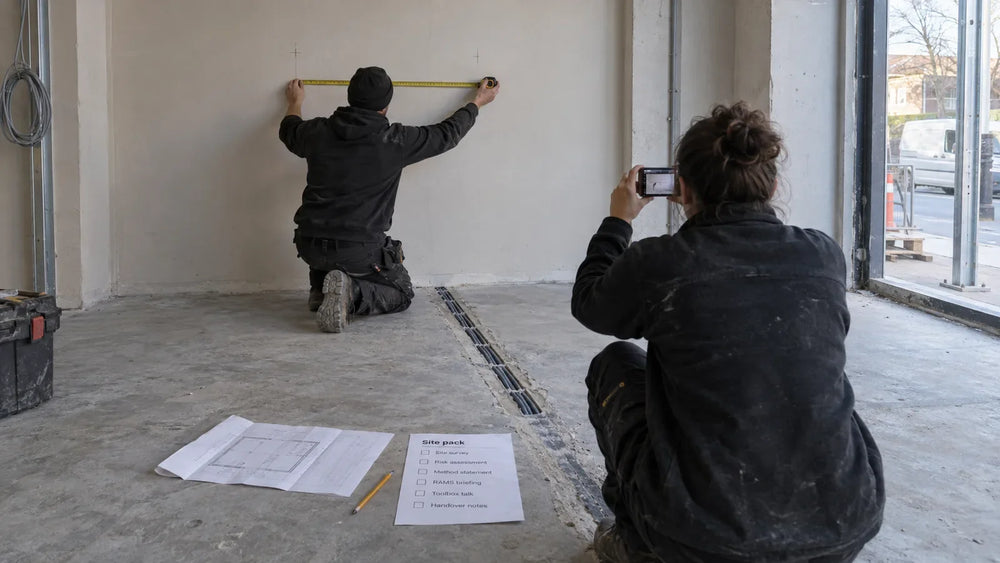
Give each screen position an ID and describe its planned use. Include the display format, orientation, installation type, content source and planned operating schedule. Add the needed site conditions and access constraints, with drawings or photographs where available.
For a sector-specific brief, use the gym screen plan or hotel event-screen workflow to describe the content job. A retail media position also needs clear placement records.
If the player or CMS is already selected, name the setup and explain which party supplies it. If it is undecided, ask for the proposed arrangement and its assumptions as a separate response. Do not let one bidder silently include software and another silently omit it.
For Gemdragon's core 43–65-inch indoor floor-standing, wall-mounted and window-facing categories, distinguish those positions in the request. “Ten screens” is less useful than ten named positions with their respective installation conditions.

Copy these fields into the request
Use a common response sheet, with a project revision number and a place for exceptions. The examples describe fields to request; they do not assert a specification or commercial offer from Gemdragon.
| Request field | Required supplier response |
|---|---|
| Position ID and quantity | Confirm the positions and quantities covered |
| Display setup | Offered model, size, orientation and needed specification reference |
| Player/CMS arrangement | Included, customer-supplied or separately quoted; name the proposed setup |
| Mount/base and accessories | List each included item and any required item excluded |
| Operating and site conditions | Confirm the requirement or state the exception and supporting model information |
| Evaluation evidence | Specification documents and proposed sample/pilot checks |
| Commercial scope | Itemized hardware, software, services, spares and delivery scope |
| Delivery requirement | Proposed basis and assumptions for the requested destination and window |
| Support and warranty | Written terms, coverage boundaries and applicable process |
| Exceptions | Explicit deviations, exclusions and unresolved inputs |
Do not use a blank response as “complies.” Ask the supplier to answer each required field or name the missing input. A usable display answer names a model, size and specification reference. An exceptions answer lists the exclusions or states “none.” A request with many unchecked assumptions can produce a precise-looking total that changes when the actual scope is settled.
Separate required answers from optional choices
Mark the requirements that must be answered for a usable quotation. Keep optional upgrades separate so a bidder does not substitute a more expensive setup without showing the baseline.
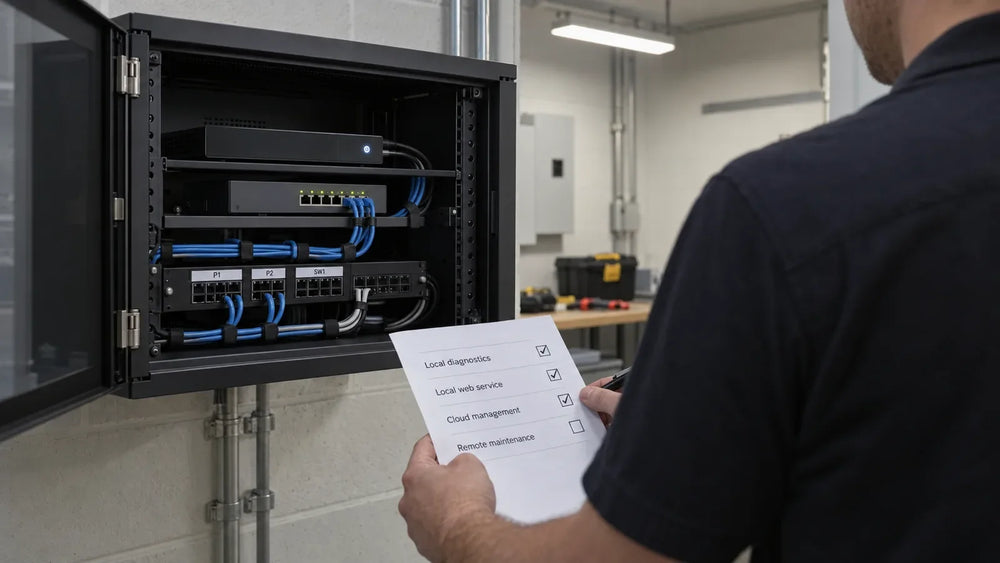
For a requirement that matters to acceptance, ask for the evidence needed to assess it. “Suitable for the proposed operating conditions” should point to the offered model's information and any required pilot check. “Compatible with the CMS” should name the actual tested arrangement or the evaluation still needed.
Our CMS compatibility guide helps define that evaluation. The manufacturer selection guide addresses how to assess suppliers' responses; this article structures the request so the responses can be compared.
Avoid inventing a required certification, numerical rating or technical limit just to make the sheet look complete. The buyer's applicable requirements and the specific installation should determine what evidence is requested.
Ask for line items with consistent units
Require a clear quantity and unit for each price line. A per-display hardware price, a per-player software license and a whole-project installation fee cannot be compared as if they were the same unit.
Ask the supplier to state the license term and renewal basis where software is included. For delivery, name the destination and agreed commercial basis in the quotation. List installation and site work separately if they are in scope. Ask the supplier to state taxes, duties and other exclusions rather than assuming every total covers them.

Record what the price buys before discussing which total is lower. Our project cost guide covers the wider budget. This response sheet should expose the components that belong in that budget.
Keep revisions from becoming different projects
When the buyer changes a quantity, a mounting requirement or the player arrangement, issue the same revised request to the bidders being compared. Keep the previous version and ask for a new response tied to the revision.
Use a short change log: revision, date, changed requirement and affected positions. Record clarification answers where all needed bidders can see the same requirement. Otherwise, one may quote a clarified scope while another is still pricing the first brief.
Before choosing a setup, turn unresolved technical points into sample or pilot checks. The sample evaluation checklist provides a place to record the model, setup, expected result and actual result.
What to send for a useful Gemdragon quotation
Prepare the position list, quantities, installation drawings or photographs, planned player/CMS arrangement and target delivery window. State which information is confirmed and which needs discussion. Include the response sheet so included items and exceptions are recorded in one place.
For indoor display setups, the useful next step is a model-specific discussion based on that brief. Use the power measurement worksheet for energy assumptions and the delivery site pack for access and receiving requirements. Commercial terms, warranty scope, delivery assumptions and setup details need to be confirmed in the quotation rather than inferred from a general article.