Digital Posters or Roll-Up Banners? Build an Event Operating Plan
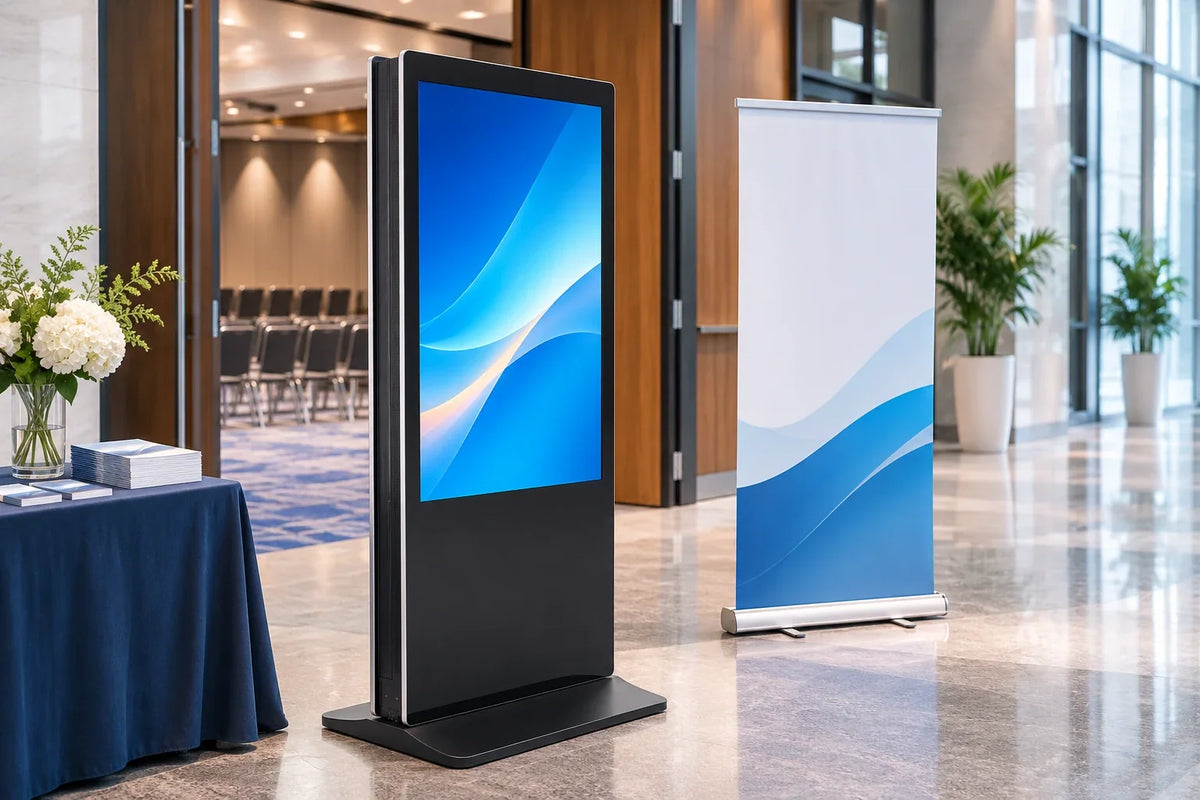
Illustration comparing digital and printed event signage.
A printed roll-up banner and a double-sided digital poster can carry the same headline on the same day. They do not carry the same obligations. A conventional printed banner needs no electrical supply for its message. It still needs approved artwork, suitable placement, a stable support, and somebody responsible for correcting or replacing it. A screen needs electricity, a device owner, a content process, and a plan for what happens when one of those is missing at 8 a.m. on opening day.
So the format question is not which one looks better in a render. It is how often the message changes, who is allowed to change it, and who carries the equipment out of the hall.
Choose print when the message is fixed before the files go out and the stand is staffed lightly. Choose a digital double-sided poster when the message has to change during the event, when both approach directions need to be addressed from one position, or when the same unit will work a series of events. Then write the operating plan, because the format decision is only half of the work.
Count the changes before you compare the formats
Start with a message inventory, not a product comparison. For each item the booth must communicate, ask whether it can change during the show and who is authorized to change it.
| Message | Changes during show? | Format that survives it |
|---|---|---|
| Booth number, hall | No | Print is efficient |
| Product name, one-line claim | No | Either format |
| Daily demo times | Yes, daily | Digital, with an owner on site |
| Speaker or signing schedule | Yes, possibly hourly | Digital, with a named editor |
| Show-only promotion | Maybe once | Either, if reprint lead time allows |
| Reception or off-site details | Yes | Digital, or a separate printed sign |
The count does the arguing. If the answer is zero or one change for the whole event, print is usually the simpler purchase, and nobody has to learn a content system to run it. As changes accumulate, the balance moves toward digital, but only where someone on site can make the change. A screen that nobody is allowed to update is a printed poster with a power cable.
One more count belongs here: viewing directions. A single-faced roll-up serves one viewing direction; printed double-sided formats or separately placed signs are other options. A double-sided floor-standing display can address opposite approaches from one position. That is a placement argument, not a general superiority claim, and it holds only if both faces can be read from the routes that actually pass them.

A decision table that includes the boring rows
| Decision | Printed roll-up | Indoor digital poster |
|---|---|---|
| Content changes on site | Reprint or second banner | Possible if an editor and content path exist |
| Power at the position | None | Required; confirm the venue service and who orders it |
| Two approach directions | Compare double-sided print or separate positions | Two faces at one position, if both are visible |
| Failure fallback | Replacement for damaged, unstable, or obsolete signage | Agreed response to power, playback, or content failure |
| Transport and storage | Rolls and a slim bag | Rigid unit with a base, needing space and handling |
| Owner after the show | Whoever takes the banner | Whoever takes the device, cables, and content access |
The failure row deserves a decision rather than a hope. Print fails visibly and statically, and a spare banner is simple insurance. A screen fails in the middle of a session, and the useful fallback is a printed sign that says where to go next, stored at the booth. That is not a reason to avoid digital. It is a reason to plan the fallback while printing is still easy.

Movement is a decision, not decoration
A screen invites animation, and animation competes with reading. A visitor walking past a looping panel has a few seconds to catch a message, and an unattended loop decides for itself when to move on.
Web accessibility guidance offers a useful discipline here. WCAG 2.2 Success Criterion 2.2.2 asks authors to give users a way to pause, stop, or hide moving, blinking, or scrolling information that starts automatically and runs alongside other content, and to let them control the frequency of auto-updating information. The criterion is written for web content, not a legal rule for every passive display. The question it raises is still practical: if the loop runs unattended, how long does a reader need, and can staff freeze it during a briefing?
Two habits follow. Give each frame enough dwell time to be read from the actual viewing distance, and keep the sequence short enough that a visitor who arrives mid-loop still sees the point. Check it in the hall, because the viewing distance at a show is longer than at a desk.
What the venue will ask you for
An official event services contractor manages the practical layer. The Freeman exhibitor guide lists electrical and utility orders, material handling that unloads freight and stores empty containers, advance-order deadlines that give way to standard on-site rates after the cut-off, labor for installation and dismantling, and move-out paperwork. Those items are event-specific, so the show's exhibitor manual and event page govern your dates, not a generic checklist. Name the person who places each order and the deadline that cannot slip.
For a digital poster, three of those become critical. Power has to be ordered for the exact position, not assumed from the booth's general electrical package. Material handling determines when the unit reaches the stand and when the empty container returns. Labor determines who places the unit and who takes it away. None of these are product properties, and any of them can stop a working screen from being useful.
The lifecycle worksheet: owners, deadlines, fallbacks
This worksheet is our planning tool rather than an industry standard. Fill it in with names rather than departments, because a row without a name is a row that fails quietly.
| Phase | Task | Evidence it is done |
|---|---|---|
| Pre-show | Power and service ordered for the position | Confirmation number and position |
| Pre-show | Content approved, loaded, and labeled | Version label and approval date |
| Pre-show | Backup printed sign prepared | Physical sign at the booth |
| Move-in | Unit placed and powered; both faces readable | Photograph from each approach |
| Show open | Loop verified with the real playlist | Short recording of each face |
| During show | Named editor and failure response | Name and method in the show file |
| Move-out | Dismantle, pack, sign move-out paperwork, check condition | Signed record and condition note |
The last row is where events quietly lose money: a unit that leaves the hall without a condition check becomes next season's damage dispute, and the next event's plan starts from memory instead of a record.

Practical questions
Is a digital poster always cheaper for repeated events?
No universal answer exists. Print may require replacement artwork or another sign when a message changes. Digital adds equipment, setup, and operating work. Compare total work per event, including the person who updates content and the power order.
Do we need internet at the booth?
It depends on how content is delivered. A supported offline-playback configuration may continue without a live connection, while live data and remote publishing generally need the relevant service connection. Confirm activation, caching, and restart dependencies on the selected setup. Decide which the message requires and let that decide the connectivity, not the other way round.
Can the same unit be used outdoors?
Gemdragon's double-sided floor-standing unit is an indoor product. Outdoor use needs a different product and its own environmental confirmation, and a banner is not a substitute for either.
Put the operating plan in the inquiry
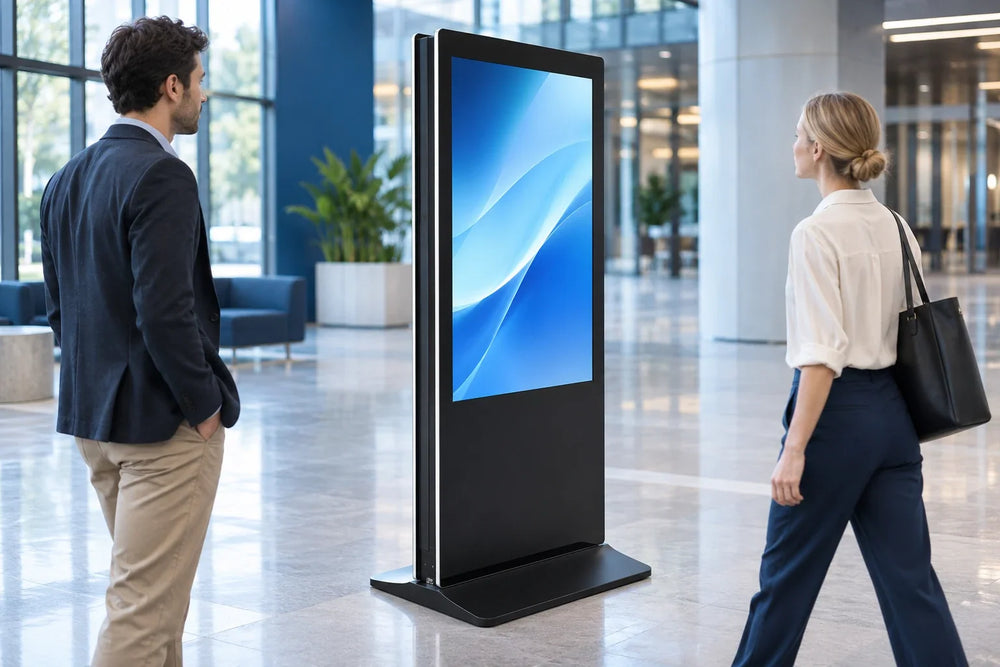
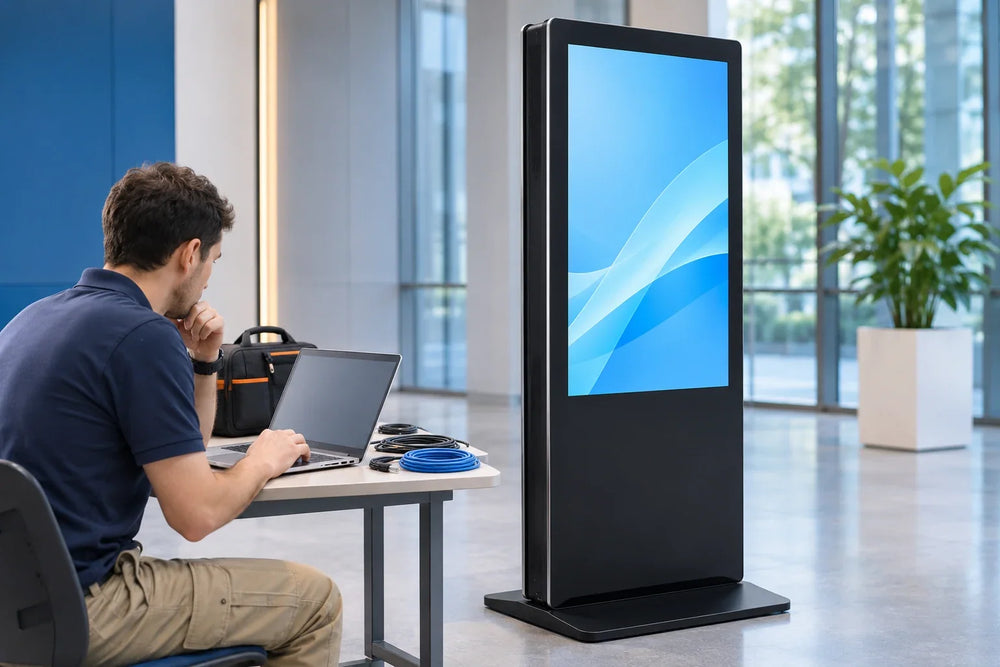
The Ultra-Thin Double-Sided Floor-Standing Digital Signage from Gemdragon is an indoor floor-standing cabinet with a screen on each side, supplied in 43, 49, 50, 55, 65, and 75 inches. Touch and the operating system are project selections rather than defaults.
Send the event dates, the message inventory, whether the show's electrical service reaches the position, and who will own the unit at load-out. For the surrounding purchasing questions, the double-sided buying guide covers the specification, the trade show kiosk planning article covers redeployment for the next event, and the offline playback test script covers what content should do when the venue network does not cooperate.