Trade Show Touch Screen Kiosks: Plan for the Next Event
Specify purchased indoor touch kiosks for repeated events, with a rehearsal that includes setup, visitor sessions and the return to storage.
Choose a trade show touch screen kiosk around the event after the first one. Plan how the terminal will travel, unpack and return to storage. Your team also needs a clear way to load the right app and check touch input. Ask for the packing and setup plan with the hardware quote. Then rehearse setup for the next venue with the team who will do the work.
This guide covers indoor hardware procurement for exhibitors, integrators and event equipment fleets. It does not describe a Gemdragon rental or on-site event service.
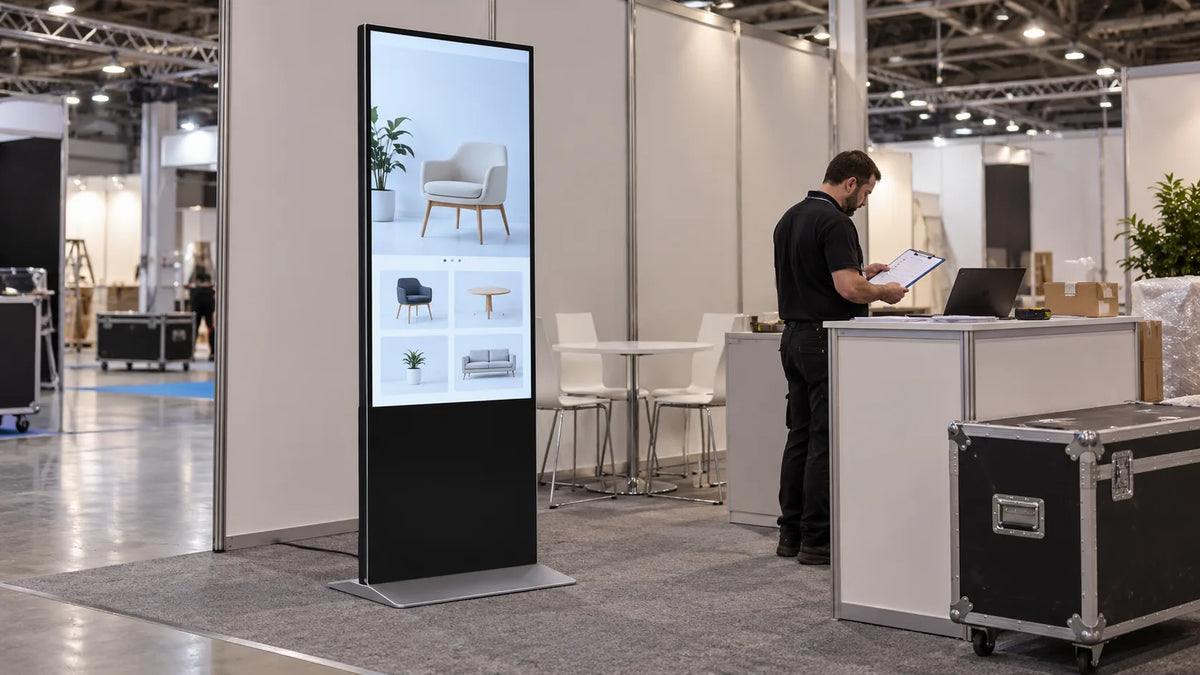
Cover: AI-generated scene illustration, not a customer installation or a completed test.
Write the visitor task before choosing the kiosk
Trade show digital displays can serve different tasks. “Show our catalog” can mean a video loop, a product search or a visitor completing a form. Those tasks place different demands on the application, touch behavior, network and staff handover.
Choose a clear completion point. A visitor might find a product and ask a representative for a demonstration. Another application might transfer a selected brochure to the visitor's own device.
Specify which result matters, and test the complete path. Opening the home screen is not a successful product search or a submitted lead.
Keep the interaction useful when the booth is busy. Avoid making a representative type credentials or reach behind the terminal for every visitor. Decide which failures the booth team can recover from and which require remote or technical help.
Compare ownership with the whole event workload
Renting and purchasing solve different operating problems. A rental proposal may include delivery, collection or setup services. A hardware purchase may leave those tasks with your team. Compare those scopes before deciding which route fits your event schedule.
For a purchased fleet, record the recurring work: transport, handling, storage, inspection, application updates and setup. Use quotations and your own operating assumptions. Do not infer a payback period from the kiosk's purchase price or from an assumed increase in leads.
Gemdragon's listed infrared touch floor-standing model provides a starting point for hardware discussions. Request the current configuration, assembly instructions and packing proposal for your intended event use. An optional item shown in a catalog is not automatically included in an order.

Rehearse packing and setup as one procedure
Case fit is only part of the transport check. The base, fasteners, power accessories and any separate computer need defined locations. Ask which parts detach, which remain assembled and what handling method the supplier specifies. Do not improvise lifting points or assume that a display can travel safely in any orientation.
Rehearse the cycle with the proposed packing arrangement. Photograph the packing sequence for your own operating record, identify parts and keep the current instructions with the equipment. Show your team how to inspect the unit before powering it. Give them a way to report damage and retain the build record.

| Stage | Witnessed check | Record to keep |
|---|---|---|
| Before dispatch | Hardware identity, application release and accessory list match | Configuration and packing checklist |
| On arrival | Housing, base and included parts inspected before setup | Arrival inspection and exception photos |
| Before opening | Touch works throughout the visitor task on venue power/network | Application acceptance record |
| Between visitors | Previous selections or entered data do not appear unexpectedly | Public-session test result |
| After the event | Application data handled as agreed and packing restored | Return-to-storage record |
The table is a proposed operating method. It is not a claim that these tests have been performed on a particular Gemdragon unit.
Test with the venue connection unavailable
Use the application's real dependencies to decide what must work without internet access. A locally stored catalog may remain useful while a live inventory request or form submission needs a connection. Agree on the visible fallback for each dependent function.
Temporarily disconnect network access in an approved test setup. Start a new session, open the main content, attempt the network-dependent action and reconnect.
Record what the visitor sees. Check that the app shows the difference between a locally saved action and a submission confirmed by the server. Do not label an offline form entry as a delivered inquiry.
The offline playback test script covers media availability. For a touch kiosk, add the interactive path and any data submission to that rehearsal.
Make the next setup independent of memory
Create a release card for each deployment. List the unit ID, app version and startup steps. Add the expected home screen, network needs and recovery contact. Keep public-facing instructions separate from administrator access details.
Then ask a colleague who did not prepare the first event to unpack and set up the kiosk using only the approved procedure. Observe where the instructions fail. Use the rehearsal to find missing base parts, app logins or changed network needs. Fix those gaps before the venue opens.

Close the event with a return record. Check the equipment and accessories. Restore the agreed packing. Handle visitor data under your approved process. Record any changes needed before the next dispatch. Our installation and delivery site pack provides a wider handover framework.
Questions before approval
Is a flight case included with the hardware?
Confirm the packing arrangement in the quotation. Case type, internal fit, detachable parts and transport conditions need an explicit agreement.
Can the kiosk capture leads without internet access?
That depends on the application. Test local storage, visitor notices, reconnection and confirmed delivery. A completed on-screen form is not proof that a record reached your customer relationship management (CRM) system.
How should we measure the event result?
Separate interactions, completed tasks, submitted contacts and qualified opportunities. Define qualification with your sales team; touch counts alone do not establish useful leads.
Review an Event Kiosk Configuration
Share event locations, quantity, target deployment dates, application and packing requirements. Discuss your kiosk project
Related kiosk decisions
Prepared with AI assistance and checked against the cited sources. Project-specific hardware, application and site acceptance remain subject to the agreed configuration and tests.