Dual-Output Signage Players: What Happens When One Screen Fails?
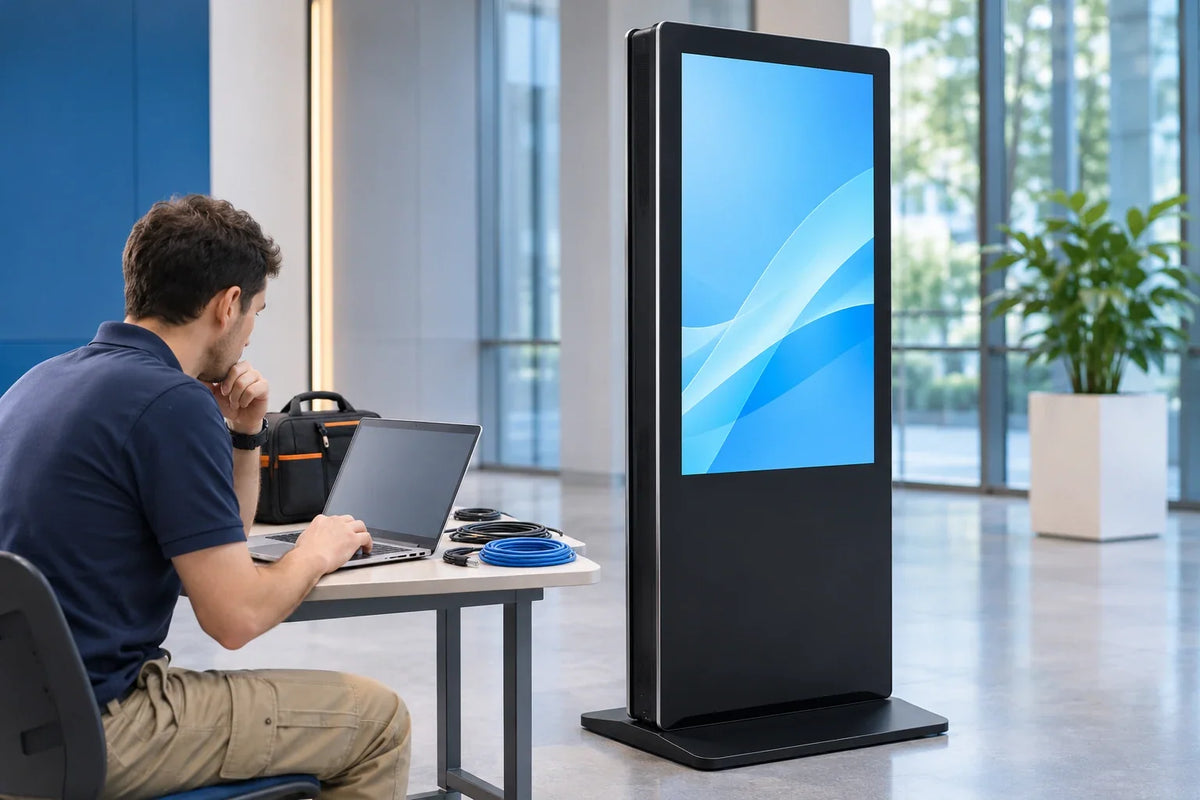
Illustration of commissioning preparation for a proposed display configuration.
A single-output fault can be surprisingly difficult to explain: one picture stops, the other keeps playing, and the team has not agreed whether that is the intended behavior. What happens next may need more than a short datasheet: it depends on which resources the two outputs share and which layer the fault actually lives in.
The short answer: two outputs give you two image paths, not two systems. Mark the shared and separate resources explicitly, leaving unknowns unresolved until the proposed arrangement is confirmed. Then test one agreed disturbance at a time and record which face keeps playing, which content version returns, and whether the management console agrees with the room.
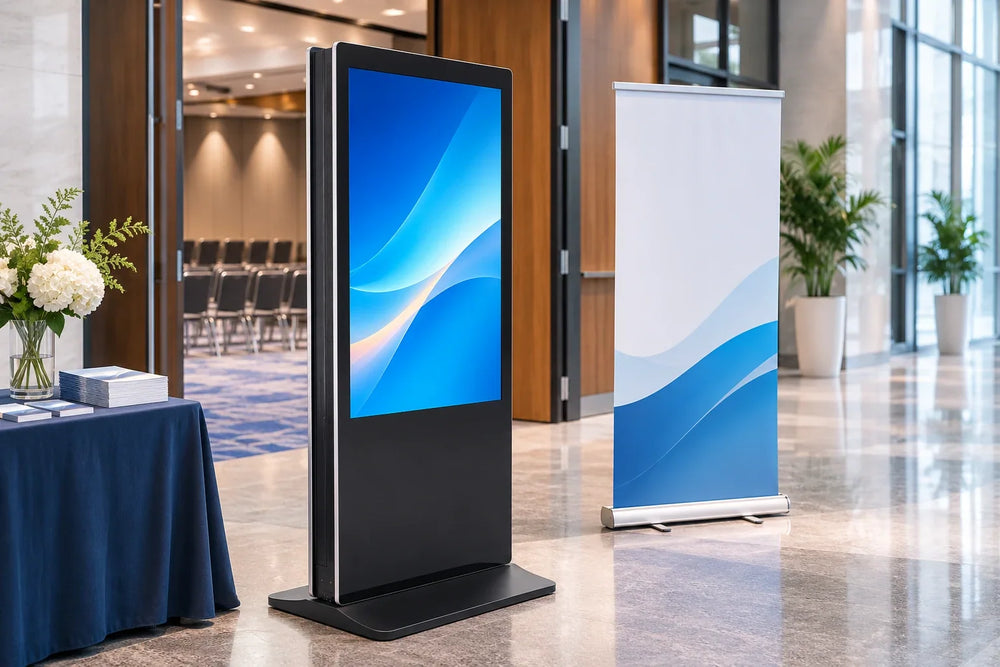
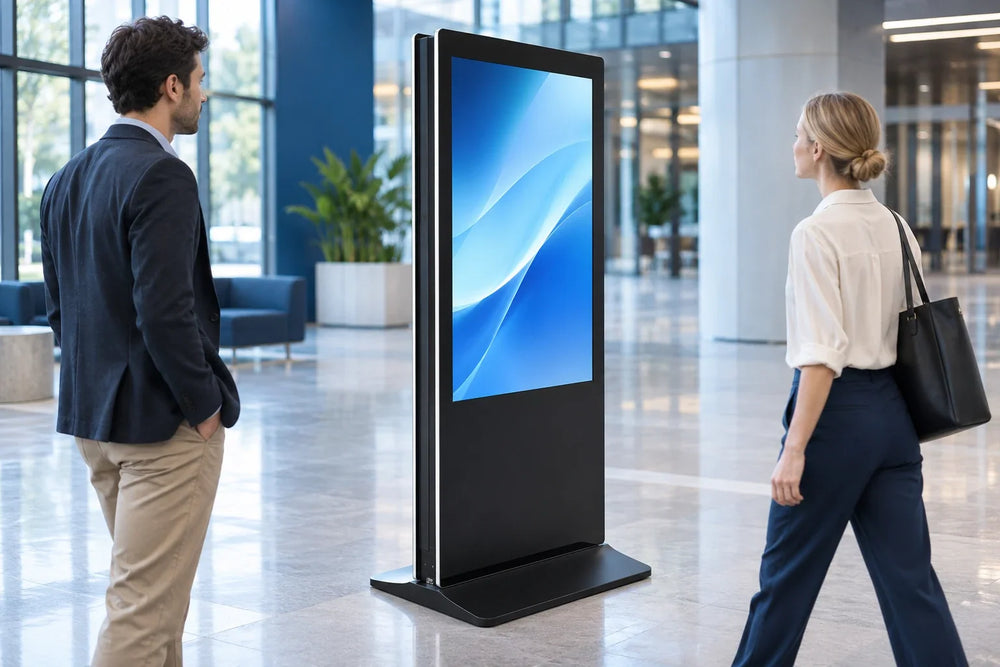
This is a method for evaluating and accepting a proposed arrangement. It does not describe the internal player architecture of any Gemdragon enclosure, and a product photograph cannot reveal one. The indoor double-sided floor-standing unit presents two faces in one cabinet; what drives them is a separate decision that must be specified and demonstrated.
Separate the picture path from everything behind it
An output is one link in a chain. Work down that chain and ask what a failure in each layer would take with it.
| Resource | Scope to establish for the proposed design |
|---|---|
| Panel and backlight | Is the fault isolated to that face, or can a shared resource be affected? |
| Cable, input, and output port | Does a local disconnect alter the other output or application layout? |
| Player operating system | Which outputs depend on this host remaining available? |
| Application or playlist engine | Which faces does this instance render or restart? |
| Content network | Which content requires live delivery, and which can continue locally? |
| Power | Which panels and players share the affected supply or circuit? |
| Management service and timing | Can reporting or timing fail while some playback continues? |
Use the resource map to form a hypothesis, then observe the actual interruption. A local picture fault may remain on one face; a shared process or supply may affect both. A network loss may leave cached video running while live information becomes stale. The topology identifies possible dependencies; it does not prove isolation or recovery behavior.
That is why "it has two outputs" answers almost nothing. Two outputs on one player still share an enclosure, a power inlet, an operating system, a boot sequence, and usually one management agent. None of that is visible from outside the cabinet, and none of it is implied by the product name.

A resource map you can fill before the equipment arrives
Write the operational requirements first, then ask where each one has to live. This is where projects usually discover they need something the quotation never mentioned.
| Requirement | Test to request |
|---|---|
| Different content per face | Change face B; confirm face A is untouched |
| Different schedule per face | Publish a timed item to B only; watch A pass its own boundary |
| Update B during trading hours | Update B while A plays; confirm A is not interrupted |
| A keeps playing during an approved B-path interruption | Use the supported test procedure; observe A's picture and schedule |
| Campaign survives a network outage | Disconnect; confirm both faces keep approved content |
| Console status matches the picture | Cause a face-local fault; compare portal to room |
Two rows get skipped and cause trouble later. The first is the mid-day update: if the design can only restart the whole player, updating one face becomes an outage for the other, and the work has to move outside trading hours. The second is reporting: a console can show an endpoint as online while one display is dark, because the player is healthy and the panel is not.
If the answer to any row is "we would just reboot it", ask what reboot means in this design, who is authorized to do it, and how long the other face is dark. The recovery action is part of the product whether or not it appears in the quotation.
What a vendor document can and cannot tell you
Public hardware documentation shows which questions are answerable. It is not a promise about somebody else's cabinet.
The BrightSign hardware interface documentation for one player family describes that family's HDMI output stage: some models carry a single HDMI output and one model provides two. The same page states that CEC control and AVI are supported independently on each HDMI interface, and that the player can maintain the configured multiscreen layout if one of its HDMI outputs loses sync. That is a manufacturer documenting its own product line and one configured multi-screen behavior. It does not establish that another supplier's enclosure works the same way, and it says nothing about what happens to a schedule, an application, or a management record when an output drops.
The transferable lesson is narrow: output behavior is a stated, testable property of a specific product, not a category feature. Ask three questions of the actual proposed system. Which layer recovers on its own, and which needs a person? Does the surviving face's schedule keep advancing during the outage? What does the console report during the fault, and after recovery?
Recovery tests that isolate one variable
A controlled power-interruption test investigates power recovery. It does not, by itself, establish survival or explain what one failed output does to the other face. Agree the permitted tests, safe procedure, recovery steps, and responsible operator first. Use a pilot or maintenance setup, with an observer on each face; do not open energized equipment or disconnect an unsupported connection.
| Disturbance | What to watch |
|---|---|
| Interrupt B's signal by the approved procedure | A's picture, B's status, console state |
| Stop the rendering task for B | Whether A redraws or stutters |
| Restart the player application | Both faces, schedules, logs |
| Disconnect the content network | Cached playback, live items, staleness |
| Interrupt power by the agreed procedure | Boot order, both faces, recovery |
Every row needs a restore step: reconnect or restart, then confirm that the approved content version, not merely a picture, is back on both faces. A test without a rollback leaves the pilot in a state nobody agreed to.
Make the content argue for you. Put a face ID, a version label, and a running clock on both screens during the test. When someone says "it came back", the recording answers the better question: which version came back, on which face, and how long the other audience was looking at the wrong thing. Use dummy content on the pilot system or an approved maintenance setup. Record the actual event times; a displayed clock alone is not a precision measurement of timing.


Write the failure behavior into the acceptance record
Close with a page that survives staff changes: configuration tested, disturbance applied, behavior observed on each face, who recovered it, version restored, whether console and room agreed, and any deviation the project accepted. Repeat the relevant rows when player software, content delivery, or the network path changes.
That record is worth more than a pass mark, because it states what the installation does under conditions a showroom never demonstrates. It also protects the integrator, since a documented behavior is a design decision and an undocumented one is a future argument.
Practical questions
Does two HDMI outputs mean each face has its own player?
No. Outputs are image paths. One player can drive two outputs from a single operating system, one application instance, and one power inlet. Ask for the arrangement in writing instead of counting ports on a rear panel.
Can we update face B without interrupting face A?
It depends on the selected application and update path. Some changes may be isolated; others may disturb a shared process. Demonstrate the exact update workflow on the pilot configuration and record what happens on both faces.
Does one failed output always leave the other face running?
No, it depends on the layer. A display-side fault usually stays local; a shared application, operating system, or power fault can take both faces, and the console may lag behind the room.
What to settle before the hardware conversation
Gemdragon's Ultra-Thin Double-Sided Floor-Standing Digital Signage is built as one indoor cabinet with a display face on each side, and the current size list is 43, 49, 50, 55, 65, and 75 inches. Nothing in that description settles the player arrangement, the output count, or what happens when a face fails; those are configuration questions, and this article deliberately leaves them open.
If the project depends on one face staying live while the other is serviced, say so in the inquiry, along with the content per face, the operating hours, and the network at the position. The double-sided buying guide covers the wider specification work, the synchronization article separates identical playlists from independent output, and the EDID restart guide covers what happens when a display renegotiates resolution after a restart.