HDMI EDID for Digital Signage: Why the Resolution Changes After Restart
Separate EDID advertising from the active video mode. Test startup order, reconnection, switchers, and stored EDID before accepting a signage signal path.
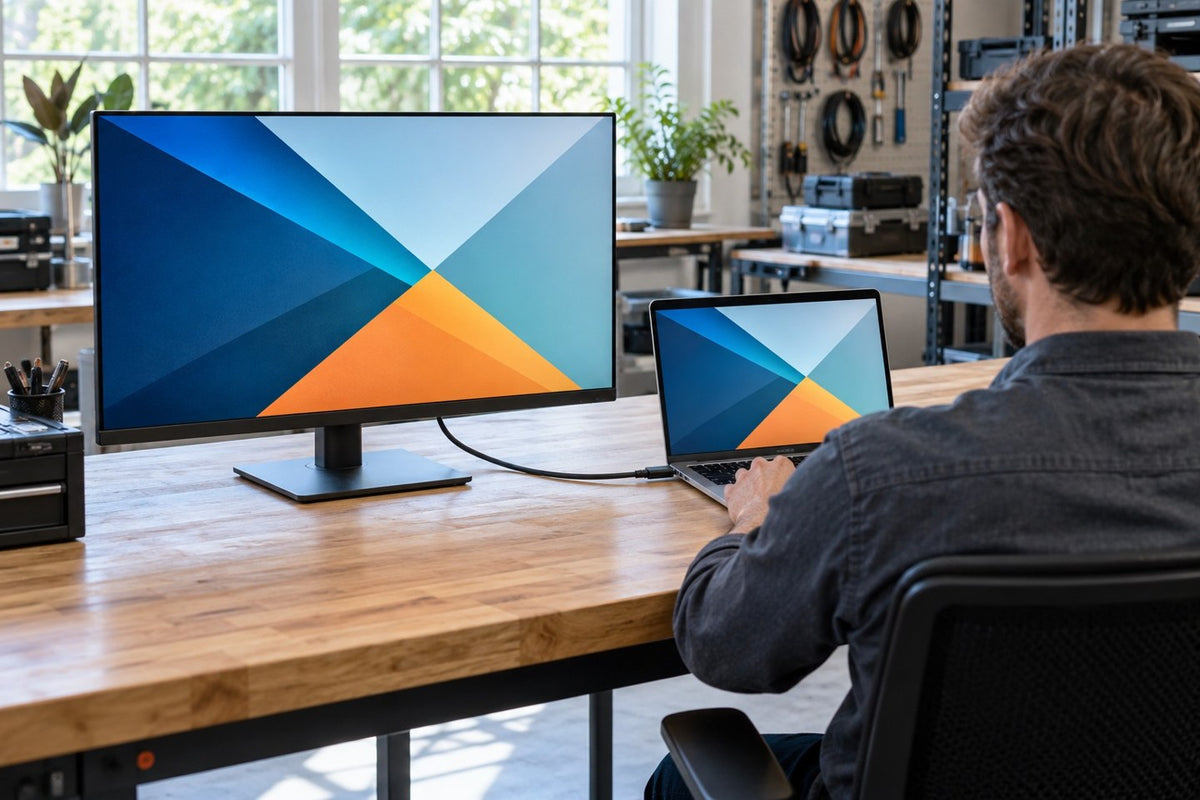
Cover image: illustrative scenario, not a customer installation or a completed test.
If a signage screen works during installation but returns at a different resolution after a restart, preserve the startup sequence before changing the artwork. The question is whether the source received the intended display information and selected the intended output mode through the installed HDMI path.
EDID, or Extended Display Identification Data, communicates display capabilities to a source. It does not describe the resolution of your media file, guarantee that an entire cable route carries a chosen format, or certify protected-content playback. A useful acceptance record keeps those layers separate. Let's walk through a repeatable check before you commit to new hardware.
Compare three different resolutions
Start by writing down the panel's native pixel dimensions, the video mode actually leaving the source, and the dimensions of the content or application canvas. Add the display's reported input mode if it is available. These values answer different questions.
A correctly sized media asset can still appear soft when a source is sending another mode or when scaling occurs along the path. Conversely, a high output setting does not turn a smaller source image into additional detail. The 1080p versus 4K signage guide addresses the wider playback chain; this procedure concentrates on how the connection advertises and selects its mode.
Use a reference layout containing fine text, edges, and content near the intended boundaries. Record its file or application identity. Do not judge a mode change using two unrelated promotional videos.

Why startup order can change the selected mode
Extron's Understanding EDID explains that EDID is commonly exchanged at source startup and that digital hot-plug detection allows an exchange when equipment is reconnected. It also describes possible display problems when this communication is inconsistent. A source that cannot obtain the intended display information at startup may choose a fallback mode. Reconnecting can trigger another capability exchange; the response still depends on the source and intermediate equipment. This is a possible mechanism to investigate, not proof that a particular soft or cropped image was caused by EDID.
Make a port-level route drawing: source output, dock or adapter if used, switcher, extender or distribution stage, and display input. Ask which device presents EDID to the source at each stage. Some equipment offers pass-through, a stored display profile, or a selected fixed profile; the exact choices depend on that equipment.
Document the selected policy from its instructions. A menu named Auto is not a substitute for knowing what the source sees when the display is asleep, disconnected, or replaced.
Establish a direct reference before adding the route
Connect the planned source and display directly where the equipment instructions allow it. Use the intended input and an appropriate known-working cable. Record the available modes, the selected active mode, and the appearance of the reference layout.
Where supported diagnostic software can read EDID, retain direct and routed readouts with the device and port identity. If no supported readout is available, record that limitation; do not label a mode-list screenshot as an EDID capture. A screenshot of an operating-system resolution menu is useful but should be labeled as the selected setting. It is not a substitute for every signal observation along the route.
The complete HDMI-route guide covers physical path selection. Here, compare the capability advertisement and selected mode as you reintroduce planned intermediate stages one at a time. Keep settings constant where practical. If the advertised choices or selected output change, identify the stage at which that happened before applying a forced mode or emulator.

Use a startup matrix that resembles the site
Agree the following cases with the deployment team and follow the equipment's approved operating procedures. They are comparison cases, not instructions to repeatedly disconnect equipment during public use.
Scroll horizontally if needed to compare all columns.
| Case | Keep in the result |
|---|---|
| Display ready before source startup | EDID policy, chosen output mode, visible layout |
| Source ready before display startup | Mode before and after the display becomes available |
| Display standby and wake, with the source running | Whether output and scaling return as intended |
| Approved cold-start case for source and display | Power/start order and the mode selected after both are available |
| Planned input or source switch | Whether the newly selected route changes the advertised modes |
| Approved reconnection procedure | Mode and picture after reconnecting the same port |
| Distribution with the planned display set | Which displays are connected and what each receives |
If only one sequence works, write down that dependency. The purchasing decision may be to accept a documented sequence, change the integration design, or evaluate equipment with a more suitable EDID policy. Calling the issue fixed after a single successful reboot leaves that decision unresolved.
An EDID emulator needs a configuration owner
A stored EDID can be useful when the integration design requires a stable capability advertisement. Before adding an emulator or selecting a fixed profile, ask what it advertises, how the profile was obtained, which inputs and outputs it covers, and what happens after replacement or firmware changes.
The advertised mode must still be supported by every relevant stage. Keeping a preferred mode visible to the source does not create missing bandwidth, add audio support to another component, or settle HDCP requirements. Verify those conditions independently.
Retain the profile file or setting, its origin, and the restore procedure. Give the integration owner responsibility for revisiting it if the display set, player, adapter, or route changes. Otherwise an undocumented stored profile can outlast the hardware it originally described.

Read the observations before choosing a fix
A useful test changes one boundary at a time. The following worksheet turns the startup matrix into a decision. It is a proposed investigation method, not a report from a Gemdragon installation.
Scroll horizontally if needed to compare all columns.
| Observation | What it narrows down | What it does not prove |
|---|---|---|
| Direct connection returns correctly; routed connection changes mode | Compare the intermediate route and its EDID policy | That the display needs replacement |
| Both connections change mode after the same source restart | Recheck source settings and the direct reference | That an emulator will solve the problem |
| Output mode is unchanged but the application is cropped | Inspect application layout, desktop arrangement, and scaling | That EDID is the cause of the crop |
| Only one display set works in a distribution test | Compare the connected set and distribution policy | That individually working displays form an accepted combined system |
Keep the original failed case available until the team can reproduce it and explain the changed result. A manually forced mode may be an accepted project choice, but document that dependency. If a replacement source cannot restore it, the service team needs more than a photograph of a sharp picture.
A replacement test with a clear boundary
Imagine a hypothetical branch installation where a player restarts before the display wakes. The image returns, but small text is now soft. Record the actual source output before changing the image file. If the source mode changed, investigate the capability and selection path. If it did not, continue with scaling and content rendering. The same visible symptom leads to different work depending on that first observation.
Choose the acceptance cases that the site really needs, including a planned replacement if practical. Agree what constitutes a satisfactory result: the required mode, complete visible layout, and recovery without an undocumented local adjustment. Set any repeat count or recovery-time target with the project team; this guide does not prescribe a universal threshold.
Hand over a repeatable baseline
The handoff should contain the route drawing, device and firmware identities, EDID policy, reference layout, selected active output, display input observations, and the startup matrix. Where there is still a failure, report the exact sequence that produces it and any action required to restore the picture.
Keep orientation and image scaling in the record as well. A source can return at the intended pixel dimensions while the application has moved to another display or the layout is cropped. Those observations may lead to a different application or display-setting correction.
For a Gemdragon project, share the proposed player, signal route, display arrangement, and required restart behavior. For a starting product discussion, see Gemdragon’s Ultra-Thin Wall-Mounted Digital Signage. Confirm the proposed ports, player, software, and installed behavior for your project; the linked product identity alone does not establish the features tested here.
Request a Quote with those conditions so the proposed hardware can be assessed as a configuration. Panel resolution and motherboard output capability are useful inputs; neither alone proves the startup behavior of the finished system.
Related reading: specifying the full HDMI route.