1080p vs 4K Digital Signage: Check the Whole Playback Chain
Compare the source, CMS, player, connection, and panel before choosing 1080p or 4K signage. Includes a repeatable sample evaluation checklist.
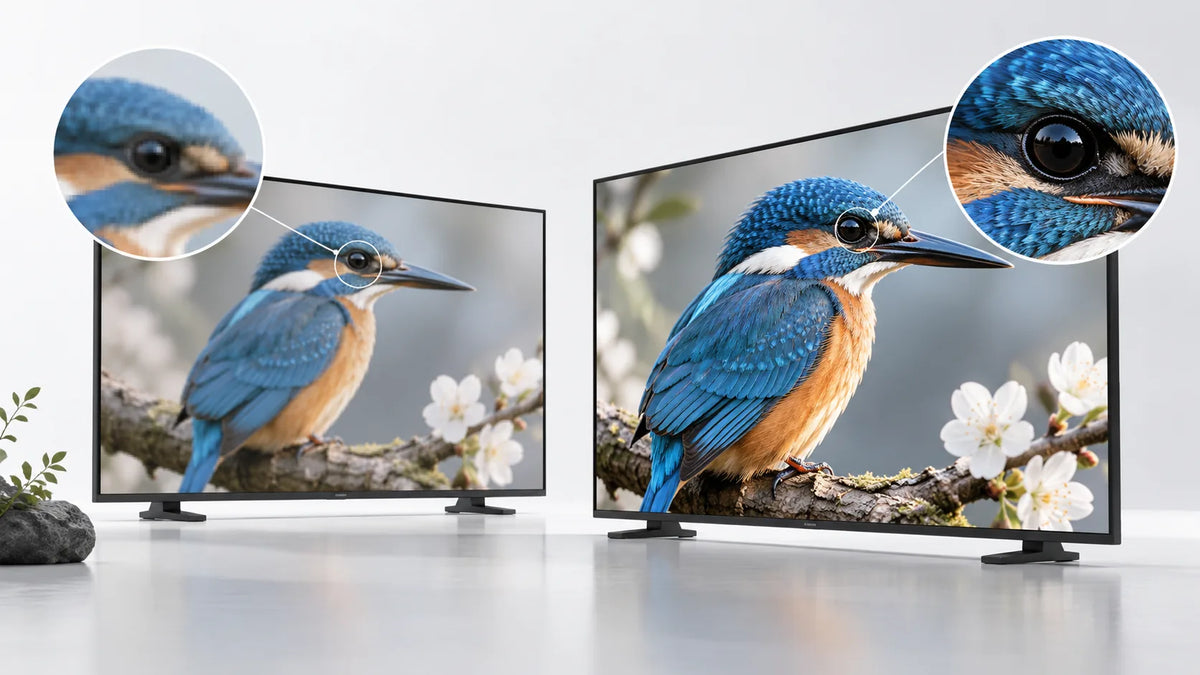
Cover illustration: a conceptual scene, not a Gemdragon model or completed customer installation.
Choose 1080p or 4K digital signage by testing the content people must read at the actual viewing distance. A 4K panel alone does not establish 4K playback. The source file, CMS processing, player application, output mode, connection, and panel all affect the final result. Compare the complete proposed configuration with the same content, then decide whether the visible detail justifies its cost and operating requirements.
What do the resolution labels describe?
For this comparison, Full HD means a landscape pixel grid of 1,920 × 1,080. 4K UHD means 3,840 × 2,160. These are common format definitions, not specifications for every Gemdragon product. A portrait layout reverses the width and height of the corresponding canvas.
Yodeck's screen-size documentation lists those standard landscape dimensions. Confirm the exact native panel resolution and accepted input modes in the model's own specification. “Supports 4K” may describe an input or a file that can be decoded; ask what resolution reaches the panel.
Resolution is distinct from brightness, contrast, physical screen size, and text size. A dense spreadsheet can remain hard to read on a high-resolution display when its lettering is too small for the audience. Improve the layout before assuming another panel will solve the problem.

Which content makes the comparison useful?
Use material from the intended project. Include the smallest important text, detailed product photographs, motion, and any browser-based dashboard. Test the complete layout rather than a supplier's demonstration reel.
For a hypothetical showroom, compare a detailed product image and its specification labels from the position where shoppers stand. For an employee noticeboard across a break room, test the main announcement and action. A result that matters beside the screen may be irrelevant across the room.
Ask the people who will maintain the content to review the comparison. If their normal source files are low resolution, include those files in the test and discuss the work required to replace them. Do not promise that upscaling will recover detail that was never in the source.
Check these stages independently
| Stage | Evidence to request | What a failure can look like |
|---|---|---|
| Source | File dimensions, format, and a representative original | A soft image before it reaches the CMS |
| CMS | Export or processing settings for the chosen application | Content resized during processing |
| Player | Supported rendering and decoding conditions | A file opens but playback drops frames |
| Output path | Actual output mode and installed connection | A lower-resolution output or unstable picture |
| Display | Native panel resolution and permitted input modes | A marketing label that describes only accepted input |
| Viewer | Final image from the intended position | Detail exists but cannot be read at the site |
Retain screenshots of configuration screens and a photograph of the result. A photograph is useful for layout and crop checks, but it is not a calibrated measurement of image sharpness. Inspect the display directly during acceptance.

A 4K panel can still run a lower-resolution application
Software support is specific to the platform and application. As an example, Yodeck's LG webOS limitations page states a playback-resolution limit for its application on that platform. That is not a limit on all LG displays, and it says nothing about a Gemdragon configuration. It demonstrates why the CMS runtime deserves a separate check.
Ask the CMS provider which application build and operating system were validated. If a separate player is proposed, include it in the quotation, installation space, power estimate, and service plan. Do not compare a display-only price with a complete display-and-player package.
Browser content needs its own test. Check the dashboard at its final scaling setting, with the actual fonts, login arrangement, and data volume. A sharp static screenshot does not prove stable browser rendering or correct refresh behavior.
Run an end-to-end sample comparison
- Identify both complete configurations, including firmware, player, application, and connection.
- Prepare comparable layouts with the same visible information and physical text size.
- Confirm the actual output and native panel resolution for each setup.
- Inspect the image from the nearest, normal, and farthest intended viewing positions.
- Test motion and the most demanding normal content, recording visible problems.
- Restart the setup and run the opening schedule. Confirm that the chosen mode persists.
- Record the accepted settings, unresolved issues, and who approves any changes.
Keep the method repeatable. If the content or player changes after approval, decide which checks must be repeated. Our sample evaluation guide explains how to keep the accepted configuration tied to a later order.

Compare operating work as well as visible detail
File size and bandwidth do not follow from pixel count alone. Encoding, duration, frame rate, and content affect the resulting file. Measure the actual files you plan to distribute and use the network requirements worksheet for deployment planning.
Price the required player, storage, content-production work, and support arrangement alongside the panel. If the main task is already clear on the lower-resolution option, record what additional use would justify the other configuration. If fine detail is essential and the complete 4K setup passes, retain that evidence in the procurement record.
Frequently asked questions
Is 4K necessary for every large display?
The diagonal size alone is not enough to decide. The content, viewing position, and complete rendering path determine whether added detail is useful.
Will a 4K display fix a stretched portrait layout?
No. Correct the canvas shape, crop, and rotation path. Use the portrait vs landscape checklist before comparing image detail.
Does a 4K panel guarantee 4K playback?
No. Verify the source file, CMS canvas and export, player output, connection, and panel input independently. Record the exact configuration used for the sample test.
Does 4K content always need four times the bandwidth?
Pixel count alone does not determine transfer size or streaming bandwidth. Measure representative files at the chosen codec, frame rate, duration, and quality settings, then allow for the actual distribution workflow.
What content should I use for a resolution comparison?
Use the project's smallest important text, detailed product images, motion, and any live dashboard. Compare the complete configurations from the intended viewing position under the same conditions.
Ask for a content-based configuration review
Send the original media, intended viewing distance, orientation, operating schedule, and proposed CMS or player. Ask Gemdragon to identify the quoted panel and playback configuration so it can be evaluated as a complete setup. Browse the commercial display range and request the model-specific information relevant to your test.
Discuss your display and playback requirements
This is a selection method, not a report of a Gemdragon resolution or performance test. Find the broader buying material in Resources.