Real Estate Window Displays: Match the Screen, Listings, and Inquiry Path
Plan readable property window displays, listing updates, expiry, and inquiry links. Includes a source-to-screen pilot checklist for agencies.
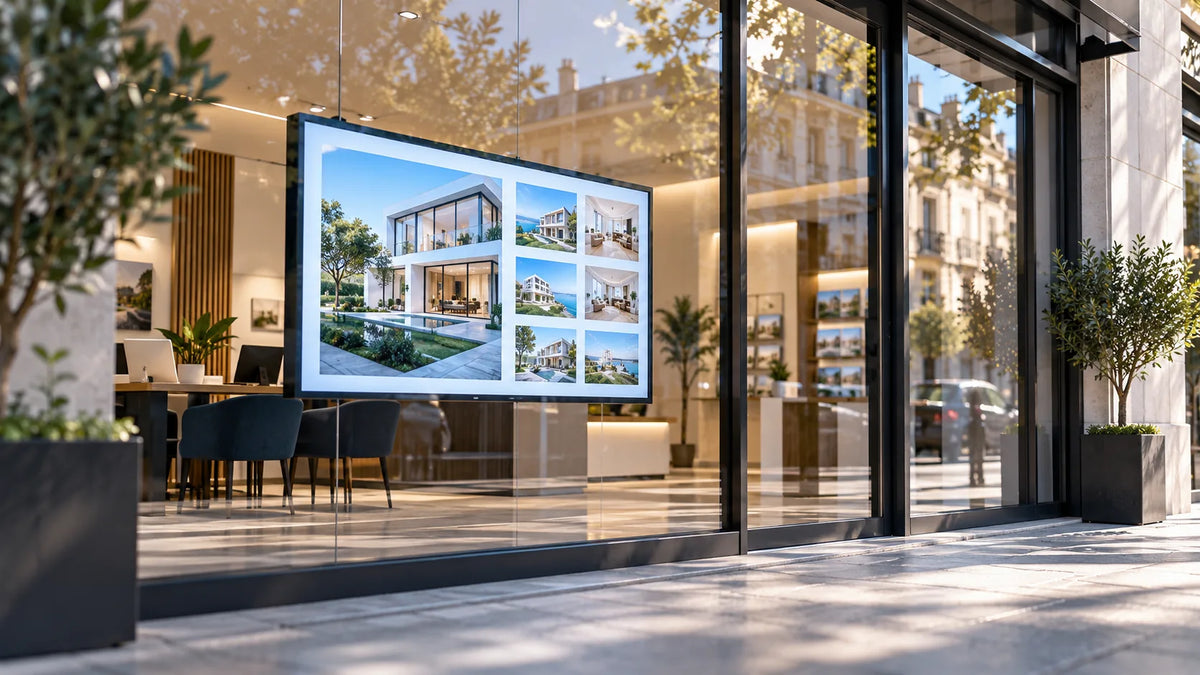
Cover illustration: a conceptual scene, not a Gemdragon model or completed customer installation.
For real estate window digital displays, evaluate the picture through the actual glass and define how listings stay current. The project needs a readable property presentation, an approved source for listing information, a removal or expiry rule, and a clear inquiry path. Choose hardware after the window survey, then test the display, player, CMS, and content together. A bright demonstration image does not establish that a listing will remain readable or accurate at your storefront.
Define what someone outside must understand
Write a short brief for the passing viewer. What kind of property is shown? Which details are important at this stage? What should the person do next? Avoid shrinking an entire property brochure into a screen template.
Use an approved photograph with the details the agency is authorized to publish. Keep the primary action easy to recognize. A property reference, office contact method, or landing page can provide a path to more information without putting every field on the screen.
For a hypothetical agency window, the opening slide could show a property image and a concise location description, followed by a distinct inquiry reference. This is a content-planning example, not a claim that a particular format produces more leads.

Survey the window from the pavement
Photograph the proposed screen position from the likely viewing paths. Record relevant times of day, direct sunlight, reflections, glazing, obstructions, and whether people can stop safely. Review the installation space, power, network, and service access from inside.
Test representative content through the intended glass. A dark property photograph, a pale map, and small listing text can reveal different weaknesses. Check the image directly at the intended location; a camera photograph alone is not a calibrated brightness or legibility test.
Use the window signage survey guide for the detailed hardware assessment. That page owns the general brightness, reflection, and heat questions; this guide adds the property-data and inquiry workflow.
Build the listing lifecycle before designing the playlist
| Stage | Owner decision | Display behavior to verify |
|---|---|---|
| New listing | Who approves the image, details, and publication rights? | The approved version reaches the intended window |
| Price or status change | Which source is authoritative? | The previous information is replaced |
| Under offer, sold, or withdrawn | Which statuses remain eligible to display? | An ineligible listing is removed or relabeled as approved |
| Source unavailable | How long can the information remain useful? | A defined fallback replaces information after its accepted freshness limit |
| Inquiry | Where does a property reference or link lead? | The destination matches the displayed property or explains its current status |
Agree the freshness limit for the business and source. This article does not prescribe a universal interval. A screen that continues to play smoothly may still be showing a property that should no longer be promoted.

Confirm the property-system connection
Ask the software provider how listings enter the program, which fields are used, and how changes and removals are handled. Separate a manual upload from a live feed. Confirm rights to use images and information from the relevant agency or listing source.
Allsee's estate-agent software article discusses third-party property-software considerations for its own product. It illustrates why source compatibility belongs in the project brief; it does not establish compatibility with a Gemdragon display or your chosen property system.
Document the CMS, player, application version, source, and failure behavior. If the connection requires custom integration, identify who provides and maintains it. Use the API fallback guide and CMS validation checklist for those acceptance questions.
Choose single-sided or double-sided for a defined audience
A single outward-facing display can be evaluated where the street audience is the main task. A double-sided configuration may be considered when an indoor audience also needs a useful program. Specify both sides separately rather than copying one listing loop by default.
Confirm the environmental classification and installation arrangement for the proposed model. Window-facing does not mean exposed outdoor use. Obtain model-specific brightness, operating conditions, mounting, and service information. Keep those specifications tied to the exact proposed configuration.
The double-sided signage guide includes the A/B requirement matrix. If interior content serves waiting clients, it can explain agency services or provide approved local information without duplicating the street-facing listing layout.

Test the whole path from listing to inquiry
Run a controlled pilot with fictional or approved test listings:
- Publish a listing and confirm the approved fields and image on the window screen.
- Change its status or another relevant field, then verify the result on the display.
- Remove it from the eligible source and confirm that the old version disappears.
- Make the source unavailable under an approved test and observe expiry and fallback.
- Restart the system and check both playback and information freshness.
- Test any QR code or displayed web address from the intended public viewing position.
- Confirm that the inquiry destination handles a changed or unavailable property clearly.
Do not rely only on a CMS preview. Glass, distance, mobile connectivity, and landing-page behavior all affect whether the proposed inquiry path can be used.
Frequently asked questions
Is a QR code enough to measure leads?
A scan records an interaction if it is measured correctly. It is not a qualified property inquiry. Keep scans, landing-page visits, completed inquiries, and qualified opportunities as separate events.
Can the screen replace a legal property notice?
Confirm the requirements for your market and use with the responsible professional. This guide does not establish that digital signage meets a legal notice obligation.
How do I choose brightness for a real estate window display?
Survey the actual glazing, reflections, sun exposure, viewing position, and operating hours. Request a configuration-specific assessment and test representative listings at the times that matter rather than selecting from a universal brightness number.
Can a window display connect to my property database?
Confirm the exact software, data access, field mapping, refresh timing, and approval workflow with the relevant providers. A network connection alone does not establish property-system integration.
How should sold or expired listings be removed?
Assign an owner, authoritative status source, removal trigger, and check of the displayed result. Test a status change and any failed update so an online screen does not keep presenting obsolete information.
Request a window-display configuration
Send Gemdragon window photographs, viewing directions, relevant light conditions, screen-space dimensions, listing examples, quantity, and the proposed CMS or source. Ask for a model-specific configuration and the information needed to plan a sample at the window. Use the Gemdragon product catalog and request the current window-facing model appropriate for the site.
Discuss your real estate window project
This article is a project-planning method. It does not claim a completed agency deployment, a property-system partnership, or a guaranteed lead result. More buyer material is available in Resources.