Digital Signage APIs: Keep Live Content Useful When Data Fails
Separate management APIs from content feeds. Define freshness, missing values and fallbacks, then test what visitors see when live data fails.
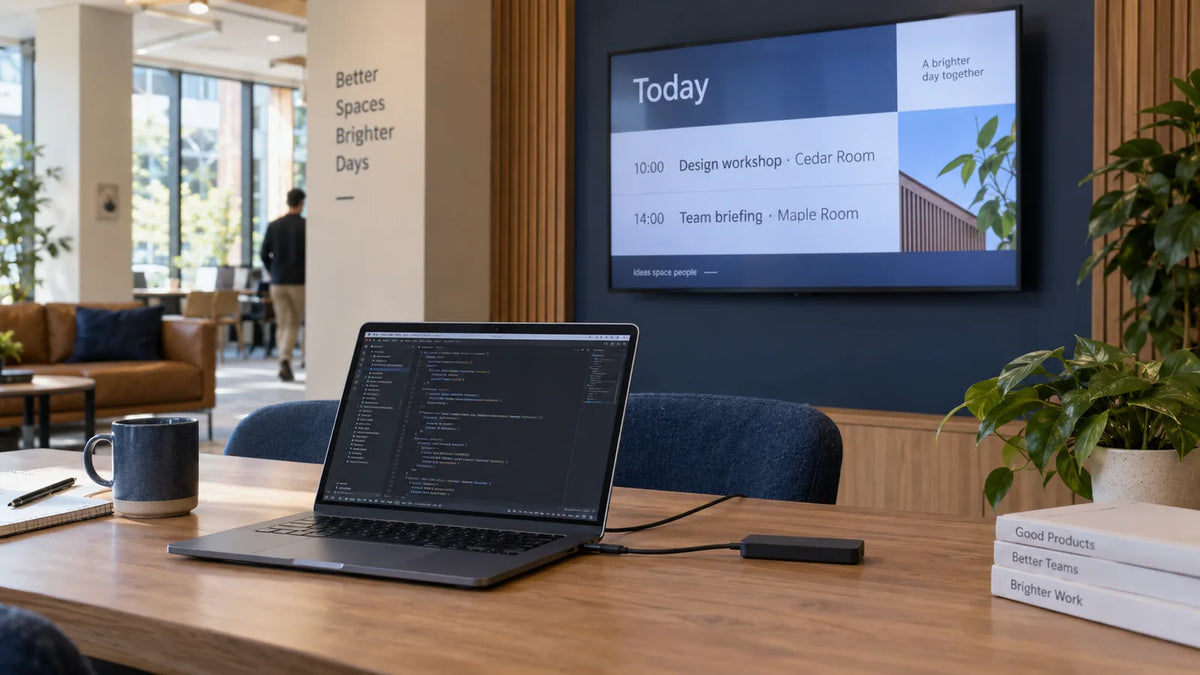
An API can put a class schedule, stock message or queue update on a screen. It does not decide whether the information is still safe to show when the source stops responding. For a digital signage project, define the data fields, freshness rules, visible layout and fallback together. Then test the failure as carefully as the successful update.
The key purchasing question is specific: “What will a visitor see if this feed becomes unavailable?” A response saying that a platform “has an API” does not answer it.
Are you managing the screen or supplying its content?
There are two different integration jobs. A management API can assign media, update a playlist or schedule a presentation. A content-data feed supplies the information that a layout turns into visible text or images: today's sessions, current availability, or a status message.
Yodeck's REST API documentation last updated August 21, 2024, provides an example of the management side, including programmatic media, playlist and layout management. That documentation does not establish a freshness or fallback rule for your own live feed. Those rules need agreement between the source-system owner, software developer and content operator.
Put the distinction in the brief. If your team wants to publish a pre-rendered image whenever a booking changes, describe that workflow. If it wants a local application to retrieve records and render them, describe that one instead. The player, network requirements and failure behavior can differ.

What should the data contract contain?
Use this project worksheet before building the layout. It is a suggested contract for discussion with your software provider, not a claim that a particular CMS implements every field.
| Item | Example requirement | Decision owner |
|---|---|---|
| Meaning | “Available” describes a bookable session, not an empty room | Source-system owner |
| Required fields | Session name, room, start time and status | Operations |
| Time basis | Site time zone; source update time recorded | Software team |
| Freshness | Decide how old information may be before it is replaced | Operations and software |
| Missing values | Omit the affected row, or show an approved neutral message | Content operator |
| Fallback | Show a dated static schedule or direct visitors to reception | Operations |
| Recovery | Validate a fresh response before restoring live content | Software team |
Add a review trigger to each decision, such as a source-field change, a new content layout or a software update. Different data needs different rules. A decorative weather tile and a room change directing attendees somewhere else do not have the same consequences. Avoid one universal timeout for every field. Ask the responsible team to choose the acceptable age and explain what should happen afterward.
Keep the public output small. A display does not need every field the business system stores. Use a separate public-facing payload or rendering process where appropriate, and keep credentials and internal records out of the visible content. Your IT team should confirm authentication, access and the network route.
What happens when a response is valid but unhelpful?
An integration may return a successful response with no sessions, a missing room, an unexpectedly long title or a time in a different zone. Treat these as acceptance tests, not just error conditions for a developer to handle later.
Provide sample records for normal, empty, incomplete and changed data. Include the longest likely names and any languages the project uses. Ask for actual screenshots from the planned player and resolution. Check line wrapping, omitted fields and the order of information from the visitor's reading position.
The CMS compatibility guide covers the setup to freeze during this test. Here the additional requirement is to preserve the test data and expected visible result, so a later software change can be checked against the same cases.

How do you stop old data looking current?
A timestamp helps only if the audience understands it. “Updated 09:00” may mean the data source changed at 09:00, the device fetched it then, or the screen last refreshed then. Choose the meaning and wording deliberately.
Where stale information could misdirect people, change the visible message once the agreed age is reached. A neutral “Please check today's sessions at reception” may be more useful than a polished schedule whose accuracy is unknown. For less consequential content, the team may permit a last-known version with its date clearly shown.
Offline support also needs testing on the chosen platform. Our offline playback test guide separates cached media from a live data application. Do not assume a downloaded layout also contains fresh data.
What should the pilot prove?
Run the agreed test cases on a sample setup:
- Receive normal data and confirm the visible result.
- Return an empty dataset and verify the approved empty state.
- Remove a required field and check the handling of that record.
- Disconnect the source, wait through the agreed freshness period and observe the fallback.
- Restore the source and confirm validated information returns.
- Restart the player without the feed and check what appears first.
Record the input, expected output, actual output and any exception. Source-system failures and display failures should have separate owners, even if one supplier coordinates the project.
For the hardware discussion, send Gemdragon the planned player/CMS, sample layouts, orientation and installation conditions. We focus on commercial display setups; API implementation and source-data rules belong in the software scope. Specific interfaces and behavior need confirmation for the proposed model.
Discuss the display requirements for your data-driven project →