

A repeatable compatibility-test method covering playback, scheduling, startup, network loss, monitoring, updates and recovery before a multi-site rollout.
Key takeaways
- Freeze an exact hardware and software test matrix.
- Use production-like content and schedules.
- Test power, signal and network interruption deliberately.
- Record versions, results and retest triggers.
Define what “compatible” means
Translate the customer journey into observable outcomes: the device enrolls, receives a playlist, plays required formats, follows schedule, reports status and recovers without local intervention.
Include orientation, resolution, audio, touch, sensors or peripherals only when the project requires them. A smaller test matrix is more reliable than a long list of unowned possibilities.
Freeze the test configuration
Record display model and settings, player model, OS image, firmware, CMS tenant, app version, network type, resolution and content package. Save checksums or version identifiers for critical files when appropriate.
If any element changes, decide whether a full or partial retest is needed. Silent firmware or app updates can invalidate an earlier result.
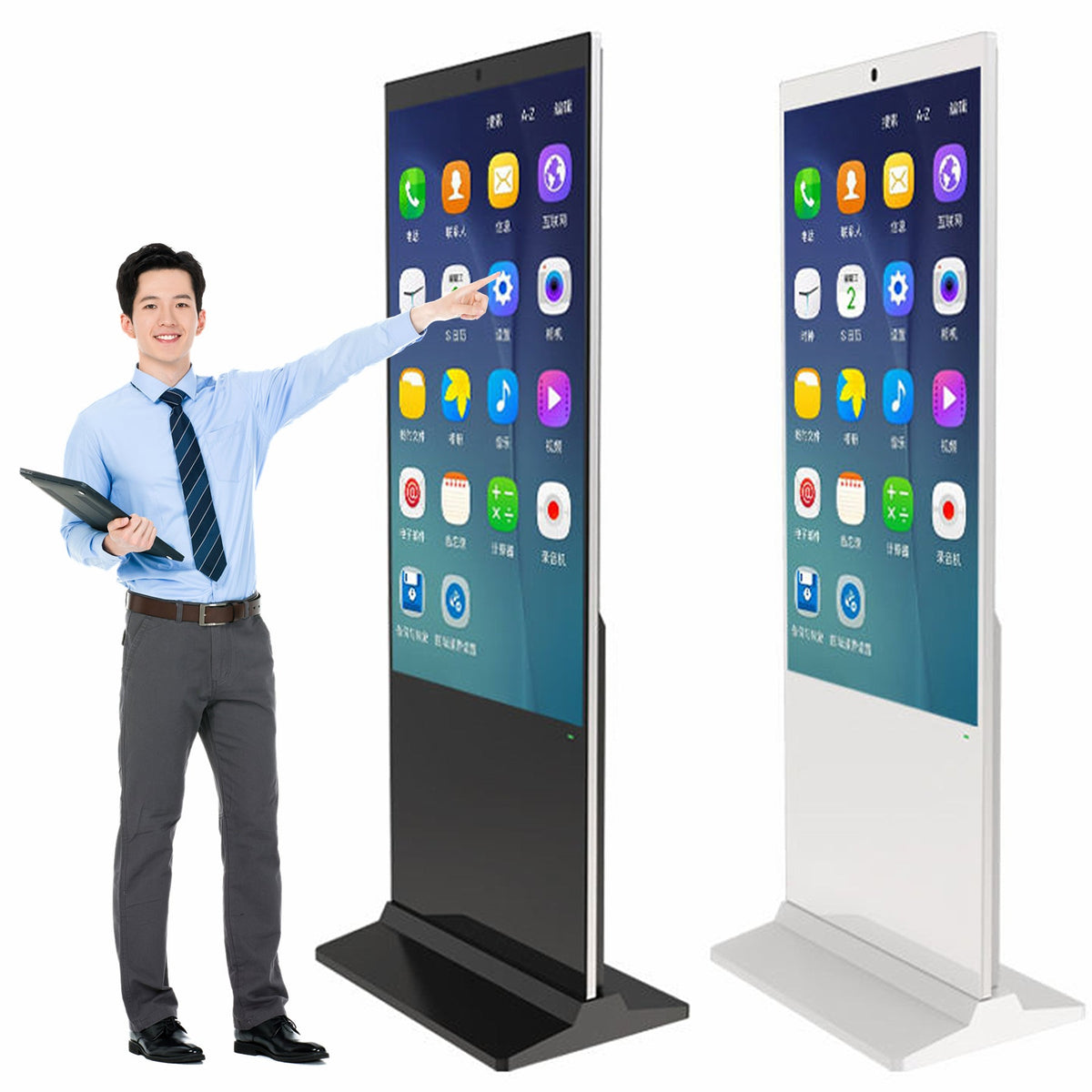
Test normal playback and scheduling
Use representative codecs, bitrates, web content, image transitions, zones and campaign schedules. Run long enough to cross schedule boundaries and device restarts.
Check time zone, daylight-saving behavior, clock synchronization, content caching and storage limits. Confirm that expired or missing content fails safely.
Test failure and recovery
Disconnect network, interrupt power, remove and restore signal, fill storage to a safe test threshold and restart the player. Verify what the screen shows, how the CMS reports the issue and whether playback resumes.
Document acceptable recovery time and which events require remote or onsite action. Recovery behavior is often more important than perfect behavior in a controlled demo.
Validate monitoring and update behavior
Confirm online/offline status, screenshot or proof-of-play functions if required, alert routing and remote commands. Test app or content updates with rollback expectations.
Coordinate device-management and security responsibilities. Avoid exposing credentials in shared test documents; record ownership and secure provisioning method instead.
Approve a golden configuration
Once accepted, label the hardware, save configuration exports where supported and create a concise deployment build sheet. Use the same baseline for production inspection and field installation.
A golden configuration reduces troubleshooting ambiguity: teams can compare a failed site with a known working reference rather than debating assumptions.
Decision table
| Test group | Pass condition | Record |
|---|---|---|
| Enrollment | Device registers with correct identity | Device ID and version |
| Playback | Required content plays correctly | Playlist and media list |
| Recovery | Playback resumes after defined faults | Times and observations |
| Monitoring | Status and alerts match device state | Dashboard evidence |
Pre-purchase checklist
- Compatibility definition written
- Exact versions recorded
- Production content package tested
- Power/network failures tested
- Monitoring and update behavior verified
- Golden configuration retained
Frequently asked questions
Does HDMI playback prove CMS compatibility?
No. It proves only a signal path. CMS compatibility also includes enrollment, scheduling, content formats, monitoring and recovery.
How long should a compatibility test run?
Long enough to cover planned schedule changes, restarts and deliberate failure scenarios; duration should reflect project risk.
When must the test be repeated?
When display firmware, player hardware, OS, CMS app, content format or network policy changes materially.
Continue your research
Editorial note: This guide provides a project-planning framework. Final specifications, environmental ratings, warranty coverage and acceptance criteria must be confirmed for the exact model and purchase agreement.




