In-Store Retail Media: Update Your Placement Data for the September IAB Proposal
IAB Europe opened in-store measurement proposals for comment on September 17. Review your placement records, zone mapping and measurement assumptions.
A screen's playback log tells you that an ad ran. It does not tell you who had an opportunity to see it. That distinction is at the center of IAB Europe's in-store retail media measurement proposals, opened for public comment on September 17, 2026. For retailers and signage integrators, a useful next step is to connect each screen position to a clear location record, its viewing conditions and the assumptions behind any audience estimate.
The proposals are open for feedback until October 23, 2026. They are a consultation draft, and their final wording may change. The practical work below is our suggested preparation, not an IAB compliance checklist.
What is being proposed?
IAB Europe's announcement describes an opportunity-to-see model with six inputs: footfall, store count, campaign duration, placements, aisle penetration and share of voice. It also calls for transparency about the assumptions used to estimate visual contact. A completed play should therefore remain distinct from a modeled opportunity to see.
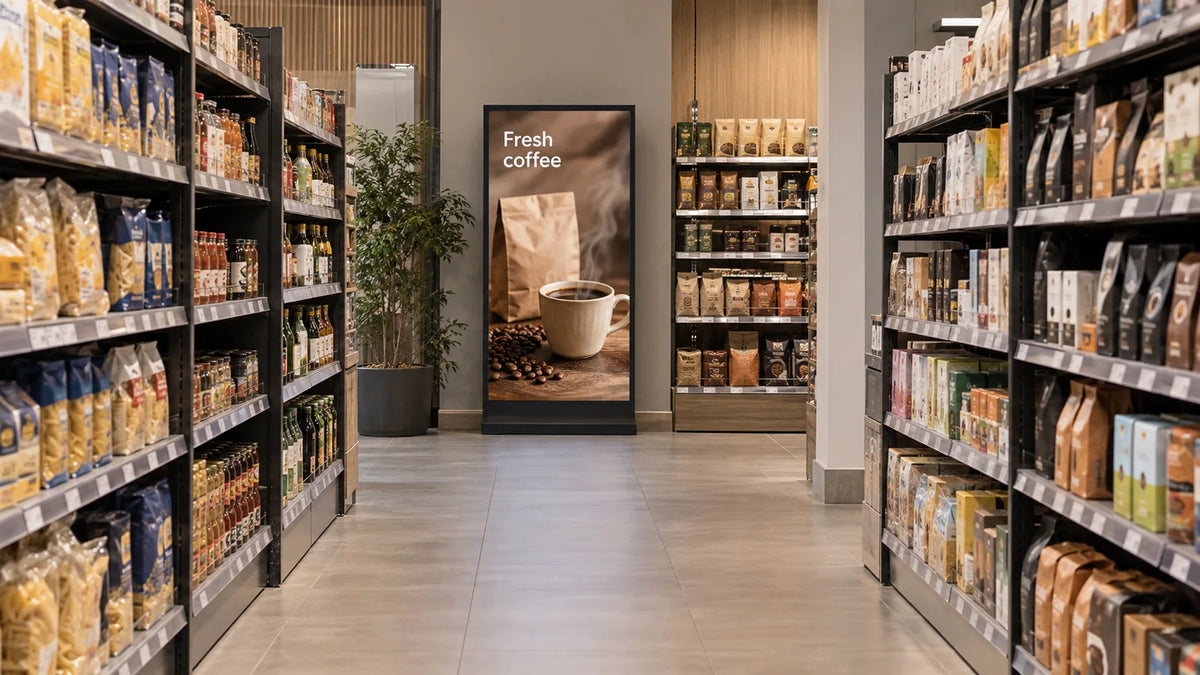
The public-comment draft sets out five location zones on pages 7–9: Exterior to Store; Entrance and Out of Category; Check out; In Aisles; and Other & Connected Store. These zones are an existing organizing framework, rather than five new categories invented this September. The consultation develops how measurement should work around them.
For a project team, the immediate question is not which display has the most impressive specification. It is whether the records describe where the advertising sits and which measurement inputs actually apply there.

Start with the position, not a total audience number
Consider a display installed inside a shop window, facing people outside. “Indoor installation” describes the hardware environment; it does not necessarily describe the audience location. Keep those fields separate. Similarly, a screen near a checkout and a screen at an aisle end should not inherit the same audience assumptions just because they have the same size.
Give each position a stable identifier. Tie that identifier to a marked floor plan and current photographs. If a screen moves, preserve the previous record and date the change rather than silently editing the location name. This creates a traceable basis for later campaign records.
Our retail media network readiness guide covers operating an advertising network. This article focuses on the placement records that need to be checked against the measurement proposal. Our signage analytics guide addresses the separate question of which outcomes a project intends to measure.
What should a placement record contain?
Use the following fields as a starting worksheet. They are our recommended project fields, not an official IAB template. Keep the record in editable text or a spreadsheet so the retailer, integrator and media team can review the same information. Assign a checker and a review date to the record.
| Field | What to record | What to attach |
|---|---|---|
| Position ID | One stable code for this physical placement | Marked plan and current photograph |
| Zone and orientation | Proposed zone mapping; where the viewer stands and which direction the screen faces | A short explanation of the mapping |
| Viewing conditions | Approach path, sightline and likely obstructions | Photographs from the viewer's approach |
| Format | Display orientation, content area and the actual layout used | Model/setup reference and sample creative |
| Measurement basis | Which inputs are observed, estimated or supplied by another party | Source, period, assumptions and responsible reviewer |
| Change history | Moves, layout changes, altered viewing conditions and record revision date | Change log and approval record |
Ownership and service access still belong in the broader installation file. They are useful operational details, but they should not replace a measurement basis in this worksheet.
Avoid combining evidence of different kinds in a single “verified” column. A dated site photograph can support a location description. It cannot on its own prove the number of people who saw an ad. A playback record supports delivery to a player, while a visual inspection supports what appeared on the physical display at that moment.
Check the view during ordinary operation
Take the placement photographs when the site is arranged as it will be during the campaign. Seasonal stock, temporary stands and queue barriers can change the view. A clear photograph from before opening may miss an obstruction that appears during trading.
Ask the site team to photograph the approach and the screen together. A close-up of the display alone cannot show whether the screen is hidden behind a fixture. Document exceptions in plain language: “view from the queue partly blocked by the promotional stand” is more useful than a green check mark without context.

For floor-standing displays, include the occupied footprint and the approved placement position. For an indoor window-facing installation, record both the indoor installation conditions and the external viewing direction. Confirm the exact hardware requirements with the supplier; a measurement-zone label is not a brightness or environmental specification.
What to do before the comment period closes
Choose a small set of different positions and fill out the worksheet. Look for missing inputs, ambiguous zone assignments and audience estimates whose source nobody can name. Take those questions back to the retailer or measurement partner. If you submit feedback, distinguish practical difficulties in collecting information from disagreements with a proposed definition.
Keep the draft version and the feedback deadline in the project record. After the final publication, review the mapping and assumptions again. This allows useful preparation now without presenting an unfinished proposal as a settled obligation.
Planning a retail display rollout? Send Gemdragon the placement plan, display orientation, installation conditions and planned player/CMS arrangement. We can discuss the display setups and model-specific information needed for your project.