Video Wall Presets: Hand Over the Operator's Job, Not Just the Layout
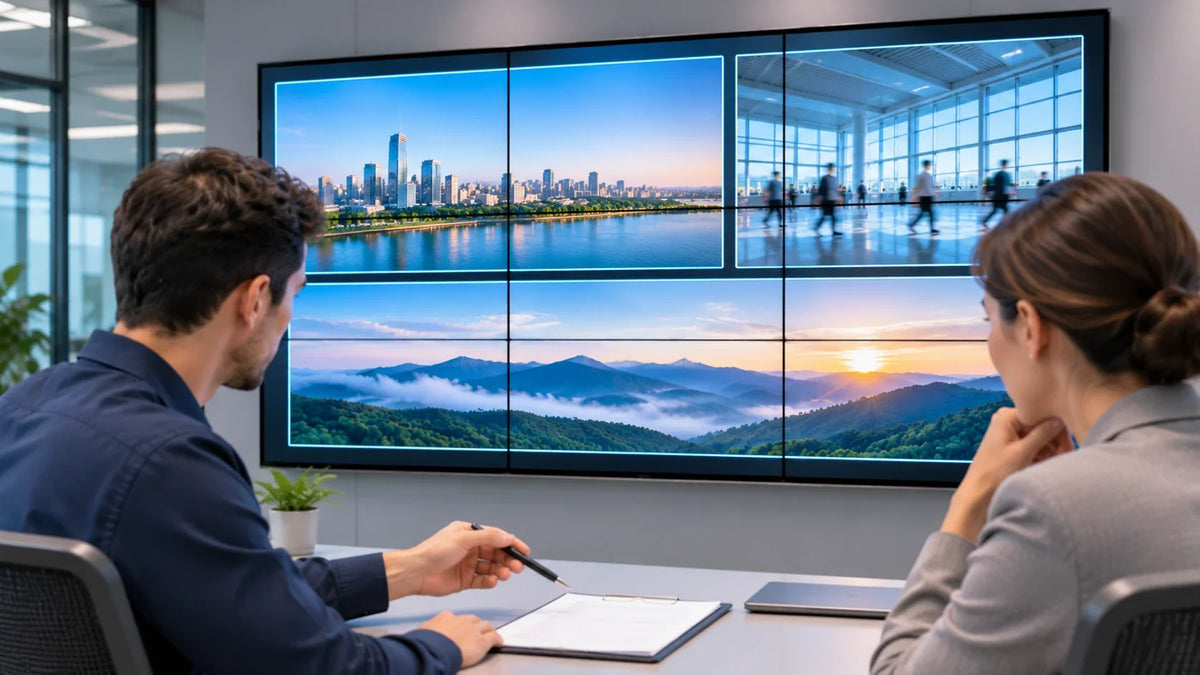
A useful video wall preset names the source, the window it fills, the panel state it assumes, who may recall or change it, and the picture the operator should see. Save those with the layout and you have a handover document. Save only the layout and you have a photograph of a good afternoon.
This is for the two people who usually meet once at the end of a project: the integration lead commissioning the wall and the operations owner inheriting it. The equipment is chosen by then. The open question is whether the wall can be run by someone who was not in the room when it was built.
The preset that means nothing
Consider a preset called Scene 17 final FINAL. Its windows still recall correctly, but one input has been replaced and now carries a different source. The name gives the next operator very little help.
The name is amusing; the missing source record is harder to support. A preset is a small contract between the people who configured the wall and the people who depend on it, and a contract needs terms. Without them the operator presses buttons until the wall looks familiar.
Write the preset record
One page per preset, kept with the as-built documents and versioned like any other project file.
Scroll horizontally to see all columns.
| Field | What it must record |
|---|---|
| Business name | What the view is for. "Morning overview" beats "Layout 3". |
| Purpose | One sentence; if you cannot write it, the preset duplicates another. |
| Source identity | The specific camera, desk PC or feed, named as the owner will name it. |
| Source-to-window map | Which window each source fills, described against the front of the wall. |
| Aspect and crop | Full frame, letterboxed or deliberate crop. Stretch is a decision, so record it. |
| Operator rights | Recall only, recall and adjust, or edit and save, each owned by a role. |
| Expected display | What the operator sees when it worked: window count, live sources, legible text. |
| Owner and version | Who approves changes, the version, the date. No owner means nobody's job. |
Here is a planning example for a four-panel wall in a small operations room. The sources are invented; it shows the shape of the record, not a customer description.
Scroll horizontally to see all columns.
| Preset | Purpose | Source to window | Rights | Expected display | Owner |
|---|---|---|---|---|---|
| P-01 v2 | Start-of-shift view | CAM-NORTH top-left; CAM-LOBBY top-right; DESK-PC-2 lower half | Recall only | Three live windows, labels legible from the desk | Day supervisor |
| P-02 v1 | Single-event review | DESK-PC-2 full wall | Recall and save as new version | One large window, cursor visible, no overlays | Duty AV owner |
Two details do most of the work. The window map is written against the front of the wall, and the record says so, because a technician behind the wall sees the columns reversed. And the rights column separates recalling a preset from saving over it.

Which fields your control equipment can store, and where, is a question for its documentation. Extron's Videowall System Control page notes that configuration applications tend to expose more functions than ordinary staff need, and that a simplified operator interface can center on essential input selection and pre-programmed window presets. That describes a category of tool, on a page about Extron's own software, and says nothing about what a Gemdragon configuration exposes. Extron's VCS product page adds that configuration and preset changes are synchronized with and stored on the processor, again for its own product.
What "layout" leaves out
A window arrangement can restore perfectly while the wall stays wrong, because four things move independently.
- Routing. Which source reaches which window. A saved layout that assumes an input is live fails quietly the moment the source is swapped.
- Panel state. Power or standby, selected input, picture settings. Whether a preset touches these depends on the control path and the equipment.
- Audio. Where the room uses it: which source is audible, at what level. A wall that restores windows and drops audio is half restored.
- Permissions. Who recalls, who edits, who signs off a change. No file name enforces this.
Rehearse the operator, not the demo
A builder-led demonstration can leave the next shift's questions unanswered. Hand the controls to the intended operator and work through the cases the room will actually see.
Scroll horizontally to see all columns.
| Case | What the operator does | What you record |
|---|---|---|
| Normal recall | Recalls each preset from its agreed starting state | Time to a usable picture; whether every window is live |
| Missing source | Recalls with one source disconnected | What the affected window shows; whether the wall stays usable |
| Replaced source | Recalls after a source moved connector or was replaced | Whether the record's source identity made the wrong content obvious |
| Cancellation | Recalls a preset by mistake, then returns to routine | Whether the operator recovers without help |
| Controlled restart | Runs the approved restart sequence | Which panels return, in what order, what still needs doing |
| Handover | Explains the presets to a colleague | Which names and purpose lines were not self-explanatory |
That last row is the cheapest test and the most informative. When an operator cannot explain a preset without the manual, the preset is documentation debt with a button on it.

A saved layout is not a live source
Support calls collapse three questions into one breath. Keep them apart.
- Did the preset recall? The windows are where the record says. That is a control result.
- Is the assigned source present? Something is arriving on the expected input. Some equipment reports this; whether yours does is in its documentation.
- Is the expected picture on the wall? A person, or an agreed verification method, confirms what is visible.
Command sent, acknowledgment returned and picture observed are three levels of evidence. A log that files all three as "screen working" hides which one was checked.
A replaced source can leave the wall faithfully showing the correct layout of the wrong thing. The source identity and expected-picture record help the support team distinguish those failures.
The handover pack
- One preset record per preset, with owner and version.
- A wall identity map: physical positions, output/crop references, and the supported control identities as built.
- Rehearsal results with date, initials, starting state and observed outcome.
- The permission model, and the approved restart sequence with an escalation name.
Bump the version when the wall changes and retire the old sheet. A wall whose records match reality can be supported by someone who started last month.

FAQs
Should a preset restore panel power as well as the layout?
Only if the control path can reach panel state, the equipment documents it, and the room wants a preset changing it. If you include it, name it in the record and rehearse the approved startup and recovery conditions.
What if the processor cannot confirm whether a source is present?
Then the operator's check is visual, and it belongs in the routine rather than in fault-finding. Put it in the handover pack as a step with an owner and state the limitation plainly.
How many presets should we hand over?
As many as the operators can explain to each other. Every preset is one more thing to rehearse after the next source change.
Next step
Start with Gemdragon's existing LCD video wall range, and identify the required mounting and processing scope separately. Send the grid, the source list, the views operators must recall, and who may change them.
Browse the LCD video wall range or start a project conversation with the operating requirement you are handing over.
Related reading: daisy chain versus controller for the architecture decision; the LCD video wall buying guide for the wider project; HDMI-CEC versus RS-232 for what a control command does and does not confirm.