HDMI-CEC vs RS-232 for Digital Signage: Prove the Display State
Choose by the commands and display states your project can verify.
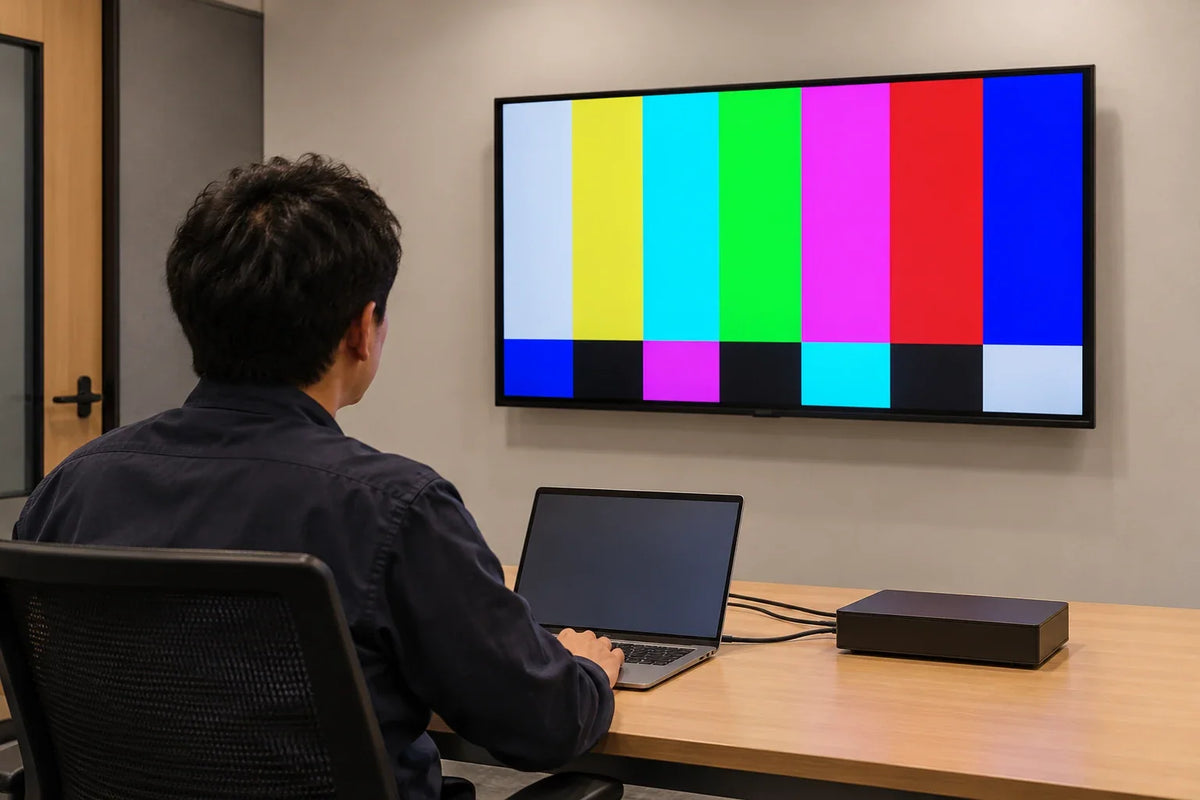
HDMI Consumer Electronics Control (CEC) carries control messages over an HDMI connection. RS-232 uses a separate serial control path with device-specific commands and connection requirements. For digital signage, choose the path that can perform and verify the required actions on the exact display and player. Test standby, wake, input selection, status feedback, and recovery where supported. Sending a command does not prove that the screen reached the intended state.
A player can report successful playback while its display remains in standby. A scheduled wake command can be sent every morning without selecting the right input. Specify the visible result and the evidence you will accept, then choose the control method.
What are you trying to control?
Make a short list of required actions. Separate everyday operations from fault recovery. Turning the panel off at closing time is a different action from restarting a player, selecting an input, or verifying that the expected content is visible.
Use explicit states where the device supports them. A repeated command meaning set power off has different behavior from a toggle meaning change to the opposite state. If the device offers a toggle without an explicit state command, define how the controller establishes the starting state and handles an uncertain result.
| Required action | Question for the display supplier | Evidence for acceptance |
|---|---|---|
| Scheduled standby | Is the command supported, and which functions remain available? | Observed standby and recorded control result |
| Wake | Can the display receive this command in the chosen standby settings? | Display wakes and reaches the required input |
| Input selection | Is the required input directly selectable? | Correct input and expected content are visible |
| Status query | Which state can actually be returned? | Documented response matches the observed state |
| Recovery | What happens after display or player power loss? | Repeatable return to the agreed operating state |
This is an original acceptance worksheet. It is not a list of commands supported by all displays.

When is HDMI-CEC worth evaluating?
CEC can avoid adding a separate control cable when the chosen devices and HDMI path support the required functions. Keep the complete path in the test: player output, cable, any intervening equipment, and display input.
BrightSign's roCecInterface reference describes access to the HDMI CEC channel and sending and receiving CEC messages. That is a player-side capability reference. It does not prove how a particular display responds or whether an intervening splitter, extender, or adapter carries the required control traffic.
Test the installed path rather than a shorter bench cable alone. Check display settings affecting CEC, input behavior, standby, and power saving. Record them with the firmware versions. If a component changes, evaluate whether the control test needs to be repeated.
When is RS-232 worth evaluating?
Serial control is useful to examine when a display provides a documented command protocol covering the required actions and responses. It adds a separate connection and configuration responsibility.
Match both ends of the connection. Check the exact port, signal levels, connector pinout, transmit/receive arrangement, baud rate, data format, flow-control requirements, command encoding, and message terminator. A connector that fits does not prove an electrically or logically correct connection.
BrightSign's serial-port documentation describes serial sending, receiving, and port configuration. Its hardware documentation is model-specific: compare the HD6 interfaces with the HDx23 interfaces before assuming a cable or electrical interface can be transferred between players. Obtain the actual display's control manual as well.
Do not use a generic internet pinout or copy another model's command bytes into a purchase specification. Have the responsible integrator confirm the documented connection and protocol. If the manuals conflict or omit a detail, resolve it with the suppliers before connecting equipment.

Does status feedback prove that the picture is correct?
Define the level of evidence. A player heartbeat shows that the player is reachable. A reported power state describes what the device reports. A selected-input response identifies an input. None of those alone proves that the intended message is visible and readable at the location.
Match verification to the operational need. A daily opening check may include a person confirming the screen. A managed installation may have additional monitoring or an approved image-verification method. Specify it explicitly, including its limits, ownership, and any privacy requirements.
Avoid labeling every successful command as screen online. Keep command sent, response received, state confirmed, and content observed separate in the service record. That makes a support call much easier to interpret.
How do you test standby, wake, and recovery?
Freeze the display model and firmware, player model and software, cables, intermediary equipment, relevant settings, and the command method. Use a controlled maintenance window with site authorization for interruptions.
| Test case | Action | Record the actual outcome |
|---|---|---|
| Normal close/open | Run the intended standby and wake sequence | Response, time to usable picture, and selected input |
| Repeat command | Send the supported explicit state command again | Whether the state stays correct or an unintended change occurs |
| Player restart | Restart the player while leaving the display powered | Control availability and return to expected content |
| Display power recovery | Restore display power using the approved procedure | Starting state, input, and whether a new command is needed |
| Path interruption | Interrupt and restore the permitted connection | Detection, retry behavior, and final state |
| Conflicting schedules | Check display timer, player schedule, and content management system (CMS) schedule | Which one controls the result and how conflicts are removed |
Define a retry limit and an escalation action. An endless series of commands can hide a persistent failure. The correct limit depends on the operating requirement and device behavior; do not invent one universal delay for every display.

What should a useful supplier answer contain?
Ask for a command matrix tied to the proposed model and firmware. For each required action, request the supported method, exact documentation reference, response behavior, and settings that affect availability in standby.
Ask who maintains the control implementation after a firmware or player change. Keep the approved cable or adapter identity and the test result with the site record. A result for an earlier sample is useful only if the ordered configuration stays within its tested scope.
For a missing picture, use the black-screen troubleshooting guide to distinguish the display, signal, player, and content. For a remote service call, use the triage checklist. A control protocol is one part of that diagnosis.
Frequently asked questions
Is RS-232 always more reliable than CEC?
No universal ranking replaces testing. Reliability depends on the implemented commands, device behavior, connection, settings, and recovery logic. Compare the required tasks on the exact configuration.
Can CEC wake a display from every off state?
Do not assume so. Check the display's documentation and standby settings, and distinguish standby from loss of mains power. Test the starting states your site will actually use.
Is a serial socket enough to confirm RS-232 compatibility?
No. Confirm signal levels, pinout, cable arrangement, protocol settings, and the device command set. Similar connectors may serve different functions, and serial implementations differ by model.
Does a power-status response prove that the correct content is showing?
No. Power state, input selection, and visible content are different observations. Agree which evidence the operating team needs and how it will be collected.
Do all Gemdragon displays support these control methods?
This guide makes no such claim. Share the proposed display, player, required actions, and standby behavior. Request model-specific documentation and test the offered configuration before rollout.
Bring the command requirement into the display inquiry
Gemdragon focuses on commercial digital signage for system integrators and software solution providers. Send the command matrix, proposed player, installation country, and quantity to discuss display configuration and the evidence needed for validation.
Discuss display-control requirements
Continue with the configuration compatibility guide or browse commercial display fieldnotes.
Editorial scope: this article explains a selection and acceptance method. It supplies no universal wiring diagram or command bytes and reports no completed Gemdragon CEC or serial-compatibility test. Cover image: photo-style AI scene illustration, not a customer installation or a verified product test.