Restaurant Self-Ordering Kiosks: Keep Menu Rules Consistent With the POS
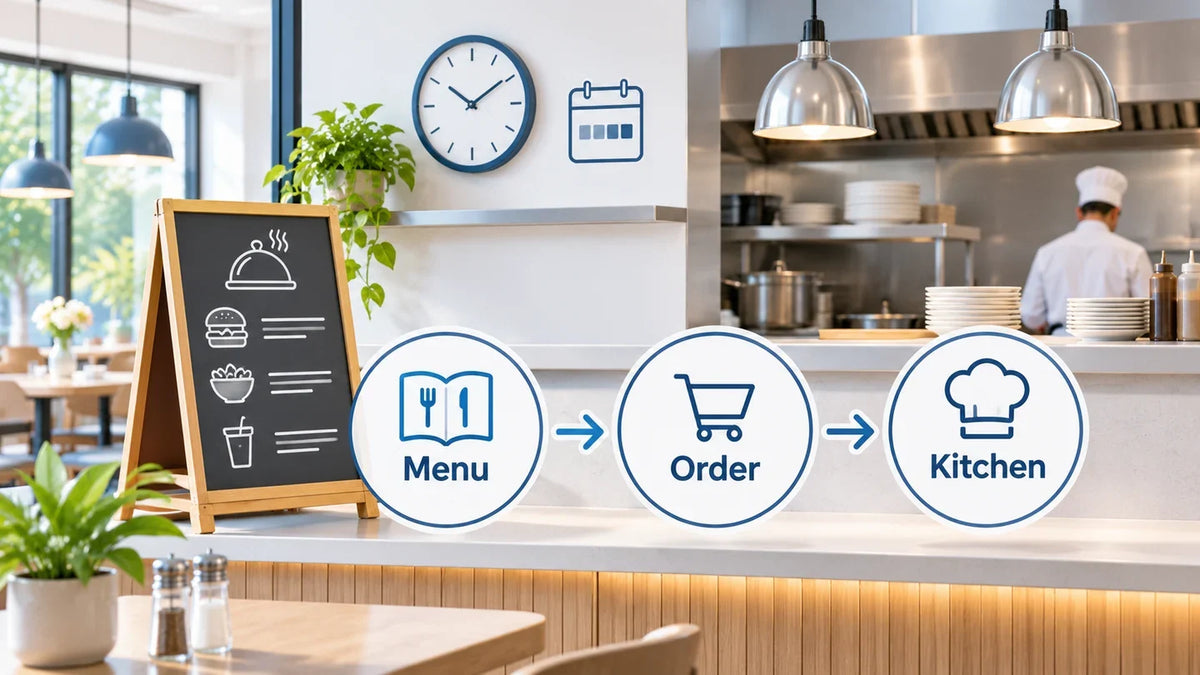
A beautifully photographed burger is still a bad order if the kitchen receives the wrong size, no required side, or a topping that sold out an hour ago.
Before rolling out restaurant self-ordering kiosks, test the menu rules across the customer screen, the accepted POS order, and the kitchen output. The same item name is not enough. Locations, channels, modifiers, availability, and price rules need an agreed owner.
This guide is for restaurant operators and integrators selecting a kiosk application and hardware together. It focuses on menu-to-order accuracy. Payment recovery has a separate payment integration guide.
Decide which system owns each menu field
Write down where the item identifier, display name, base price, variations, modifiers, availability, and kitchen-routing information originate. If a kiosk application imports a menu, ask which fields it imports and how an operator verifies the current version. “It syncs” needs a little more supervision than that.
Square’s menu documentation illustrates why this matters: menus, items, and modifier sets can have distinct location and channel controls. A menu being visible does not establish that every item or attached modifier is assigned correctly. This is a Square example, not evidence that a Gemdragon kiosk runs Square Kiosk.

Keep menus and kitchen routing distinct. A customer-facing grouping may help people browse; an operational category may determine where food preparation instructions go. Verify both using the chosen application’s actual order output.
Make the hard choices appear in the test order
Use a fictional item to expose the rule structure. A meal might require one size and one side, permit optional extras, and prohibit an incompatible combination. The menu owner must define those constraints; the interface should not improvise them.
On a narrow screen, scroll the table sideways to read all columns.
| Rule | Test order | Compare with the approved result |
|---|---|---|
| Required choice | Try adding the item before choosing its required size or side. | The configured requirement is enforced and the accepted order contains the choice. |
| Optional extra | Add, remove, and change an optional topping. | Selection agrees across the basket, accepted POS order, and kitchen instructions; any charge agrees between the basket and POS. |
| Combination | Choose the same component inside a meal deal. | Combo rules and component modifiers follow the approved configuration. |
| Availability | Make one item or modifier unavailable in the test environment. | The guest receives the agreed unavailable-item behavior; an open basket is handled explicitly. |
| Location and time | Use the intended location at each relevant menu boundary. | The available items and prices match approved location and time rules; accepted preparation instructions reach the intended kitchen destination. |
Test both the direct item and its use inside a combination. Square’s combo guidance identifies separate assignments for the combo, its component items, and the relevant menu or category when selling through Kiosk. A working standalone item is therefore not a complete combo test.
Read the resulting order as a cook would. Does it distinguish the meal size from an extra? Is a removed ingredient represented unambiguously? Does the assigned preparation destination receive the necessary detail? Use test orders in a nonproduction environment approved by the restaurant and application provider.
Check the intersection of location, time, and availability

A breakfast item available downtown need not be available at the airport location or after breakfast. Write the expected behavior for each channel. A customer-facing screen may hide an unavailable item, show it disabled, or allow browsing for a later time; those are different experiences.
Square documents time-based menu and menu-group behavior, including channel differences. Treat it as a reason to check the chosen platform’s behavior, not a rule to copy into every kiosk project.
Change one condition at a time in the test environment: remove one location assignment, cross a scheduled boundary, and mark a modifier unavailable. Then change availability while a test basket is already open. Ask the provider whether and when the basket is revalidated. Record what actually happens rather than assuming an update instantly reaches every open session.
For sold-out handling, identify who can make the change, how the restaurant confirms it reached the kiosk, and who restores availability. A disappearing ingredient should not require a chain of personal messages with the installer.
Approve a small menu release pack
Keep a versioned sample menu, expected orders, actual POS/kitchen results, and the responsible sign-off together. Include one normal order and the combinations most likely to expose a mismatch. A screen recording alone cannot prove the kitchen received the right instruction.

If a rule mismatch blocks an order, have the application team define the correction and staff-assistance path. Do not silently remove an unavailable choice or substitute a different meal. Any price or selection change should be clear to the guest before the order proceeds.
Repeat the affected tests after a menu import, application change, or rule update. The release decision belongs to the restaurant and software team, using their agreed acceptance conditions. These are proposed checks, not results from a Gemdragon deployment.
Bring the approved workflow into the hardware brief
The Gemdragon floor-standing self-service ordering kiosk is configurable hardware. The ordering app, POS, kitchen routing, payment processing, licenses, and peripheral drivers must be specified for the project. A photograph of a kiosk does not establish any of those integrations.
Show the intended menu on the selected screen size and orientation. Ask representative users to complete the long modifier path, find the basket, correct a choice, and request help. Include reach, customer circulation, cable routing, and service access in the installation review. Use the touch-screen hardware planning guide for the wider brief.
Is this the same project as a digital menu board?
No. A menu board presents information; an ordering application accepts choices and creates an order. Coordinate their approved item names, prices, and availability without treating display content as proof of order-system integration. Our digital menu-board guide covers the display role.
Send Gemdragon the proposed application, supported OS, menu examples, customer route, payment-terminal model, and peripheral requirements. Review the actual configuration before rollout. Request a Quote.