A visitor who needs a room number, a shopper browsing options and a customer placing an order all use a screen differently. Choose interactive touch screen kiosks around that task, then specify the hardware, application and support needed to finish it.
This hardware planning guide compares existing Gemdragon display and self-service kiosk options. For the wider purchase, start with the floor-standing digital signage buying guide. If you already own a screen or computer, use the stand-versus-all-in-one comparison for the assembly decision.
Choose the visitor task before the cabinet
Write one sentence describing a successful visit: “Find the meeting room,” “Compare the available options,” or “Submit an order.” Then describe what the next person should see. Those two sentences expose requirements that a screen-size comparison cannot settle.
| Visitor task | Hardware starting point | Decision before ordering |
|---|---|---|
| Read a welcome message, promotion or simple directory | A suitable freestanding display; touch may be unnecessary | Can people read the actual content from the intended position? |
| Search a directory or browse information | A touch-enabled information kiosk or suitable touch display configuration | Who supplies the search application, maintains the records and defines session reset? |
| Select items and submit an order | Self-service ordering kiosk hardware matched to the proposed application | Who owns ordering, POS and payment integration, and which peripherals are included? |
Keep information lookup and ordering as separate project briefs. They may share a touch input, but their software, data and failure handling have different jobs. An interactive whiteboard for a classroom or meeting room belongs to a separate collaboration use case.
Compare existing hardware options
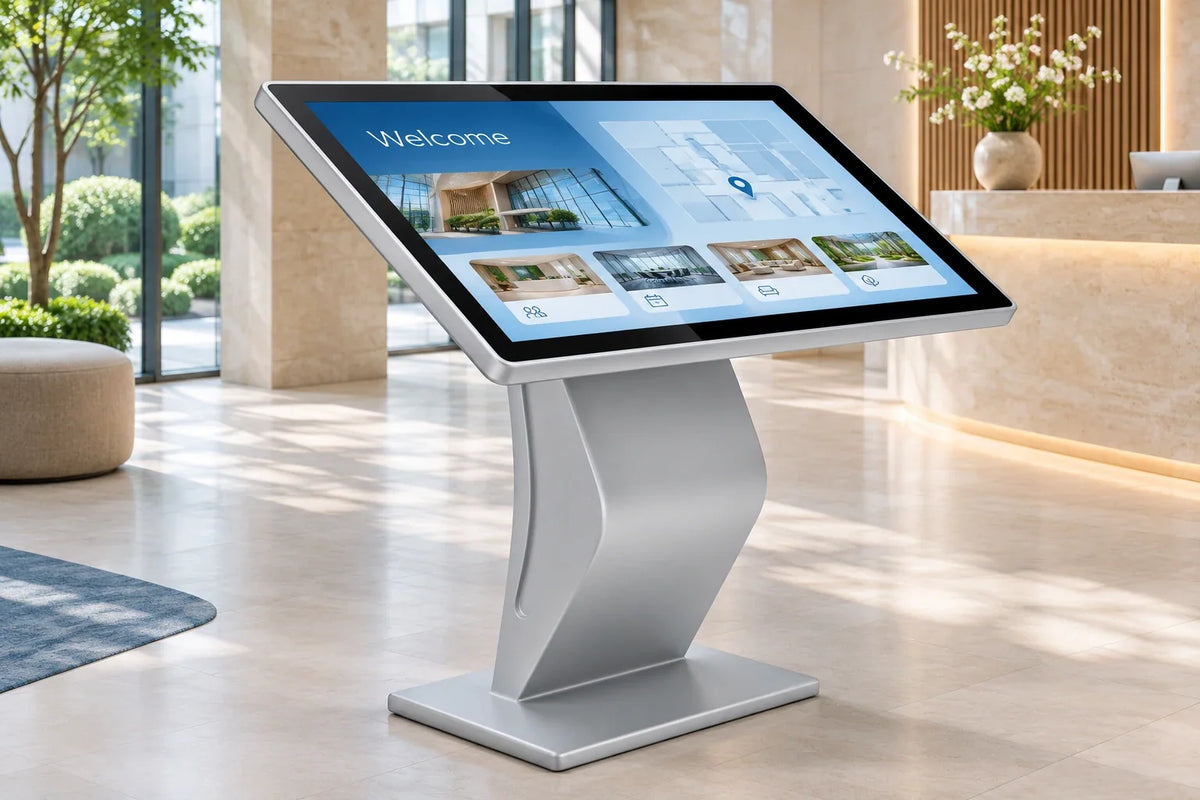
Angled touch screen information kiosk

The Angled Touch Screen Information Kiosk provides a landscape format for information and browsing tasks. Review the screen position, touch configuration, application requirements and maintenance access together. The enclosure alone does not specify a directory application or a mapping service.
Ultra-thin floor-standing digital signage
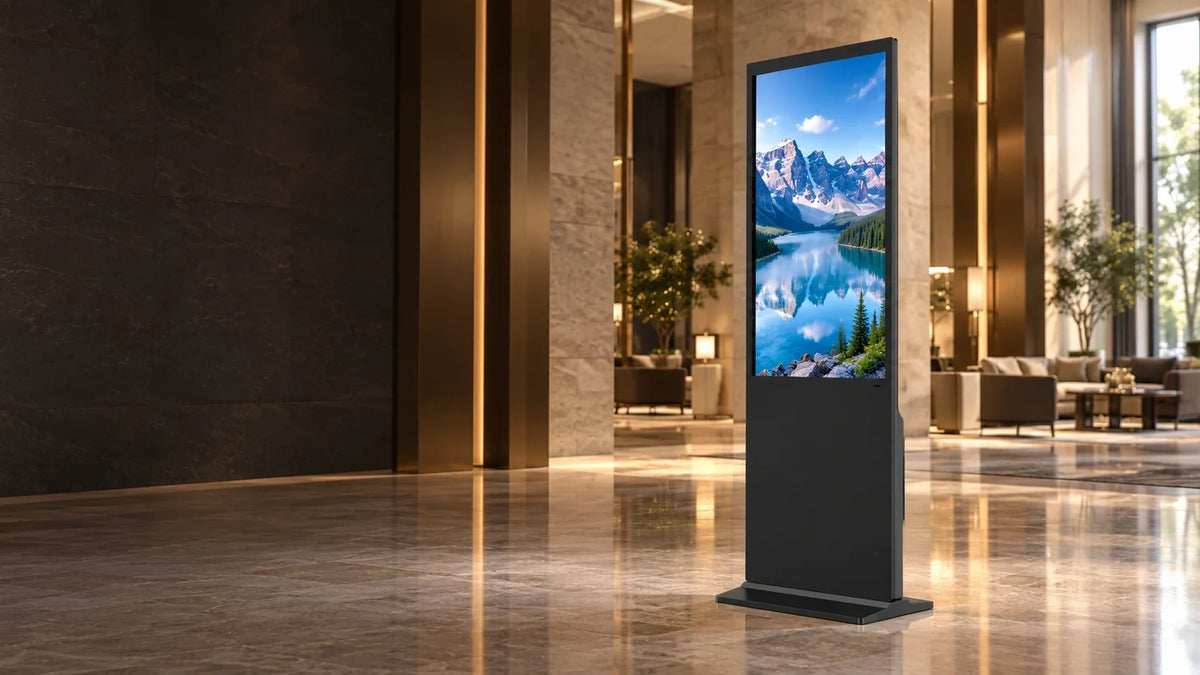
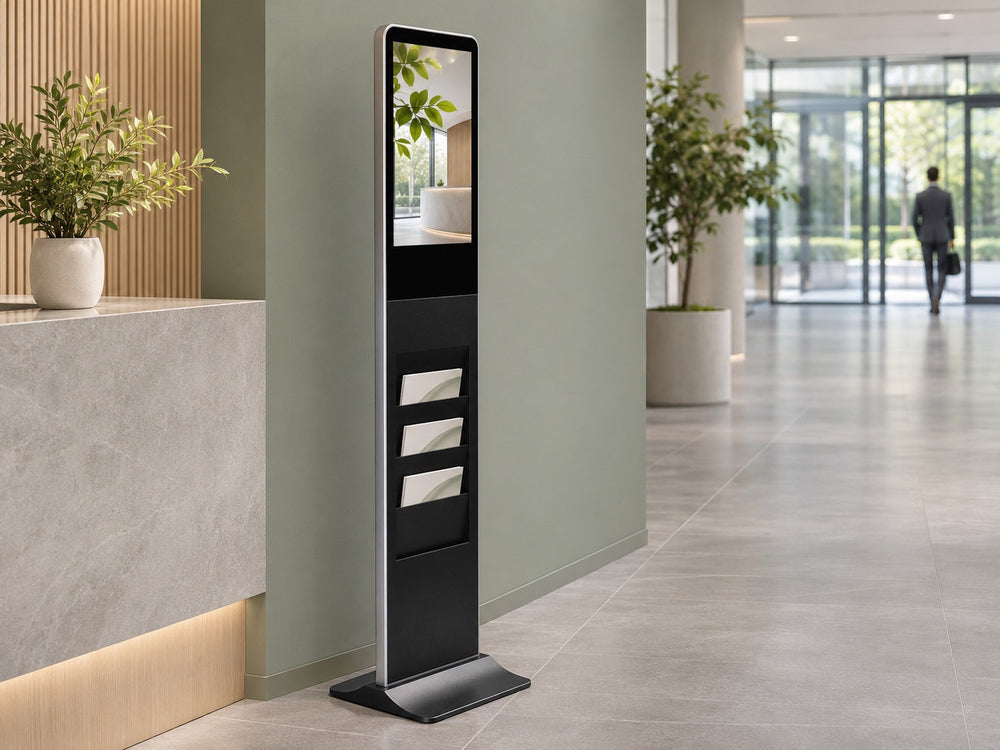
The Ultra-Thin Floor-Standing Digital Signage is an indoor option for welcome messages, promotions and information points. Specify touch as an option when the task requires it, and confirm the selected build. Adding touch does not supply the visitor application.
For a display-only project, compare the existing indoor floor-standing displays before paying for an input method nobody will use.
Floor-standing self-service ordering kiosk

The Floor-Standing Self-Service Ordering Kiosk is a hardware starting point for an ordering workflow. Itemize the proposed printer, scanner, payment device and other peripherals rather than assuming a standard package. Confirm who supplies the ordering application, POS connection, payment service, drivers and ongoing support.
Give every part of the system an owner
Ask for a configuration record with the quotation. It should let the hardware supplier, application provider and site team identify their own work and the interfaces between them.
| Layer | Record before sample approval | Evidence to request |
|---|---|---|
| Display, touch and enclosure | Orientation, selected touch option, mounting, connections, cable route and service access | Agreed configuration and drawings |
| Computer and operating system | Selected platform, OS build, application requirements and supported connections | The actual application running on the proposed configuration |
| Application and information | Provider, version, licenses, accounts, data source, update owner and recovery behavior | A complete task and a demonstrated information update |
| Peripherals and transactions | Included devices, drivers, connectors, service providers and support responsibilities | Tests using the agreed peripheral and service combination |
| Site and operations | Installation, network, cleaning, access and authorized recovery procedures | Site checks and a handover record |
Gemdragon's supplied LCD Android publishing-system option includes permanent LAN and WAN use under the confirmed configuration scope. Specify that option in the quotation. Content publishing, a visitor directory and an ordering or payment application are different software scopes; network services and third-party terms remain separate.
Use the CMS and hardware compatibility guide for configuration testing. For enclosure changes, prepare drawings through OEM/ODM hardware planning; use the system-integrator brief to assign the wider deployment handoff.
Test the complete session before rollout
Agree the sample build, procedures and pass criteria before a larger order. Keep the observed results and open exceptions with the hardware and software revisions.
- Complete the task. Find a representative destination, browse the required options or submit a test order in the intended application. Include the required peripheral responses.
- Start the next session. Complete, abandon and time out the task as agreed. Check that the next person receives the intended starting state and only information they should see. The next-session testing guide covers this in more detail.
- Check service interruptions. Test application restart, network loss and power recovery using authorized procedures. Record what appears while a service is unavailable and who restores it.
- Check the installed position. Review viewing, reach, reflections, circulation, cable protection and maintenance access with representative users and the responsible site team. For a freestanding touch installation, use the floor-standing interaction-zone survey to record the approach, task position and waiting area.
For a directory, also assign destination names, map updates and route approval using the wayfinding planning guide. Have the responsible specialist assess applicable accessibility requirements: the U.S. Department of Justice's accessible design standards address the built environment, while W3C's target-size guidance addresses digital controls. Neither establishes compliance for a complete kiosk installation.
Questions before you request a configuration
Does a touch screen kiosk include the software for my task?
Confirm the exact quotation. Touch supplies an input method; publishing, directory, ordering and payment services require their own scope. Record the included application, versions, licenses, accounts and integration responsibilities.
Can we reuse an existing application, screen or computer?
Share its documentation, OS build, application requirements and connections. Check the mounting and service arrangement, then test the assembled configuration. Use the stand-versus-all-in-one guide when deciding how existing components should be housed.
How should we compare kiosk quotations?
Give suppliers the same task, hardware configuration, software scope, peripheral list, destination and acceptance requirements. Compare what is included and who supports each part. The kiosk price comparison guide explains how to keep those packages comparable.
Prepare a useful hardware brief
Send Gemdragon the visitor task, preferred existing product, installation country, quantity, application and OS requirements, proposed peripherals and available drawings. Include the sample checks needed before rollout. We can review the hardware configuration and identify what your project team needs to confirm.