Hotel Check-In Kiosks: Plan the PMS and Room-Key Handoff

The reservation appears on screen. The guest smiles. Then the room is not ready—or the key does not work. The welcome screen has finished its part; the hotel still has a guest to receive.
Plan a hotel check-in kiosk around three separate outcomes: the hotel permits check-in, the PMS records the agreed status, and the guest receives the appropriate room access. Confirm how staff recover when only some of those outcomes occur.
This is a procurement and acceptance guide for hotel operations, IT, and integrators. The opening is a planning scenario, not a reported customer installation. Gemdragon supplies configurable terminal hardware; a complete PMS, identity, payment, or room-key integration requires project-specific software and device confirmation.
Define when the hotel allows self-check-in
Finding a reservation is only the first match. Ask the hotel and its application provider to define eligible reservations, arrival timing, room readiness, required registration steps, and cases that must go to reception. Keep policies with their responsible owner rather than encoding assumptions into the display brief.

Use synthetic reservations to test the combinations: the expected reservation with a ready room, a reservation that cannot yet be completed, a changed room assignment, and a guest who needs staff help. Do not use real guest identity documents or live payment details in a general supplier demonstration.
Record which system decides each condition and what the guest sees when it cannot decide. “Please see reception” needs an actual assistance arrangement, including the hours when the usual desk is not staffed.
Treat the room-key system as its own integration
Mews’s key-cutter setup documentation describes an encoder connection and assigning the connected key cutter to a kiosk. It also warns against adding a duplicate integration when one already exists. That is concrete evidence of a system boundary, not simply another hole to add to a cabinet.

Ask the PMS/application team and lock-system provider to identify the approved encoder, connection path, drivers or services, and supported software versions. Confirm where credentials and configuration live. A terminal with a card-sized opening is not proof of room-key support.
Then review physical access: who replenishes cards, clears a jam, replaces the encoder, and secures service access? Agree the final arrangement before customizing the enclosure. Do not infer a particular key mechanism from a generic product photo.
Hotel check-in handoff review
On a narrow screen, scroll the table sideways to read all columns.
| Boundary | Owner confirms | Evidence for the project |
|---|---|---|
| Reservation to eligibility | Hotel and PMS/application provider. | Approved eligible and ineligible test cases, with clear guest instructions. |
| Eligibility to PMS status | Hotel operations and application provider. | Expected before/after reservation state and recovery procedure. |
| PMS to key system | PMS/application and lock-system providers. | Approved encoder, connection, versions, and actual configured path. |
| Key outcome to guest | Hotel and key-system provider. | Agreed controlled access test and a staffed alternative for an unresolved issue. |
| Exception to next shift | Reception/operations manager. | Named assistance role and a usable record of what already completed. |
Use the intended lock system to verify the approved access result under the hotel’s controlled test procedure. An “issued” message is not a substitute for the agreed end-to-end check. The lock provider and hotel determine the permitted test and authorization rules.
Rehearse partial completion with the next shift
The revealing test is not another normal arrival. It is a completed PMS action followed by an unsuccessful key handoff. Ask the software provider what status is retained, how an authorized employee identifies the transaction, and which action can safely resume. Do not instruct the guest to start again without knowing what already happened.

Prepare a staff-facing recovery record with the approved reservation reference, current PMS status, key-system outcome, and next responsible role. Keep unnecessary guest information off the public screen. The property’s privacy and operational owners determine what data the workflow requires.
Give the recovery instructions to someone who did not configure the kiosk. Ask them to locate the pending case and follow the authorized path. Record any step that depends on a password held by one person, an unexplained status, or a message the arriving guest cannot understand.
Include a lost connection and a restart in the agreed test plan. These are controlled project rehearsals, not permission to disrupt a live hotel service. The software team should decide which transactions can continue, which must stop, and how state is reconciled.
Choose the terminal after the application requirements are clear
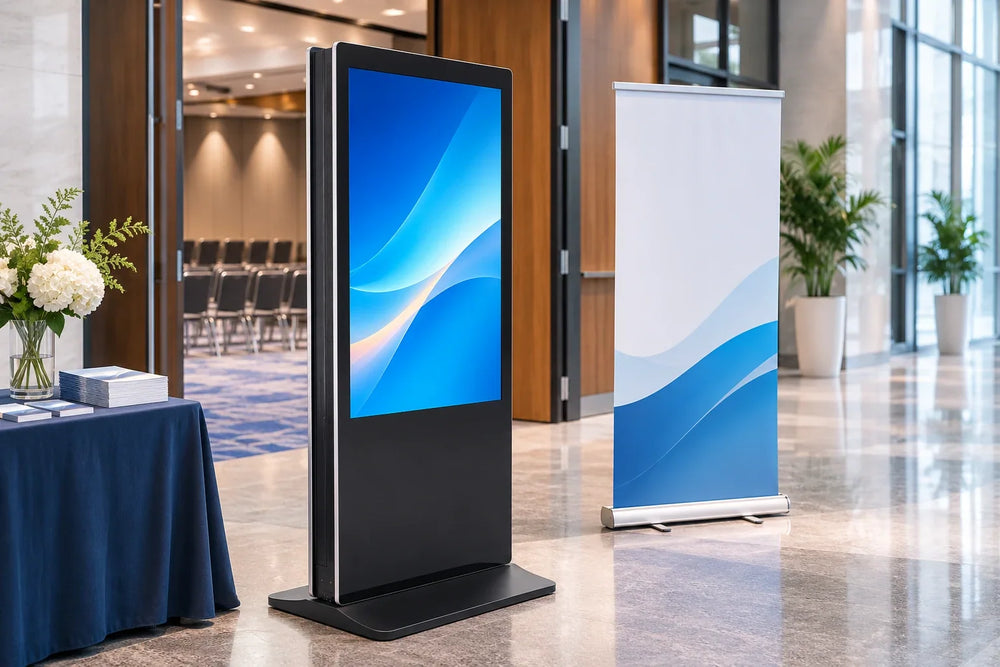
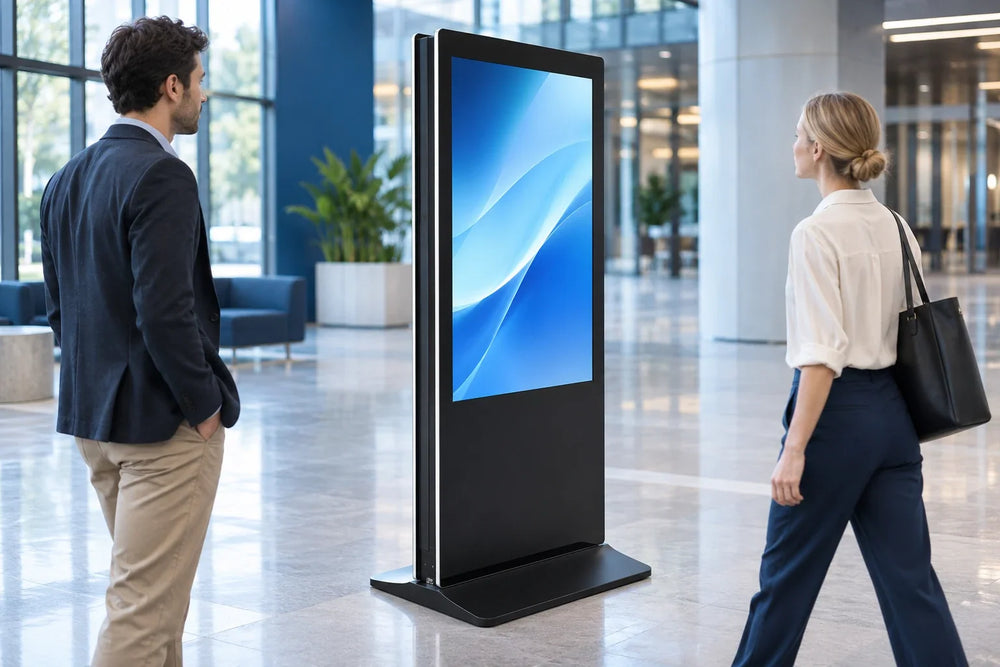
A floor-standing self-service terminal is one existing Gemdragon hardware form to discuss. Its product name and physical format do not establish a hotel software package, approved key encoder, identity check, or payment service.
Compare floor-standing, desktop, and wall-mounted options against the actual guest approach, accessible interaction requirements, staff sightline, service path, and application’s supported platform. Avoid deciding by cabinet silhouette before the software provider has stated its requirements.
The hardware planning guide covers the terminal brief. The payment integration guide separates payment and application outcomes. For public event and lobby information, use the hotel signage guide; that is a separate screen role from guest check-in.
Can the hotel eliminate reception with a kiosk?
A hardware quotation cannot answer that. Decide the eligible tasks, exception volume, assistance coverage, and operational policy using the selected application and property process. Even a successful self-check-in needs an agreed recovery path.
Send Gemdragon the chosen application’s hardware requirements, supported OS, proposed encoder and peripherals, interaction layout, and service-access requirements. Specify the software and room-key responsibilities alongside the terminal. Request a Quote.