Outdoor Notice Boards: When to Keep Paper and When to Add LCD
Decide where paper still works and where outdoor LCD adds value. Compare update work, site conditions, current-information checks, and complete operating costs.

An outdoor notice board does not need a screen merely because the paper looks tired. Keep a protected printed board when information changes infrequently and a local person can maintain it. Consider outdoor LCD signage when changing messages justify a managed publishing system, suitable power, and a service plan. A site may need both: a fixed information layer and a changing announcement layer.
The useful comparison is whether people can find the right information when they arrive. A beautiful screen showing yesterday’s closure is still yesterday’s closure.
Separate three different purchases
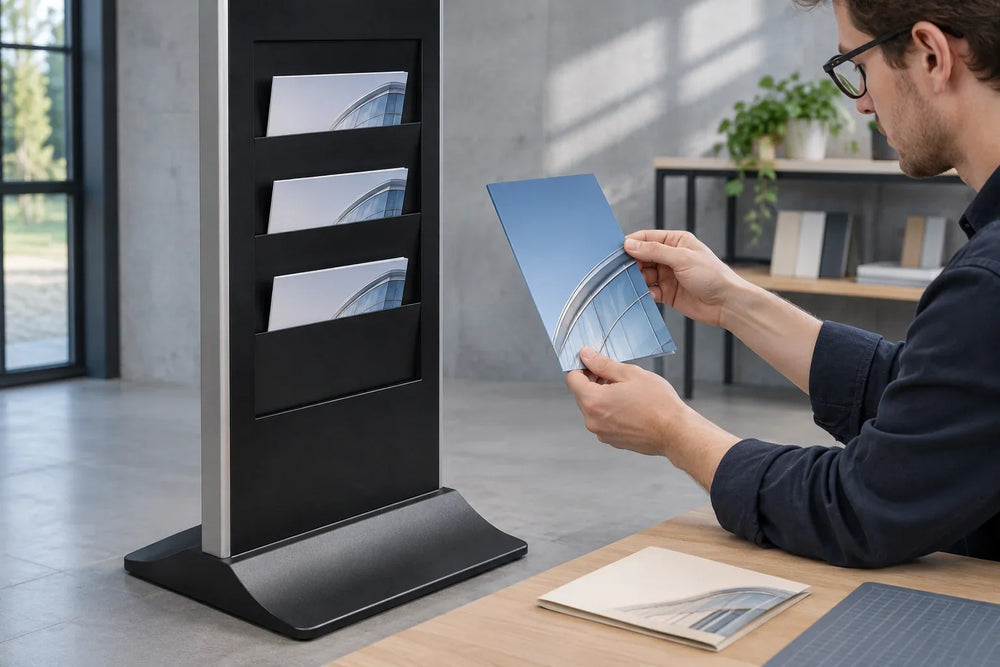
A weatherproof outdoor sign holder protects a printed insert. A lockable outdoor display cabinet presents paper notices behind a door. An outdoor LCD display is an electrical system with a screen, enclosure, playback method, and maintenance requirements. Similar search results can conceal very different purchases.
For example, MT Displays’ noticeboard sheet describes lockable cork or magnetic boards and specifically mentions sheltered outdoor locations. That illustrates why the installation conditions matter even for paper. Its instructions describe that manufacturer’s boards, not a Gemdragon product.
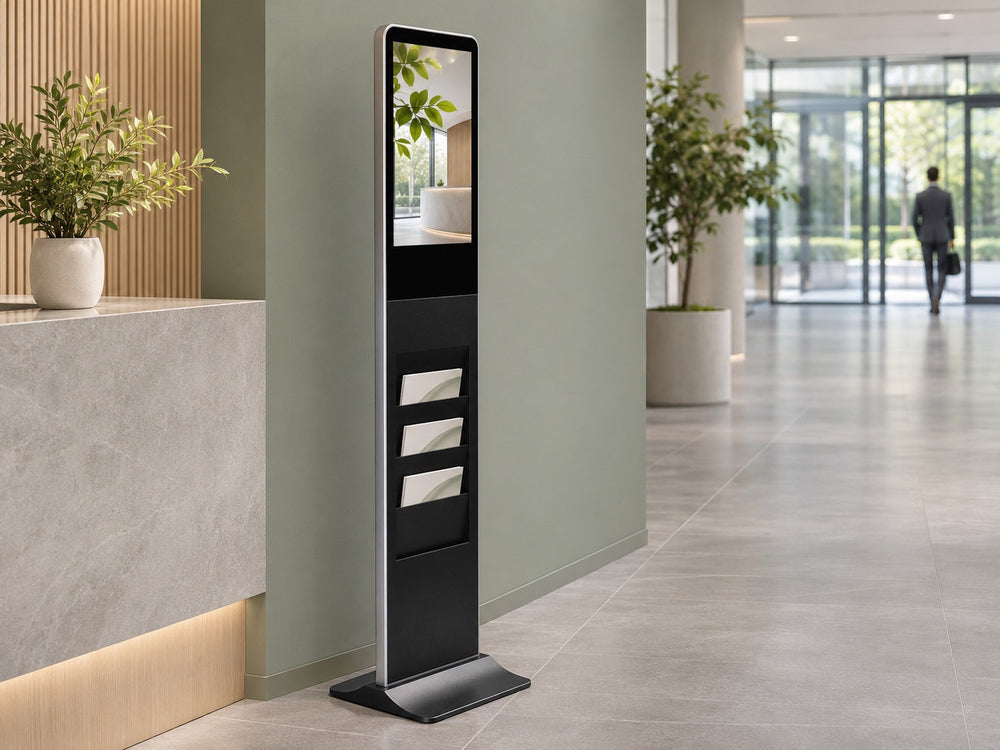
Gemdragon’s outdoor floor-standing LCD range is the relevant digital format to discuss. Choose the physical format after defining the message, viewing position, and update work.

Measure the update window before the screen size
List the messages displayed at the proposed position. For each one, record who approves it, when it becomes valid, when it expires, and how someone checks the final display. Include removal. A process that can post an event but never removes it is only half a publishing process.
Then time a real update. For paper, include obtaining the approved notice, printing, reaching the site, gaining access to the board, replacing the insert, closing the case, and checking it from the visitor’s position. For digital, include approval, preparation, publishing, delivery to the intended endpoint, and confirmation of what the physical screen actually shows.

Define update delay as the time from an approved change to verified display at the location. Compare that delay with the time available before the message matters. Do not count a CMS upload confirmation as proof that the correct screen changed.
| Message | Decision to make | Evidence to keep |
|---|---|---|
| Permanent entrance information | Does it need to remain available without display power? | Approved physical location and a way to keep the text current |
| Occasional community notice | Can a named local person replace and remove it in time? | Access arrangement, current version, and removal owner |
| Changing daily activity | Can the publishing workflow complete within its useful update window? | Observed approval-to-display delay at the correct endpoint |
| Temporary closure or route change | What tells an arriving visitor the correct next step if the screen fails? | Site-approved contingency and the person responsible for checking it |
This worksheet is a planning method, not a rule that every permanent message belongs on paper or every changing message needs LCD. A well-maintained physical board can beat an unowned screen. A staffed location can also change paper quickly. Record the actual constraint.
Evaluate the whole outdoor installation
Paper and LCD both need a readable position, suitable protection, secure mounting, and maintenance access. Paper does not eliminate the work of checking seals, replacing damaged notices, controlling keys, or keeping the viewing face clean. LCD adds electrical supply, a verified playback configuration, and a recovery procedure.
Inspect the intended message in daytime glare and in the lighting available after dark. With paper, check the protective face, reflections, and any lighting the site needs. With LCD, test the selected display and finished content at the intended position. A brightness number alone cannot settle visibility.
The IEC 60529 publication record identifies the IP Code as an enclosure-protection classification. An IP label is not a complete acceptance record for the installed board, its cable entries, mounting, or servicing. Use the outdoor display IP-rating guide to define the questions for the proposed LCD configuration.
Reserve space to read the information and to service the equipment. Include a paper case’s open door in the review, as well as an LCD cabinet’s service access. The U.S. Access Board’s accessible-route guidance explains how site arrival points connect to accessible entrances. Have the site team review the proposed location against applicable access requirements; adding a notice board does not establish compliance.
Test availability and correctness separately
A paper notice can remain visible during a power outage and still contain the wrong information. A digital display can be powered, connected, and equally wrong. Give the acceptance record two separate questions: Can the visitor see the information? and Is it the current approved version?

- Paper check: inspect the actual insert, its effective date, legibility, condition, and the closed case. Confirm who removes it.
- Digital check: publish a distinguishable approved test message, verify the intended physical screen, and use the selected system’s supported procedure to review restart and network-loss behavior.
- Contingency check: ask the responsible operator to explain the action for missing or stale information, including when a site visit is necessary.
Do not assume an offline player automatically removes expired content, or that reconnection automatically proves a successful update. Those behaviors belong to the chosen software and configuration. For the hardware discussion, the closed-cabinet connectivity test addresses the final operating position. Keep legally required notices and safety information under the site’s applicable procedures rather than treating a promotional playlist as their approved replacement.
Compare a complete operating cost
Use the same location, message workload, and comparison period for both options. Obtain current quotations rather than treating a search-result price as an installed budget.
Paper cost: board and installation + print production + staff time for approved changes and checks + cleaning, repairs, and replacement inserts.
LCD cost: display and installation + power and data provision + agreed player/software costs + content approval and verification + electricity, service visits, and replacement allowances.
Separate a normal content update from a repair visit. Remote publishing may remove a poster-changing trip; it does not remove the need to inspect or service hardware. The outdoor signage TCO guide expands the installed-cost boundary.
If paper is working and updates are rare, retaining it can be the sensible decision. If timely changes repeatedly require avoidable travel, evaluate an LCD pilot with a measured update workflow. A hybrid layout can also work, provided each layer has an owner and conflicting notices are removed. None of these choices establishes a payback period without your own costs and observations.
Questions to settle before ordering
Can an outdoor poster case become an LCD enclosure?
Its ability to protect paper does not establish electrical, thermal, mounting, or service suitability for powered equipment. Evaluate a purpose-specified complete display or an engineered enclosure arrangement with its responsible suppliers.
Does a digital notice board require a touchscreen?
No. A screen can show announcements without touch. If visitors must search or select information, define that application separately and confirm the exact input hardware, software, and accessible use.
Should the LCD show every notice in a rotating playlist?
Test whether a visitor can find the needed message within the time available. Reduce the content or change its presentation if essential information disappears into a long loop. Any required posting format needs its own review.
Bring a message list to the hardware discussion
Send Gemdragon site photographs, intended viewing position, operating hours, local exposure, power and network plan, and a sample of the information that changes. Include who updates it and what should happen if the screen is unavailable. Start with the outdoor digital signage buying guide and the existing outdoor display range; confirm the product configuration around your actual site.