How to Clean a Commercial Touch Screen Without Creating a New Fault
Build a touch screen cleaning routine around the actual surface and enclosure. Plan a safe device state, approved method, and a post-cleaning touch check.
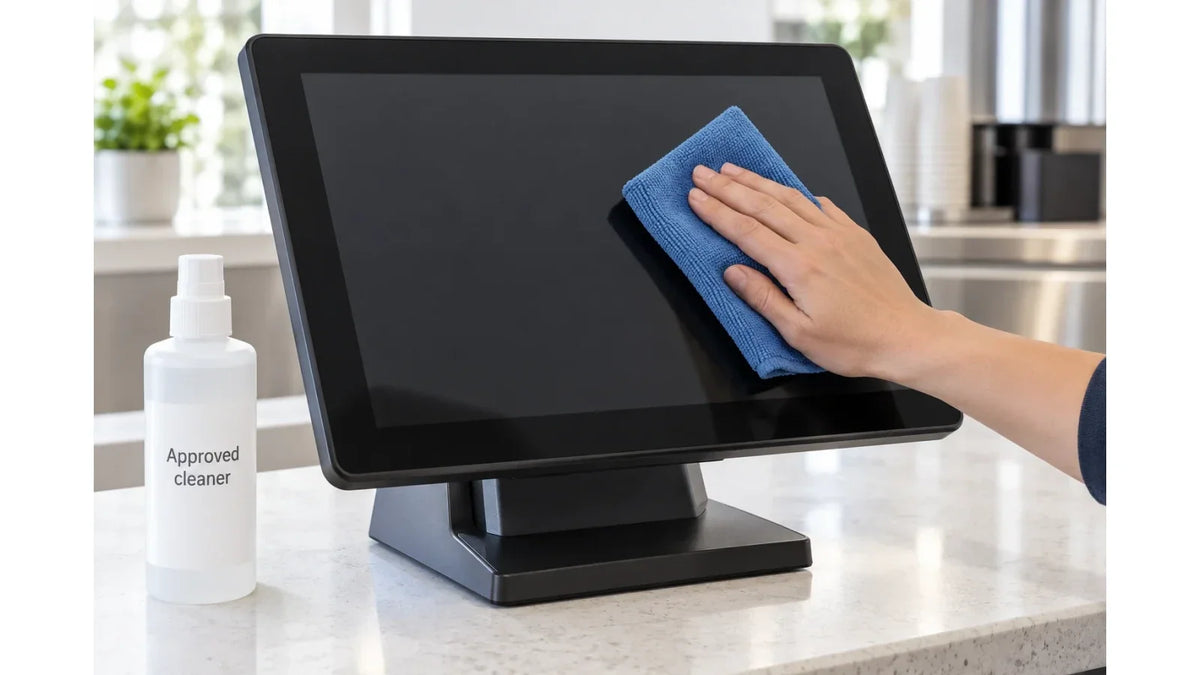
A bottle labeled “screen cleaner” is not enough to choose a cleaner for a commercial touch display. Check whether the equipment supplier approves it for the particular front assembly.
Cover: Concept illustration: use the cleaner and method approved for the actual device; the pictured bottle is a generic placeholder.
A public touch terminal is not a sheet of glass. It is glass plus a surface treatment, a printed border, a frame, an adhesive edge, and openings close to the area being wiped. A product that is fine on bare glass can be the wrong choice for that stack, and cleaning instructions written for one display do not transfer to another.
Ask a specific question
The useful request to the equipment supplier names the exact display configuration and asks for the approved product or solution, the application method, the cloth, any contact time, and the drying or restart steps. Do not copy a concentration out of another manufacturer's manual and apply it across a fleet.
Elo's touchscreen cleaning guidance separates cleaning from disinfecting and discusses preparing the device so that wiping does not register as input. It is written for Elo's documented products. Read it to see which questions are worth asking, not as chemical approval for a different display.

A cloth on live glass is an input device
On an announcement screen, a stray touch may open a menu. On a service terminal, it might move into a transaction, change a selection, or expose the next session. Someone has to decide, with the application owner, what state the device is in while it is being cleaned.
Follow the equipment procedure for shutdown or for an approved cleaning mode, and confirm that staff can enter and leave that state without help. A routine that needs an administrator password taped to the counter is not a routine.
If the application offers a temporary touch lock, check how it behaves before handing the job to staff: does it show that cleaning is in progress, what happens when it times out, and does the terminal come back to the intended start screen? The name of the feature does not answer any of that.
Write the routine where the work happens
The instruction posted near the terminal has to settle a few things without ambiguity:
- Which display and which surface the instruction covers.
- The approved shutdown or cleaning-mode steps for that device.
- The approved material, cloth, and method, and how to keep openings and edges clear.
- Drying and restart, following the equipment procedure.
- What to look at afterward, and who receives a fault report.
Do not spray liquid onto the display unless that is explicitly part of the equipment's procedure, and do not scrape at residue with an improvised tool or press harder when a mark does not lift. Stop and ask for the approved method; a scratched coating costs more than the mark.

Keep cleaning and disinfection separate in writing as well as in practice. A wiped surface is not, on its own, a disinfected surface, and the product choice for a hygiene program belongs to whoever owns that program, subject to what the equipment will tolerate.
Check the surface and the response
Inspect the display once it is dry and ready to restart, following the documented procedure. Look for haze, streaks, lifting at an edge, or a new mark. Then run a simple, repeatable touch task over the area that was cleaned, including the corners and the controls people actually use, rather than tapping the middle and calling it verified.
If touch behavior has changed, record what changed and when, and keep the product identity, the method, and the display identity with the report. Do not keep wiping or change several settings at once to chase the symptom. A clear record lets the supplier separate a residue problem, an input problem, and possible physical damage, which are three different conversations.
For procurement, raise cleaning early. A site that already runs an approved chemical program should send that information before the sample is accepted, and the supplier should confirm the instructions for the surface and the enclosure. "Tempered glass" is not a cleaning specification.

This is a way to organize a site routine. It does not approve a chemical, and it does not extend to work inside the unit.
The maintenance guide places cleaning inside the wider service plan, and the touch-technology comparison explains why the complete touch stack matters. Keep the device-specific instruction with those project resources.
Send Gemdragon the intended cleaning routine and the display location when you discuss the surface and enclosure configuration.