Digital Signage Maintenance Checklist: Plan the Work After Installation
Plan cleaning, site checks, software changes, and service records. Use a task-based maintenance log tied to the display model and location.
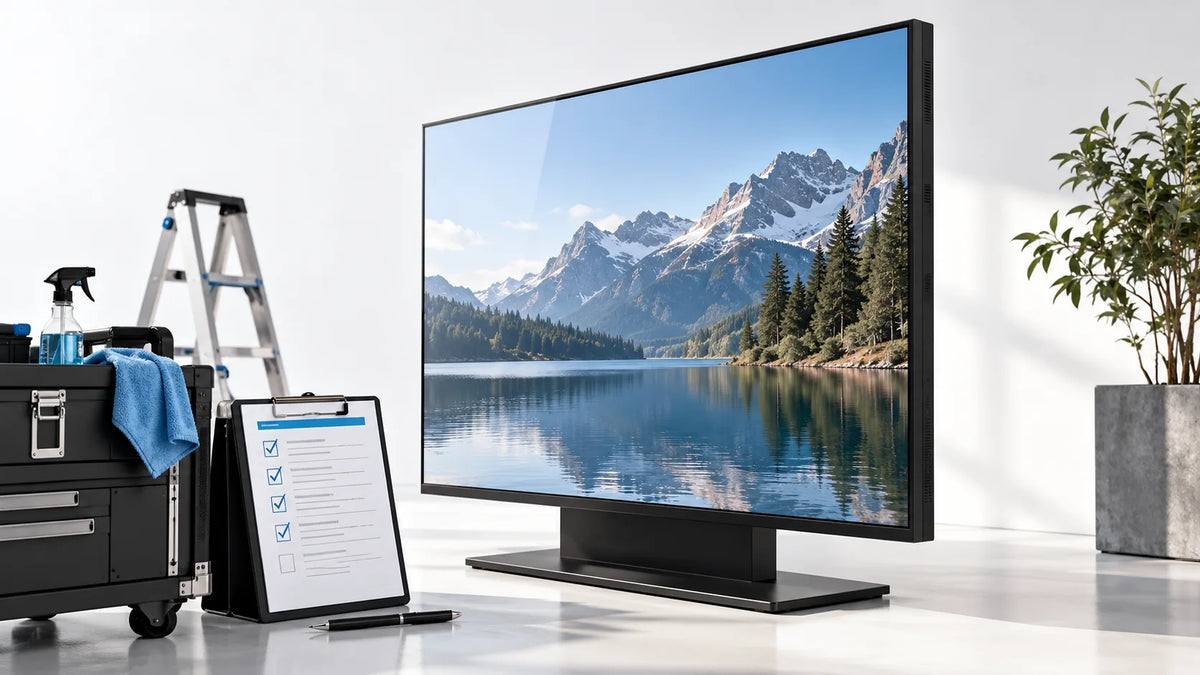
Cover illustration: a conceptual scene, not a Gemdragon model or completed customer installation.
A digital signage maintenance checklist should cover the visible screen, installation condition, playback, content accuracy, access, and service records. Set the interval from the model's instructions, site conditions, and operating risk rather than applying one schedule to every screen. Assign each task to someone who can perform it safely, record what changed, and verify the displayed result after work. Cleaning alone is not a complete maintenance program.
Give each screen an operating record
Link the screen's site identifier to its display model, player, controller, installed software, accepted settings, and responsible contact. Keep installation photographs and the approved service procedure accessible to the people who need them. Store account secrets separately in the organization's credential system.
Record the latest working state. A technician should be able to tell which content, input, orientation, and schedule are expected before changing anything. Without that reference, a screen can be returned to a working picture that is still wrong for the site.
Distinguish maintenance from repair. A routine visual inspection does not require opening an electrical enclosure. Define what site staff can check and what must be referred to a qualified service person.

Build a task-based maintenance table
| Area | Routine observation | Escalation or follow-up |
|---|---|---|
| Picture | Correct program, legible message, visible abnormalities | Photograph the symptom and compare with the accepted state |
| Content | Prices or notices current; expired material removed | Contact the named publisher or data owner |
| Exterior | Damage, contamination, blocked ventilation, loose external parts | Follow model-specific service and cleaning instructions |
| Installation | Visible movement, cable damage, obstructed access | Refer mounting or electrical concerns to qualified personnel |
| Playback | Intended startup, schedule, input, and fallback | Retest the affected operating scenario |
| Software | Inventory, approved updates, account ownership | Review changes and recovery before deployment |
| Records | Task owner, date, result, unresolved item | Assign the next action and verify closure |
Use “not checked” where access or evidence is missing. A completed date without an observed result is not evidence that the screen passed.
Clean according to the exact surface and instructions
Use the display manufacturer's instructions for isolation, cloth, cleaning agent, and method. Coated glass, exposed panel surfaces, touch overlays, and enclosure finishes should not inherit one generic chemical recommendation.
For example, Allsee's MxxUHD1 user manual includes power and cleaning precautions for that product. Consult the relevant Gemdragon model instructions for a Gemdragon installation. Do not copy a cleaning-agent allowance from another manufacturer's manual.
Keep liquid away from openings and connections. Do not use a maintenance article as permission to remove panels, bypass a safety interlock, or spray into equipment. If access requires lifting, isolation, or work at height, arrange the site's approved procedure and responsible personnel.

Inspect the installation without inventing a universal interval
A shop entrance, an office wall, and a dusty service area expose equipment to different conditions. Ask the site and supplier to agree task intervals based on the environment, operating schedule, manual, and observed issues. Review the interval when those conditions change.
Check whether ventilation remains unobstructed after surrounding merchandising or furniture changes. Record obvious cable strain, damage, or blocked service access. Report changes to the installation rather than making unapproved mounting adjustments.
The installation site-pack guide helps establish the original arrangement. Use the black-screen fault tree if an inspection finds a missing picture.
Treat software and content changes as maintenance events
Name who approves updates to the player, operating system, CMS application, and firmware. Review release information and test the relevant workflow on a representative unit before a wider deployment. Keep a documented recovery route and avoid making unrelated changes during one troubleshooting session.
After an update, verify playback, orientation, schedule, connectivity, and the controls the site relies on. If the screen uses live data, check freshness and the fallback after a failed refresh. The API fallback guide covers that content behavior.
Account review is another maintenance task. Confirm that departed staff and former service providers no longer retain inappropriate access through the organization's normal access-management process. Record an owner for the cloud account and a current escalation route.

What should a maintenance log contain?
Keep a reusable row with these fields:
- Site and screen identifier.
- Task trigger: scheduled inspection, reported fault, update, or site change.
- Person performing the task and the permitted scope of work.
- Observed state before work, including relevant photographs.
- Procedure followed and parts or settings changed.
- Final playback, schedule, and physical-condition checks.
- Unresolved issue, responsible owner, and planned follow-up.
- Record of the accepted configuration after any approved change.
Where a part is replaced, retain its identification and the reason for replacement in the service system. Do not infer a fleet failure rate from isolated tickets. A meaningful reliability measure needs a defined fleet, period, fault definition, and denominator.
Verify the return to service
The last step is a visible result. Confirm that the intended program is showing, any temporary test content is gone, the schedule is restored, and external covers or access points are secured as required by the service procedure. Let the responsible operator know about remaining limitations.
For a hypothetical screen cleaned before a store opens, the record should not end at “cleaned.” It should state that the unit resumed the correct opening program and that the operator checked the picture. That is a proposed logging practice, not a claimed Gemdragon service outcome.
Frequently asked questions
How often should a digital signage display be serviced?
Use the model instructions and the site risk assessment to agree intervals. This guide does not establish a universal daily, monthly, or annual service requirement.
Does preventive maintenance extend the stated warranty?
Warranty coverage is governed by the model-specific agreement. Confirm the applicable policy with the supplier; this guide makes no warranty-term promise.
Can I spray cleaner directly onto a signage screen?
Follow the exact model and surface instructions. Do not assume that a cleaner suitable for one coating is suitable for another, and do not apply liquid directly unless the manufacturer's procedure explicitly permits it.
What belongs in a digital signage maintenance log?
Record the device reference, location, date, symptom or task, person responsible, actions, software changes, and return-to-service result. Reference protected credentials separately rather than writing them in the log.
What should I verify after a software or content change?
Check the assigned program, layout, schedule, touch path if used, and the agreed recovery behavior. Keep a record of the changed version and a usable rollback or escalation path.
Plan service access before buying
Send Gemdragon the installation location, operating schedule, environmental conditions, access restrictions, and proposed service responsibilities. Request the instructions and configuration information needed for your maintenance plan. Visit Support and Quality and Inspection for the relevant discussion.
Discuss the service requirements for your project
This is a maintenance-planning worksheet, not a model-specific repair or cleaning manual. Additional deployment material is in Resources.