

A practical sizing framework for choosing among 43-, 55- and 65-inch commercial displays based on the business task, farthest viewer, content density and site constraints.
Key takeaways
- 43-inch: close viewing, constrained footprints and concise messages.
- 55-inch: balanced visual impact, placement flexibility and logistics.
- 65-inch: stronger distance visibility, but greater structure and handling demands.
- Validate with real content at the actual viewing distance before a volume order.
Start with the decision viewers must make
A screen is correctly sized when a viewer can notice it, read the smallest important information and act without moving to an unnatural position. That means a digital menu, wayfinding screen and promotional window display can require different sizes even in the same space.
Write down the critical viewing task first: recognize an offer, compare options, read directions, scan a QR code or follow operational instructions. Then identify the farthest expected viewer and the smallest content element that must remain legible.
How 43, 55 and 65 inches change the project
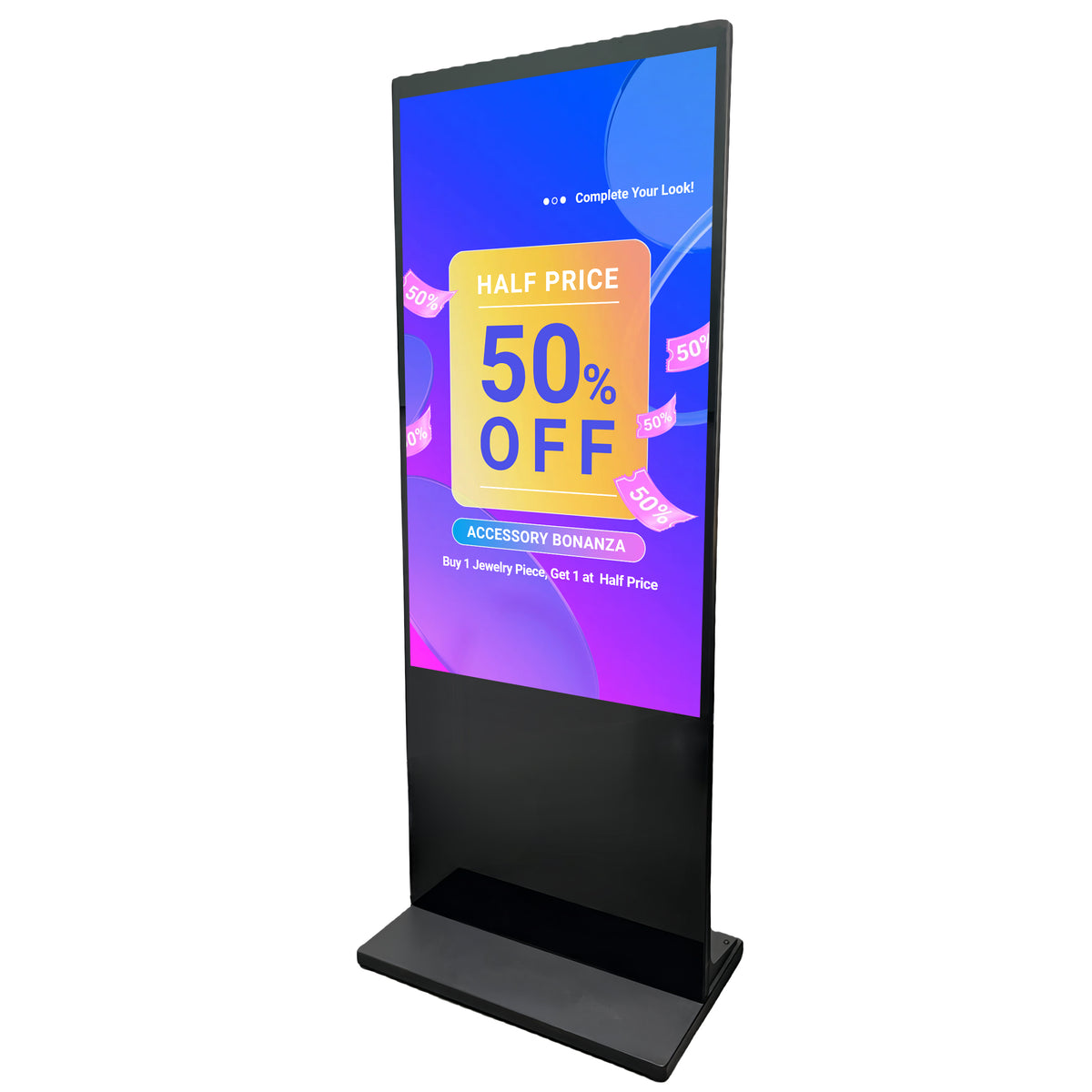
A 43-inch commercial display is easier to place near entrances, counters and narrower corridors. It works best when the content is intentionally simple and viewers are relatively close. A 55-inch display is often the practical center of a commercial signage program because it increases visual presence without creating the same handling and structural burden as a larger unit.
A 65-inch display provides more image area for larger spaces, multi-zone layouts and longer viewing distances. The tradeoff is not only purchase price: wall structure, floor stability, elevator access, packaging, installation labor and service clearances should all be reviewed.
Use a site survey instead of a universal distance rule
Generic rules such as multiplying diagonal size by one fixed number ignore content density, visual acuity, ambient light and the business decision being made. AVIXA’s display-image-size approach similarly starts from viewing need and viewer position rather than a single retail rule of thumb.
For a project survey, record the nearest and farthest viewer, mounting height, horizontal and vertical viewing angles, glare sources, walking speed, typical dwell time and any objects that block the screen. Photograph the planned viewpoint and annotate the measurements.
Prototype with production-like content
Test the real layout, not a full-screen logo. Use the smallest price, disclaimer, menu item or directional label expected in production. View it from the farthest position under daytime and nighttime lighting. If readers must lean forward or pause longer than the business context allows, either simplify the design or increase image size.
A one-unit sample or a temporary cardboard outline can expose problems that drawings miss. Confirm cable exits, bezel position, vents, doors, base footprint and the ability to remove the unit for service.
What to send with an RFQ
A useful RFQ includes application, indoor or window placement, screen orientation, quantity, operating schedule, viewer distance range, mounting method, content source, required ports and the smallest important on-screen element. Add site photos and drawings when available.
Ask the manufacturer to return a model-specific specification sheet and flag any assumption that still requires confirmation. This reduces quote revisions and helps procurement compare equivalent configurations.
Decision table
| Decision factor | 43 inch | 55 inch | 65 inch |
|---|---|---|---|
| Typical role | Close-range message or constrained site | General-purpose commercial signage | High-impact or longer-distance display |
| Content density | Keep low | Moderate | Moderate to high when typography is validated |
| Installation burden | Lowest of the three | Balanced | Highest structure and handling demand |
| Best validation | Readability at close range | Site-fit and message test | Sightline, structure and logistics test |
Pre-purchase checklist
- Define the viewer’s decision
- Measure nearest and farthest viewing positions
- Test the smallest critical text
- Check glare and sightlines
- Confirm mounting and service clearances
- Validate delivery-route dimensions
Frequently asked questions
Is 55 inches always the best size for digital signage?
No. It is a versatile middle option, but the correct size depends on content, viewer distance, placement and installation constraints.
Should I size the screen by room dimensions?
Room size is only one input. Viewer position, content density, glare, mounting height and dwell time are more directly related to readability.
Can I use the same content layout on all three sizes?
You can use the same content system, but type size, spacing and zone count should be validated for each physical size and viewing condition.
Continue your research
Editorial note: This guide provides a project-planning framework. Final specifications, environmental ratings, warranty coverage and acceptance criteria must be confirmed for the exact model and purchase agreement.




