Ticketing Kiosks: Separate Ticket Sales From Admission Validation
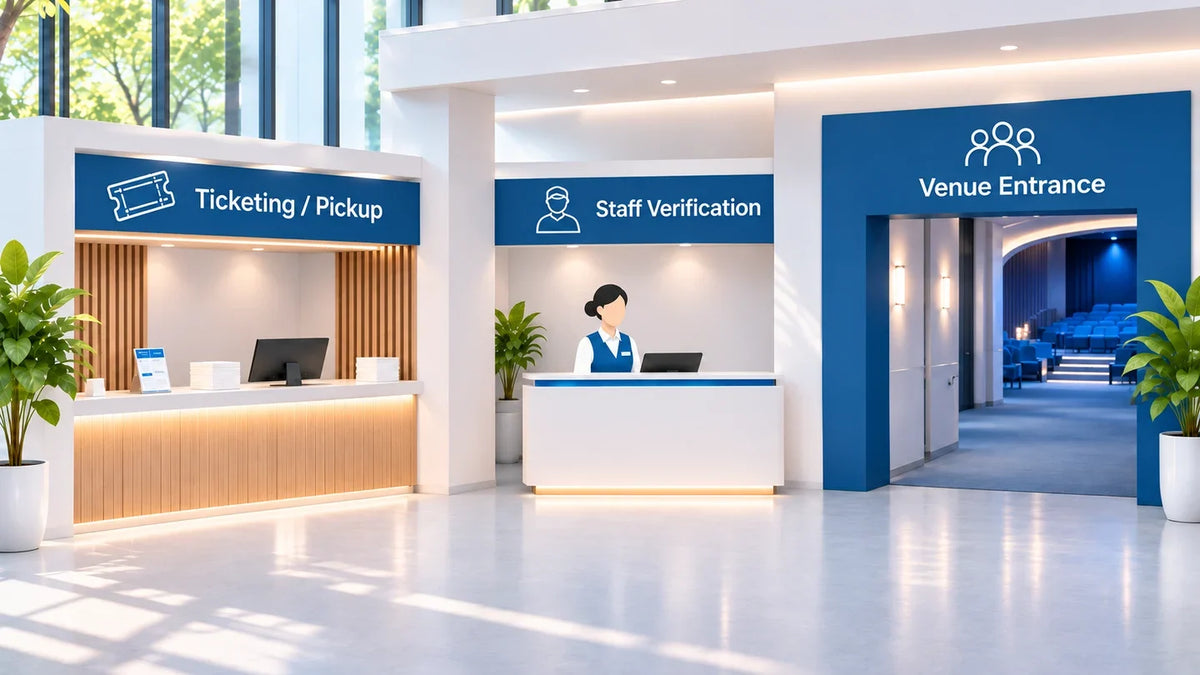
A guest can buy a ticket, collect a ticket, and still need to check in somewhere else. If the project calls all three actions “ticketing,” the queue may simply move from one end of the lobby to the other.
Specify a ticketing kiosk by the job it performs: selling an entitlement, retrieving an existing booking, or validating admission. Then agree which system controls the right to enter and how the guest moves to the next step.
This guide is for venue operators and integrators planning self-service hardware. It does not describe a bundled Gemdragon ticketing platform or a completed venue installation. The workflows below are proposed review methods for the selected application.
Separate sales, pickup, and admission
A sales station creates a purchase. A pickup station retrieves something already purchased. An admission point decides whether the entitlement can be used here and now. One application may connect those jobs, but a label on the cabinet cannot establish the connection.
ROLLER’s self-serve kiosk documentation provides a useful example: its described workflow prints a QR-code docket (booking slip) that the guest takes to the front desk for redemption. The customer completes a self-service purchase, but that does not remove the next handoff. Other platforms may organize the journey differently; verify the selected one.

Write a one-sentence destination for every success screen. “Take this docket to the staffed admission desk” is a different promise from “Proceed to the gate.” Use the instruction that matches the configured process. Test it with someone who has not seen the project diagram.
Assign the station before selecting peripherals
On a narrow screen, scroll the table sideways to read all columns.
| Station job | What must be confirmed | Next handoff |
|---|---|---|
| Sell | The application creates the correct booking or entitlement. | Guest knows whether another redemption/admission step remains. |
| Retrieve / collect | The application finds an existing booking without another sale. | Credential or instructions match that booking’s current status. |
| Validate admission | The authorized system applies venue, time, quantity, and use rules. | Guest proceeds or receives the agreed staffed exception path. |
| Record a waiver | The required record is attached under the platform’s process. | The venue confirms any remaining purchase or admission requirement. |
Do not merge a waiver-only station into the ticket-sales scope by appearance. Identify what that station actually records and whether admission still requires a separate action.
Use entitlement states, not the appearance of the ticket
A printed ticket can look unchanged after a refund, exchange, or earlier entry. The admissions application needs an agreed authority for the current entitlement. Ask the provider how the record identifies the venue, event or session, permitted quantity, validity conditions, and use status.

Keep policies explicit. Re-entry might be allowed, prohibited, or limited; a group ticket might cover several people; a session ticket might have a specific time window. These are venue and platform decisions, not universal scanner features.
Prepare a test record for each policy your venue actually uses. For an exchange, identify the old and replacement entitlements and the expected status of each. For a partial group arrival, specify whether the application records a remaining quantity. If the selected platform does not support the required behavior, that is a scope decision to resolve before choosing hardware.
Ask where the authoritative state is checked when the network is unavailable. Do not assume a cached list can safely approve entry, or that all platforms provide offline admission. The application owner and venue must define the allowed behavior, record reconciliation, and staff alternative.
Rehearse a purchase-to-entry change across channels
Use a controlled test environment and synthetic bookings. Buy or issue a test entitlement, retrieve it through the intended channel, then apply one supported change before presenting it at admission. Observe the application record and the staff decision, not just whether a scanner beeps.

- Normal arrival: verify the intended person or quantity can proceed under the approved policy.
- Changed booking: test a supported refund or exchange and inspect how the previous credential is handled.
- Repeat presentation: verify the venue’s actual duplicate-use or re-entry rule, including the staff message.
- Incomplete pickup: establish how staff find the existing booking without creating another purchase.
- Unavailable authority: follow the agreed assistance path rather than inventing an offline approval.
Record the booking reference, transaction channel, entitlement before and after the change, observed admission outcome, and responsible reviewer. Keep personal and payment information out of the general evidence pack.
Printer and scanner acceptance is still necessary, but it answers another question. Our printer and barcode integration guide checks the device-to-application transaction. This article checks whether the resulting entitlement means the same thing at sales and admission.
Specify the hardware around the assigned job
A sales station may require an approved payment device and a supported printer. A pickup station may need a booking lookup method. A staffed admission point may use a different device entirely. Do not put every peripheral in every cabinet “just in case.”
The Gemdragon floor-standing self-service terminal is configurable hardware to review with your application requirements. A printer, scanner, payment-terminal holder, operating system, and connection arrangement must be selected and confirmed. Its availability does not establish compatibility with ROLLER or another named platform.
Review customer reach and circulation, paper replenishment, service access, and the route to the next staffed or automated point. Use the touch-screen hardware planning guide for the wider brief and the kiosk package comparison to keep quotations comparable.
Does a self-service ticket purchase remove admission staff?
Only the actual operating design can answer that. Define how the guest is admitted, what happens to exceptions, and who owns the next step. A shorter sales interaction does not prove a shorter complete arrival journey.
Send Gemdragon the assigned station job, application requirements, supported peripherals, screen layout, and installation plan. Include the handoff after the success screen. Request a Quote.