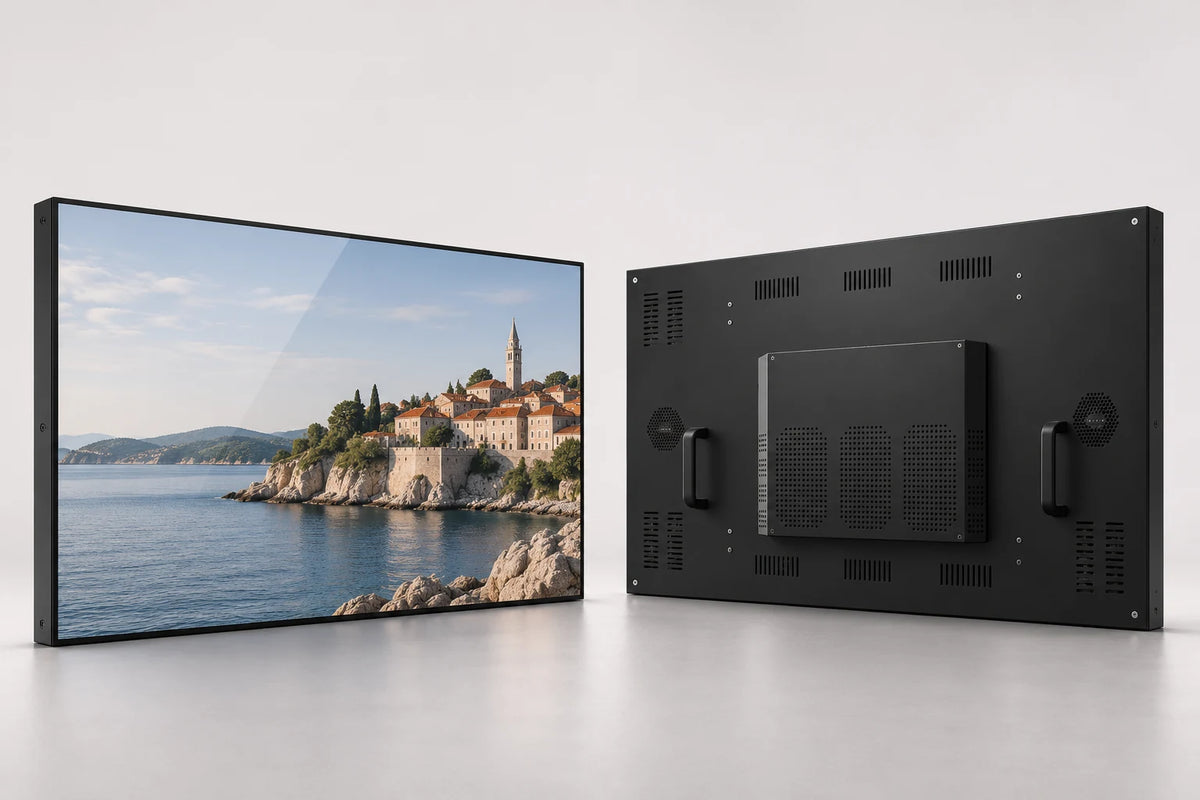
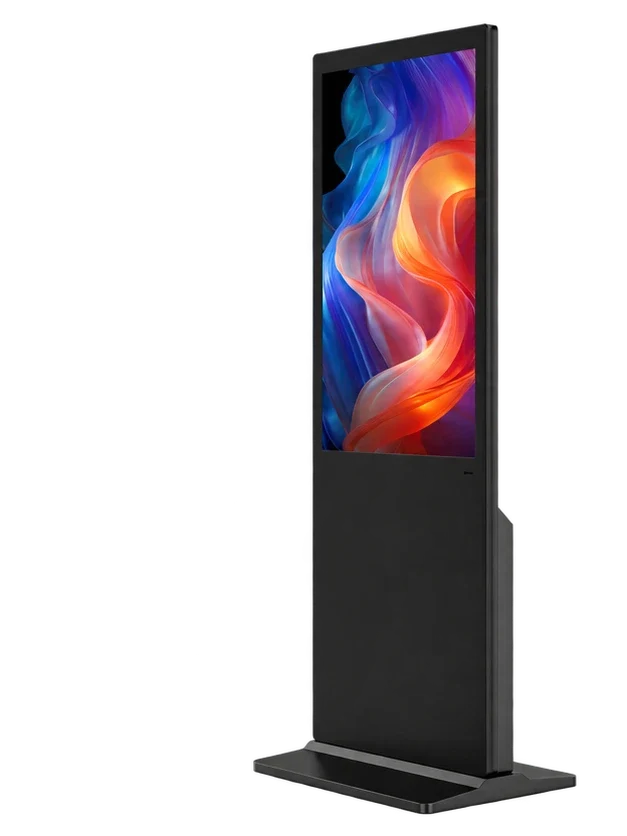
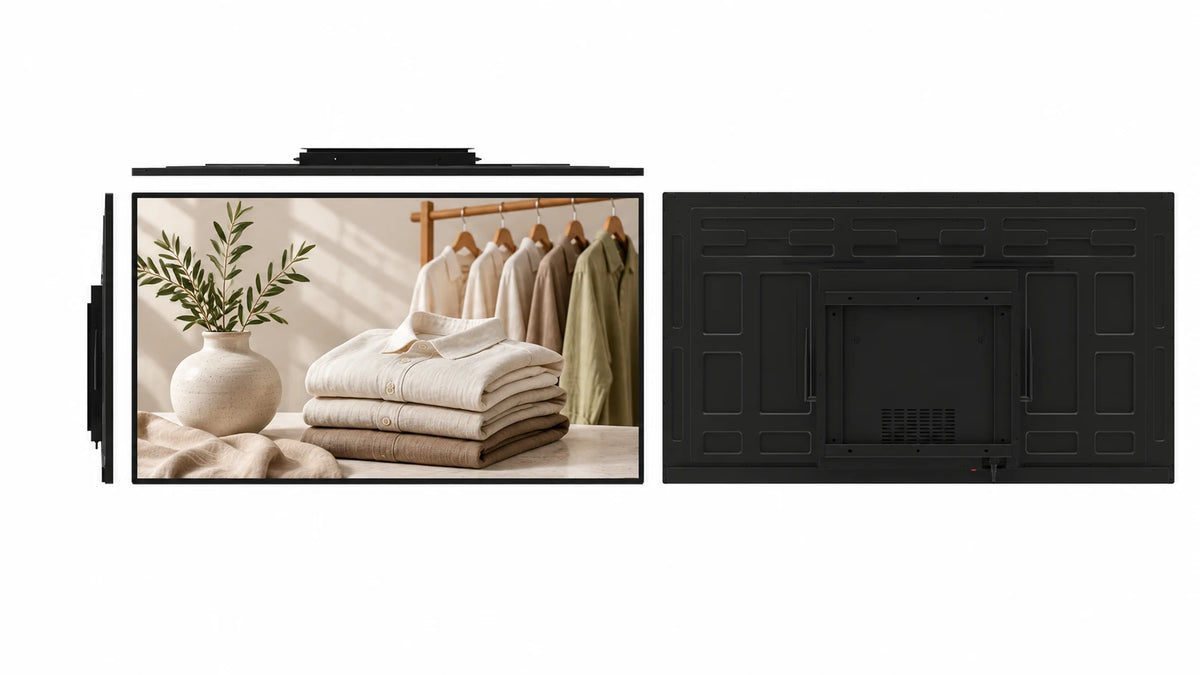
A fixing rim around the screen.
The metal perimeter includes mounting slots around the front assembly. It gives enclosure designers a different fixing arrangement from a glass-front side-flange display.
 Request a Quote

OPEN FRAME MONITORS
An open frame LCD monitor with an exposed metal fixing rim and a recessed display face. Choose the panel, touch configuration and host connections for equipment interfaces, kiosks and custom control stations.

FUNCTION & DESIGN

The metal perimeter includes mounting slots around the front assembly. It gives enclosure designers a different fixing arrangement from a glass-front side-flange display.
The documented 17-inch configuration uses aluminum front and rear housing. Review the selected-size enclosure and ventilation space alongside the equipment design.
The reference panel has 1280 × 1024 native pixels. Its physical resolution is separate from the higher input signal formats the electronics can accept.
The reference touch option supports 10-point projected capacitive input. Match the driver and host operating system to the intended application.
The 17-inch source specifies IP65 at the front and IP40 at the rear. Plan a host enclosure that protects the back and connections for the installation environment.
The 17-inch reference includes 12 V DC operation, 22 W stated consumption and VESA 100 mounting. Use these values with that configuration rather than the full size menu.
APPLICATIONS

Build the monitor into an equipment faceplate with the rear electronics protected by the machine enclosure.
Pair a PCAP display with your chosen customer-service application and host computer.
Use a fixed display position for operator information, with cables and service access planned behind the panel.
CONFIGURATION
Choose the details you know. Your selection becomes the starting point for a project quotation.
CONTENT & HOST WORKFLOW
Use the monitor with your equipment host, or select an integrated player when the project needs local applications or signage content.
Define the video signal, touch controller and application requirements.
Match the screen, board, memory and external connections to the enclosure.
Use programs, schedules and display groups with a compatible Android signage configuration.
Permanent LAN and WAN CMS use is included with the specified Android LCD configuration. Wi-Fi or Ethernet provides connectivity; compatible 4G hardware and a SIM are optional. A monitor-only build needs its external host; Windows publishing software is selected separately.
The monitor and computing configuration remain separate specification items.
TECHNICAL DETAILS
| Screen-size options | 7 / 8 / 10.1 / 12 / 12.1 / 13.3 / 15 / 15.6 / 17 / 17.3 / 19 / 21.5 / 22 inches |
|---|---|
| Screen layout | Single Screen |
| Touch | Optional |
| System options | Android / Windows / Standalone / Dual System |
| Dual-system pairings | Android + Windows / Android + Linux |
| Cabinet style | Exposed metal fixing rim; perimeter slots |
| 17-inch panel reference | 1280 × 1024 native pixels |
| 17-inch supported input reference | Up to 1920 × 1200; separate from native panel pixels |
| 17-inch touch reference | 10-point projected capacitive |
| 17-inch enclosure reference | Aluminum front and rear |
| 17-inch front / rear protection | IP65 front / IP40 rear |
| 17-inch surface reference | 7H; chemically etched anti-glare |
| 17-inch video reference | VGA / DVI-D / HDMI 1.3 |
| 17-inch touch connection | USB |
| CPU | Quad-core 64-bit Cortex-A55 · up to 1.8 GHz |
|---|---|
| GPU | ARM Mali-G52 2EE |
| Operating system | Android 14 |
| RAM | 2 GB / 4 GB LPDDR4X |
| Onboard storage | 32 GB eMMC |
| Ethernet / wireless | 100 Mbps RJ45 · dual-band 2.4 / 5 GHz Wi-Fi |
| Board display interfaces | LVDS / eDP / MIPI-DSI / HDMI output |
| USB on the board | 1 × USB 3.0 host · 1 × USB 2.0 OTG · 5 expansion headers |
| Board power input | DC 12 V |
| Storage expansion | TF card up to 512 GB |
Reference board capabilities. External cabinet ports and the panel connection follow the selected build.
| 17-inch monitor supply | 12 V DC |
|---|---|
| 17-inch monitor consumption | 22 W stated operating; <1 W standby |
| 17-inch monitor adapter | AC 100–240 V input; DC 12 V output |
| 17-inch environment reference | −10 to 60°C; 10–90% RH |
| Mechanical design | Exposed metal fixing rim; perimeter slots |
|---|---|
| Required installation drawing | Selected-size front, rear, cutout, fixing and cable-clearance dimensions |
| 17-inch housing reference | 380.6 × 313.0 × 44.5 mm |
| 17-inch weight reference | Net 5.1 kg; gross 6.1 kg |
| 17-inch rear mounting reference | VESA 100 mm |
PRODUCT VIEWS
PROJECT SERVICES
Coordinate the front overlap, cutout, cabinet depth, fixing positions, cable direction and front treatment with the selected-size drawing.
Select monitor or integrated player, touch controller, host connections, memory and storage around the application. Review peripheral drivers and required protocols.
Coordinate samples, branded finish, documentation, packaging and destination requirements. The project quotation defines quantity, delivery terms and service arrangements.
 Inside the production process
Company production context. Open the source video.
Discuss your customizationPROCUREMENT CONFIDENCE


 EMCLVDRED
ISO management-system certificates and SGS supplier assessments cover their respective organizations.
BEFORE YOU SPECIFY
Practical answers for this display format.
Discuss your projectIts metal fixing rim remains visible around a recessed screen face. Compare the mounting slots, front overlap and cabinet depth with the glass-front design.
The 17-inch reference uses 10-point projected capacitive touch. Specify the required touch configuration and host driver when requesting a quote.
The documented 17-inch configuration specifies IP65 at the front and IP40 at the rear. It is not a whole-unit IP65 claim.
No. The reference lists 1280 × 1024 as its physical panel resolution; 1920 × 1200 is a maximum supported input format.
The 17-inch monitor reference lists 22 W consumption and less than 1 W standby. Player-equipped builds and other sizes require their own electrical specification.
The 17-inch housing reference is 380.6 × 313.0 × 44.5 mm. Its listed net weight is 5.1 kg; use the selected-size drawing for installation.
The reference includes VGA, DVI-D and HDMI video, USB touch and 12 V DC input. Confirm the actual connector arrangement with your host and cabinet.
The 17-inch source lists a chemically etched anti-glare surface and 7H surface hardness. Specify the front treatment with the chosen panel rather than assuming it across all sizes.
Choose 7, 8, 10.1, 12, 12.1, 13.3, 15, 15.6, 17, 17.3, 19, 21.5 or 22 inches. Panel characteristics and cabinet dimensions are selected for the chosen size.
Send the size, quantity, destination, host or operating system, touch requirement and enclosure drawing. Include the front cutout, available depth, required connections and any environmental requirements.
LET’S BUILD THE RIGHT CONFIGURATION
Send the screen size, enclosure drawing, touch and host requirements, quantity and destination.
Open the Gemdragon inquiry form to tell us about your project. Copy your configuration into the message.
If the form is blank or loading slowly, open it in a new tab or email our team.
Your inquiry is handled by Gemdragon’s existing inquiry service. Privacy policy