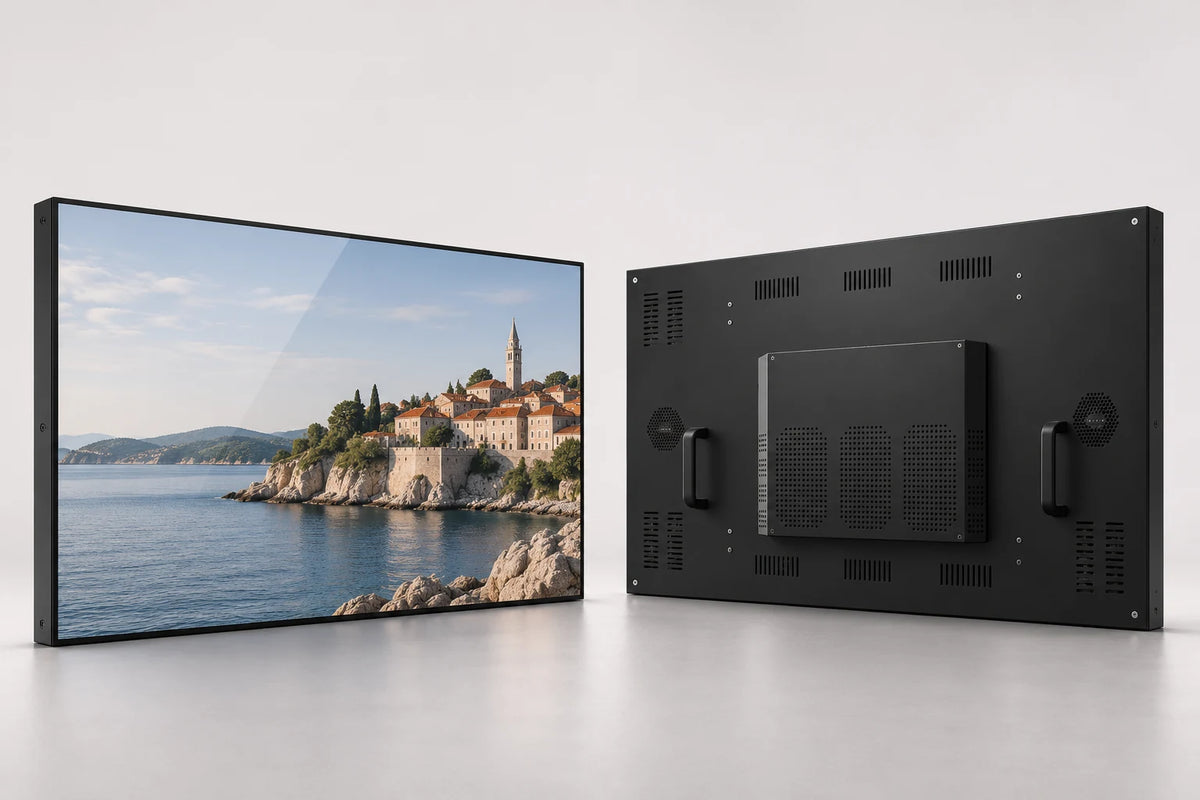
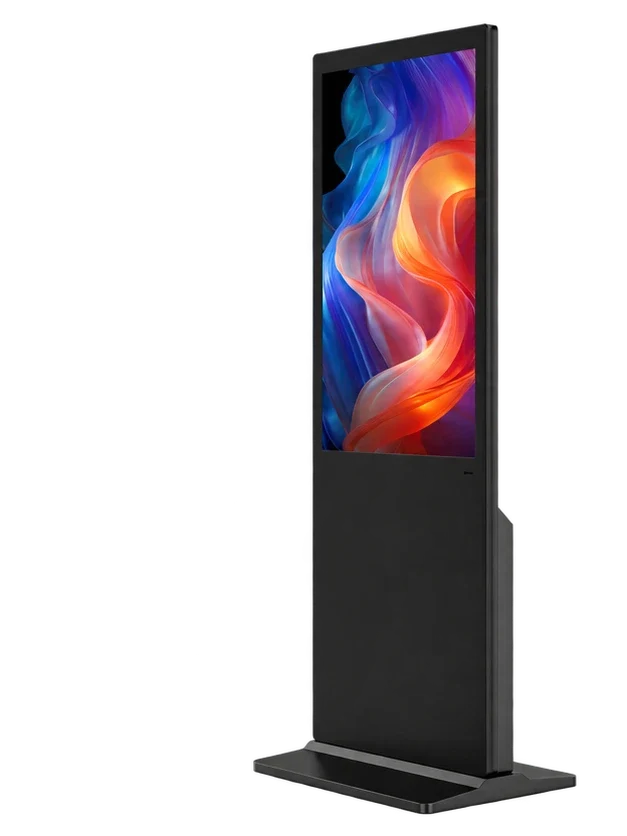
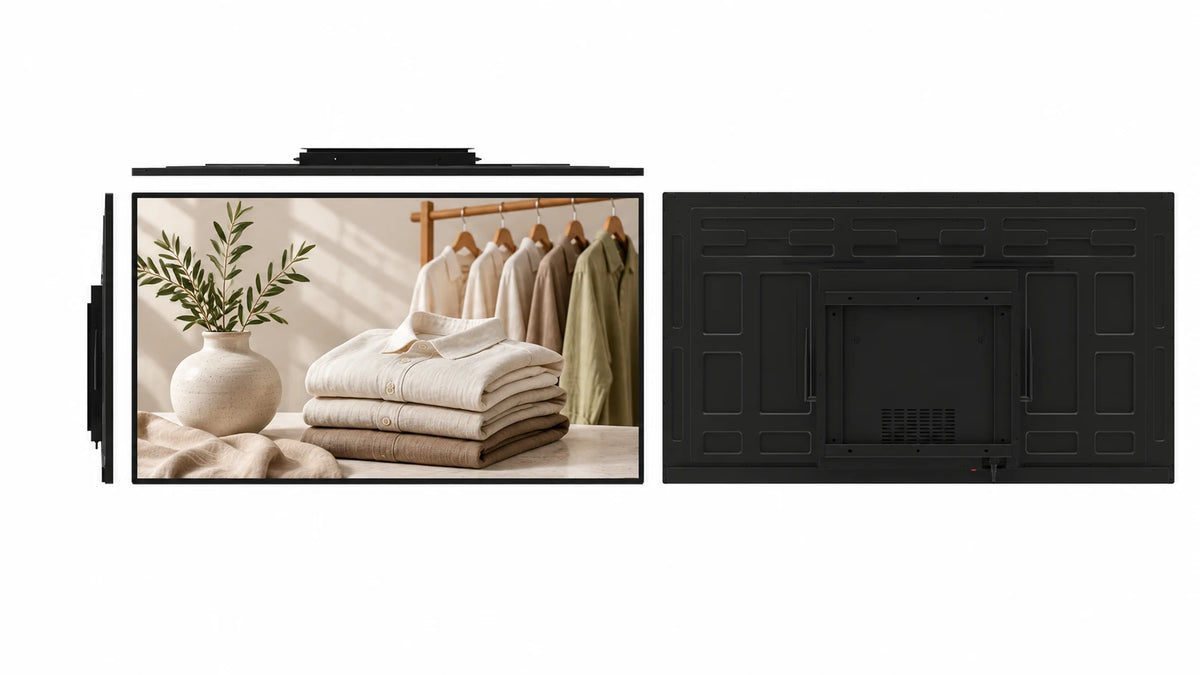
A landscape screen on an open floor stand
Two uprights and a floor base support the wide display. The open structure gives the landscape cabinet a clear outline while keeping the installation independent of a wall or ceiling.
 Request a Quote

FLOOR STANDING DIGITAL SIGNAGE
A single landscape display on an open floor stand brings menus, promotions and information to a chosen indoor position. Select 43, 49 or 55 inches, with playback and branding options on the same product page.

FUNCTION & DESIGN

Two uprights and a floor base support the wide display. The open structure gives the landscape cabinet a clear outline while keeping the installation independent of a wall or ceiling.
Use the freestanding format beside a queue, reception area or indoor promotion. Plan the base footprint, viewing height and pedestrian route together.
The specified Android LCD CMS supports scheduled programs, multi-zone layouts, screen groups and remote publishing, with permanent LAN and WAN use included.
Use the horizontal canvas for menus, side-by-side information regions, video and promotional artwork. Design text size around the expected reading distance.
Choose 43, 49 or 55 inches. Choose a Full HD panel configuration and match the brightness to the room lighting.
Specify the cabinet and stand finish, logo, startup presentation, playback platform and packing. Include access to power and rear servicing in the installation plan.
APPLICATIONS

Put visitor information beside the arrival or waiting point.
Present a wide menu or campaign beside the relevant service or product area.
Give product video and specification content a dedicated freestanding display.
CONFIGURATION
Choose the details you know. Your selection becomes the starting point for a project quotation.
Non-touch display
Contact us for sample, wholesale or project pricing.
| Store reference configuration | Price |
|---|---|
| Landscape Floor-Standing Digital Signage | $273.00 USD |
CONTENT PUBLISHING & REMOTE MANAGEMENT
Build a program, schedule its timing and publish to the displays that need it.
Combine images, video and text in a multi-zone content layout.
Schedule programs around opening hours and campaigns.
Organize display groups and publish remotely over LAN or WAN.
Permanent LAN and WAN CMS use is included with the specified Android LCD configuration. Connect over Wi-Fi or Ethernet; compatible 4G hardware and a SIM are optional. Windows publishing software is selected separately.
Publishing workflow illustration · not a software screenshot
TECHNICAL DETAILS
| Screen-size options | 43 / 49 / 55 inches |
|---|---|
| Screen layout | Single Screen |
| Touch | Non-touch |
| Playback system options | Android / Windows / Standalone / Dual System |
| Dual-system pairings | Android + Windows / Android + Linux |
| Panel configuration | Full HD · 1920 × 1080 |
| Viewing angle | 178° horizontal / vertical43-inch panel reference |
| Display colors | 16.7 million43-inch panel reference |
| Installation design | Open two-upright floor stand |
| Panel life reference | 60,000 hours43-inch panel reference |
| Audio | Built-in loudspeakers |
| CPU | Quad-core 64-bit Cortex-A55 · up to 1.8 GHz |
|---|---|
| GPU | ARM Mali-G52 2EE |
| Operating system | Android 14 |
| RAM | 2 GB / 4 GB LPDDR4X |
| Onboard storage | 32 GB eMMC |
| Ethernet / wireless | 100 Mbps RJ45 · dual-band 2.4 / 5 GHz Wi-Fi |
| Board display interfaces | LVDS / eDP / MIPI-DSI / HDMI output |
| USB on the board | 1 × USB 3.0 host · 1 × USB 2.0 OTG · 5 expansion headers |
| Board power input | DC 12 V |
| Storage expansion | TF card up to 512 GB |
Reference board capabilities. External cabinet ports and the panel connection follow the selected build.
| Android board input | DC 12 V (internal board supply) |
|---|---|
| Complete-display electrical specification | Selected with panel size, brightness and playback hardware |
| Size options | 43 / 49 / 55 inches |
|---|---|
| Mounting design | Open two-upright floor stand |
| Installation drawing | Selected-size cabinet, fixings, cable route and service clearance |
PRODUCT VIEWS
PROJECT SERVICES
Coordinate the cabinet finish, logo and startup presentation with your site.
Choose the player and network connection for the content workflow. For double-sided units, specify what each face needs to show.
Define the stand, base footprint and cable entry alongside packaging and installation documentation.
 Inside the production process
Company production context. Open the source video.
Discuss your customizationPROCUREMENT CONFIDENCE


 EMCLVDRED
ISO management-system certificates and SGS supplier assessments cover their respective organizations.
BEFORE YOU SPECIFY
Practical answers for this display format.
Discuss your projectThis is the landscape floor-standing style. Choose the dedicated rotating-screen kiosk if changing between portrait and landscape is a project requirement.
The pictured structure is a floor stand. Wheels or a mobile base must be specified separately; do not assume the standard base is a trolley.
Yes, with a standalone playback configuration suited to the required media and update method. Android CMS publishing uses the selected network connection.
Yes. Its landscape format suits indoor menu and promotional content. Plan the base position, reading distance and menu workflow for the service area.
Allow for the complete stand and base, cable entry, stable positioning, rear service access and the pedestrian route. Use the drawing for the selected screen size.
The screen-size options are 43, 49 and 55 inches. Choose the size around viewing distance, content detail and the available installation space.
Android, Windows, standalone and dual-system configurations are available. Dual-system choices include Android + Windows and Android + Linux. Select the platform around the software and content workflow.
No. This product is non-touch. It is designed for visual advertising, menus and information.
The specified Android LCD CMS includes permanent LAN and WAN use for program layouts, scheduling, screen groups and remote updates. Wi-Fi or Ethernet can provide connectivity; compatible 4G hardware and a SIM are optional.
Send the preferred screen size, quantity, destination and playback system. Include the viewing directions, content for each face where applicable, base and standing position, cable route and any branding requirements.
LET’S BUILD THE RIGHT CONFIGURATION
Send the size, quantity, destination and content workflow. Add a site photo or drawing when available.
Open the Gemdragon inquiry form to tell us about your project. Copy your configuration into the message.
If the form is blank or loading slowly, open it in a new tab or email our team.
Your inquiry is handled by Gemdragon’s existing inquiry service. Privacy policy