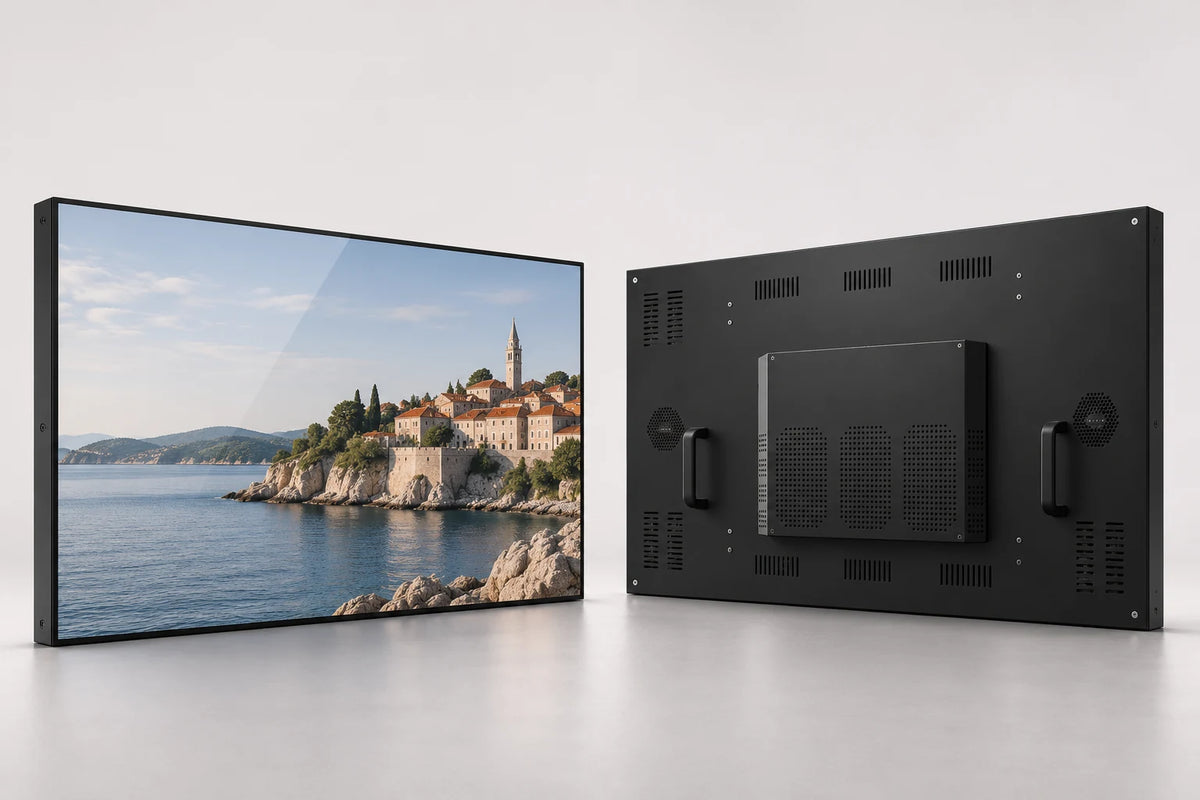
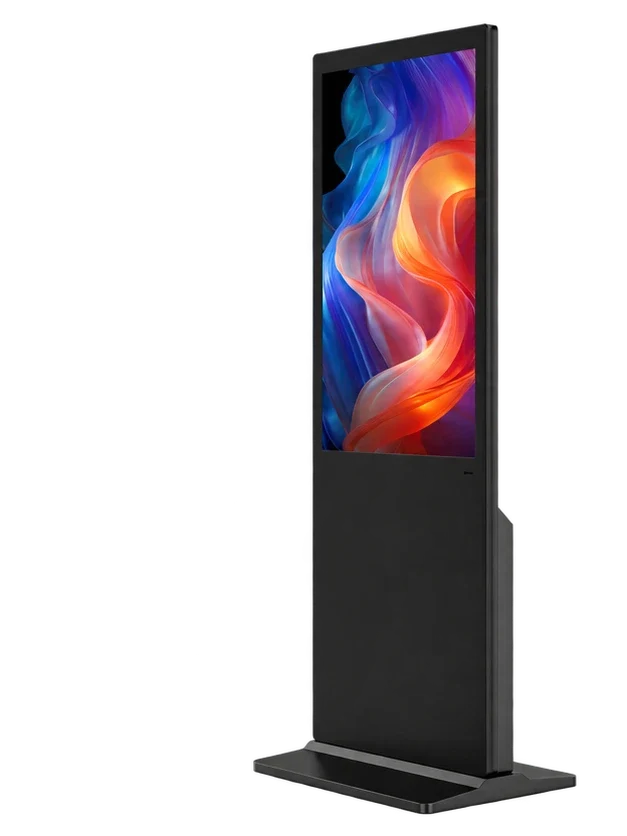
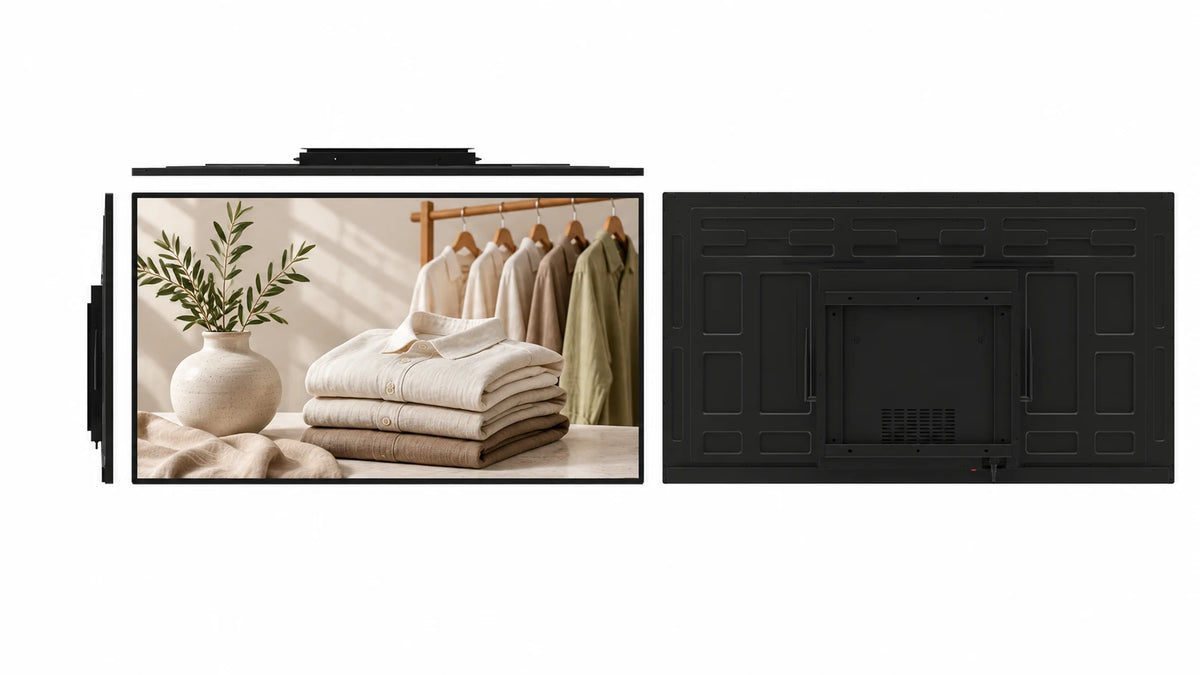
An angled screen for close viewing.
The L-shaped enclosure brings the display toward the customer while keeping the base low on the counter. It suits menus, promotions and short interactive tasks.
 Request a Quote

SELF-SERVICE KIOSKS
An angled display with a low L-shaped base for menus, product information and interactive service points. Choose a compact screen and playback platform for the way customers use your counter.

FUNCTION & DESIGN

The L-shaped enclosure brings the display toward the customer while keeping the base low on the counter. It suits menus, promotions and short interactive tasks.
Choose 10.1, 11, 14, 15.6, 18.5 or 21.5 inches. Match the cabinet and screen to the counter depth, viewing position and interface.
The specified Android LCD configuration includes LAN and WAN CMS use. Create a content program and publish to individual devices or display groups.
A 10-point capacitive touch configuration supports interactive catalogs, surveys and service applications. Non-touch configurations suit scheduled display content.
Specify Android, Windows, standalone or dual systems. Select the player, RAM, storage and connections around the actual application requirements.
Discuss black or white finishes, logo, startup presentation and selected camera or NFC modules. Surface-treatment options can be considered for the viewing environment.
APPLICATIONS

Show product photography, menu content or timed offers at a close customer viewing distance.
Support a touch catalog, product comparison or loyalty workflow with your chosen application and any required modules.
Present visitor information, collect feedback or run a compatible check-in application on an angled tabletop screen.
CONFIGURATION
Choose the details you know. Your selection becomes the starting point for a project quotation.
Contact us for sample, wholesale or project pricing.
| Store reference configuration | Price |
|---|---|
| 10.1-inch / Android / 10-point PCAP | $158.00 USD |
CONTENT PUBLISHING & REMOTE MANAGEMENT
Use the signage CMS for notices and promotions. Ordering, payment, ticketing and check-in remain part of your selected business application.
Combine images, video and text in a layout suited to the selected screen canvas.
Plan programs around opening hours, dayparts, events and campaigns.
Organize display groups and publish content over LAN or WAN.
Permanent LAN and WAN CMS use is included with the specified Android LCD configuration. Connect over Wi-Fi or Ethernet; compatible 4G hardware and a SIM are optional. Windows publishing software is selected separately.
Publishing workflow illustration · not a software screenshot
TECHNICAL DETAILS
| Screen-size options | 10.1 / 11 / 14 / 15.6 / 18.5 / 21.5 inches |
|---|---|
| Screen layout | Single Screen |
| Touch | Optional |
| Playback system options | Android / Windows / Standalone / Dual System |
| Dual-system pairings | Android + Windows / Android + Linux |
| Installation design | Angled screen with low L-shaped tabletop base |
| Touch configuration | 10-point capacitive |
| Cabinet finishes | Black / white; project finish options |
| Module options | Camera / NFC, selected for the application |
| Surface options | Anti-glare / anti-reflection, selected for the panel |
| CPU | Quad-core 64-bit Cortex-A55 · up to 1.8 GHz |
|---|---|
| GPU | ARM Mali-G52 2EE |
| Operating system | Android 14 |
| RAM | 2 GB / 4 GB LPDDR4X |
| Onboard storage | 32 GB eMMC |
| Ethernet / wireless | 100 Mbps RJ45 · dual-band 2.4 / 5 GHz Wi-Fi |
| Board display interfaces | LVDS / eDP / MIPI-DSI / HDMI output |
| USB on the board | 1 × USB 3.0 host · 1 × USB 2.0 OTG · 5 expansion headers |
| Board power input | DC 12 V |
| Storage expansion | TF card up to 512 GB |
Reference board capabilities. External cabinet ports and the panel connection follow the selected build.
| Supply reference | DC 12 VSelected configuration |
|---|
| Size options | 10.1 / 11 / 14 / 15.6 / 18.5 / 21.5 inches |
|---|---|
| Installation design | Angled screen with low L-shaped tabletop base |
| Drawing package | Selected-size cabinet, mounting, cable route and service clearance |
PRODUCT VIEWS
PROJECT SERVICES
Discuss the finish, logo, peripheral arrangement and cable route using the selected-size drawing.
Select the platform, board, memory and connections around the application. Match printer, scanner and other peripheral drivers to the chosen software.
Coordinate sample requirements, documentation, packaging and destination requirements. Quantity, delivery terms and service arrangements are included in the project quotation.
 Inside the production process
Company production context. Open the source video.
Discuss your customizationPROCUREMENT CONFIDENCE


 EMCLVDRED
ISO management-system certificates and SGS supplier assessments cover their respective organizations.
BEFORE YOU SPECIFY
Practical answers for this display format.
Discuss your projectIt is a compact tabletop display with an angled screen and low L-shaped base. It is designed for placement on a counter or desk.
Choose 10.1, 11, 14, 15.6, 18.5 or 21.5 inches. Cabinet dimensions and panel specification are selected with the screen size.
Yes. Touch is optional. The documented interactive version uses 10-point capacitive touch; a display-only configuration can be selected for signage content.
The L-shaped cabinet does not use the integrated printer base of our countertop receipt kiosk. If receipt printing is required, discuss the peripheral arrangement or choose the printer-equipped kiosk.
Permanent LAN and WAN CMS use is included with the specified Android LCD configuration. Internet connectivity can use Wi-Fi, Ethernet or compatible optional 4G hardware and a SIM.
Share the application platform, performance needs and peripheral requirements. The hardware configuration is selected to suit that deployment.
They are selectable module options. Request the modules you need and describe the interaction; they are not assumed to be installed on every configuration.
This page describes the indoor tabletop product. For exposure to rain, direct weather or outdoor temperature conditions, select an appropriate outdoor display instead.
Cabinet color, logo, startup presentation and packaging can be discussed. Anti-glare, anti-reflection and other surface options are evaluated for the intended screen and environment.
Send size, quantity, destination, counter dimensions, touch preference, application platform and required modules. Include the expected network and power connections.
LET’S BUILD THE RIGHT CONFIGURATION
Send size, quantity and destination, along with your application and peripheral requirements.
Open the Gemdragon inquiry form to tell us about your project. Copy your configuration into the message.
If the form is blank or loading slowly, open it in a new tab or email our team.
Your inquiry is handled by Gemdragon’s existing inquiry service. Privacy policy