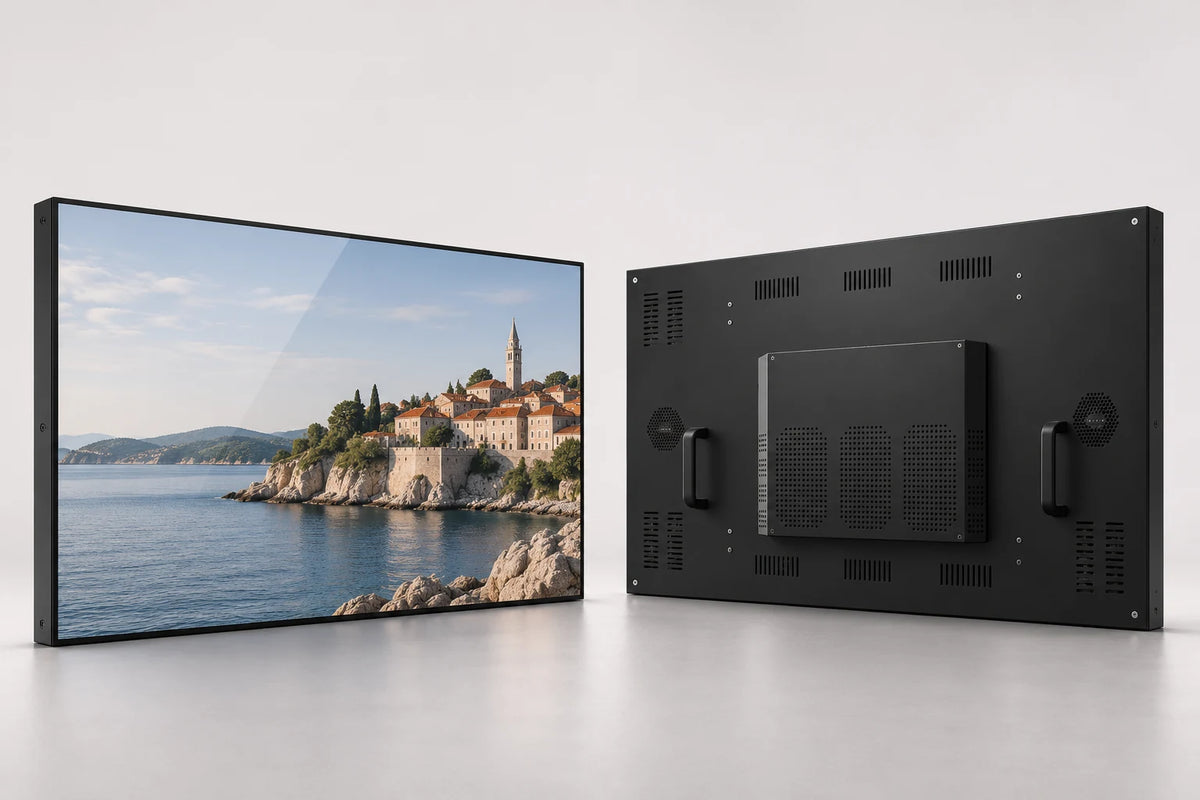
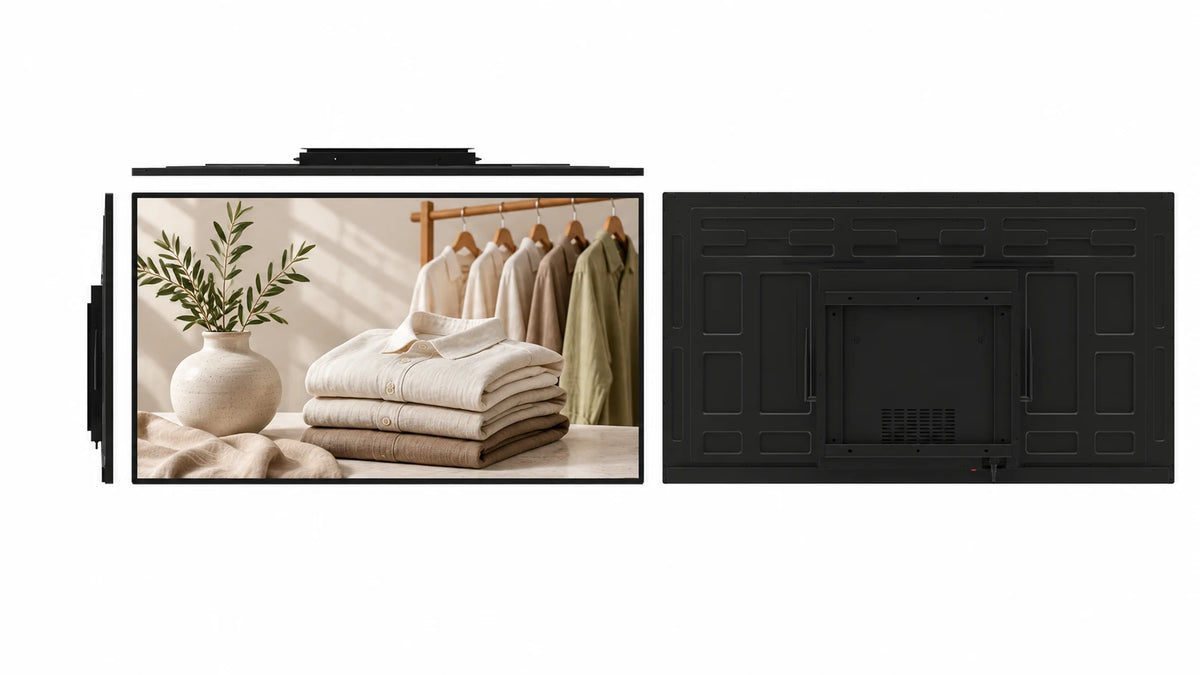
The module structure remains visible.
The LCD sits within a metal carrier rather than a finished decorative bezel. The visible chassis makes this style distinct from a flat-front industrial monitor.
 Request a Quote

OPEN FRAME MONITORS
An exposed metal-carrier LCD module with substantial side mounting brackets. Designed for enclosure builders who need the module structure, fixing points and connections to fit their own equipment.

FUNCTION & DESIGN

The LCD sits within a metal carrier rather than a finished decorative bezel. The visible chassis makes this style distinct from a flat-front industrial monitor.
Open-ended slots on the wide side brackets provide fixing positions for a host enclosure. Match the bracket dimensions and supporting structure to the selected module.
Discuss the panel brightness, front cover and ambient conditions together. The source identifies a 7-inch high-brightness module; other sizes require their own panel selection.
Choose from the 13 confirmed sizes, then request the module’s outer dimensions, active area, fixing positions and connector clearance.
A touch configuration can support an embedded application; a non-touch module suits information-only equipment. Match the controller to the host and front assembly.
Match an external host connection or integrated Android, Windows, standalone or dual-system arrangement to the enclosure and application.
APPLICATIONS

Integrate the module into a larger metal or plastic enclosure with your own front assembly.
Build a display point around the available depth, side brackets and chosen peripherals.
Add status, instruction or application content within an equipment panel.
CONFIGURATION
Choose the details you know. Your selection becomes the starting point for a project quotation.
CONTENT & HOST WORKFLOW
Use the monitor with your equipment host, or select an integrated player when the project needs local applications or signage content.
Define the video signal, touch controller and application requirements.
Match the screen, board, memory and external connections to the enclosure.
Use programs, schedules and display groups with a compatible Android signage configuration.
Permanent LAN and WAN CMS use is included with the specified Android LCD configuration. Wi-Fi or Ethernet provides connectivity; compatible 4G hardware and a SIM are optional. A monitor-only build needs its external host; Windows publishing software is selected separately.
The monitor and computing configuration remain separate specification items.
TECHNICAL DETAILS
| Screen-size options | 7 / 8 / 10.1 / 12 / 12.1 / 13.3 / 15 / 15.6 / 17 / 17.3 / 19 / 21.5 / 22 inches |
|---|---|
| Screen layout | Single Screen |
| Touch | Optional |
| System options | Android / Windows / Standalone / Dual System |
| Dual-system pairings | Android + Windows / Android + Linux |
| Cabinet style | Exposed metal carrier; open-ended side bracket slots |
| Module structure | LCD in metal carrier with substantial side brackets |
| 7-inch brightness reference | 1000 nits; selected high-brightness panel |
| Front assembly | Matched to the host enclosure and touch requirement |
| CPU | Quad-core 64-bit Cortex-A55 · up to 1.8 GHz |
|---|---|
| GPU | ARM Mali-G52 2EE |
| Operating system | Android 14 |
| RAM | 2 GB / 4 GB LPDDR4X |
| Onboard storage | 32 GB eMMC |
| Ethernet / wireless | 100 Mbps RJ45 · dual-band 2.4 / 5 GHz Wi-Fi |
| Board display interfaces | LVDS / eDP / MIPI-DSI / HDMI output |
| USB on the board | 1 × USB 3.0 host · 1 × USB 2.0 OTG · 5 expansion headers |
| Board power input | DC 12 V |
| Storage expansion | TF card up to 512 GB |
Reference board capabilities. External cabinet ports and the panel connection follow the selected build.
| Complete-module electrical specification | Selected with panel, controller and player arrangement |
|---|
| Mechanical design | Exposed metal carrier; open-ended side bracket slots |
|---|---|
| Required installation drawing | Selected-size front, rear, cutout, fixing and cable-clearance dimensions |
PRODUCT VIEWS
PROJECT SERVICES
Coordinate the front overlap, cutout, cabinet depth, fixing positions, cable direction and front treatment with the selected-size drawing.
Select monitor or integrated player, touch controller, host connections, memory and storage around the application. Review peripheral drivers and required protocols.
Coordinate samples, branded finish, documentation, packaging and destination requirements. The project quotation defines quantity, delivery terms and service arrangements.
 Inside the production process
Company production context. Open the source video.
Discuss your customizationPROCUREMENT CONFIDENCE


 EMCLVDRED
ISO management-system certificates and SGS supplier assessments cover their respective organizations.
BEFORE YOU SPECIFY
Practical answers for this display format.
Discuss your projectIt shows the metal LCD carrier and substantial side brackets rather than a finished decorative front. The host equipment supplies the surrounding enclosure.
The source images show open-ended mounting slots on both side brackets. Request the selected-size mechanical drawing before designing the equipment frame.
Yes, discuss the front opening, overlap, cover and touch assembly around the selected module. Check the stack dimensions and service access before approval.
The source identifies a 7-inch 1000-nit reference. Confirm the selected panel, front cover and intended lighting conditions in the project specification.
No. Brightness is selected with the panel size and optical assembly. Do not apply the 7-inch reference to all 13 options.
Touch is available as a project option. Match the controller, front assembly, connection and application requirements to the selected module.
The module and its side brackets are the starting point. A stand or finished enclosure is a separate project requirement.
Provide the available width, height and depth, front opening, mounting approach, cable direction and service space. We use the selected module drawing to review the fit.
Choose 7, 8, 10.1, 12, 12.1, 13.3, 15, 15.6, 17, 17.3, 19, 21.5 or 22 inches. Panel characteristics and cabinet dimensions are selected for the chosen size.
Send the size, quantity, destination, host or operating system, touch requirement and enclosure drawing. Include the front cutout, available depth, required connections and any environmental requirements.
LET’S BUILD THE RIGHT CONFIGURATION
Send the screen size, enclosure drawing, touch and host requirements, quantity and destination.
Open the Gemdragon inquiry form to tell us about your project. Copy your configuration into the message.
If the form is blank or loading slowly, open it in a new tab or email our team.
Your inquiry is handled by Gemdragon’s existing inquiry service. Privacy policy