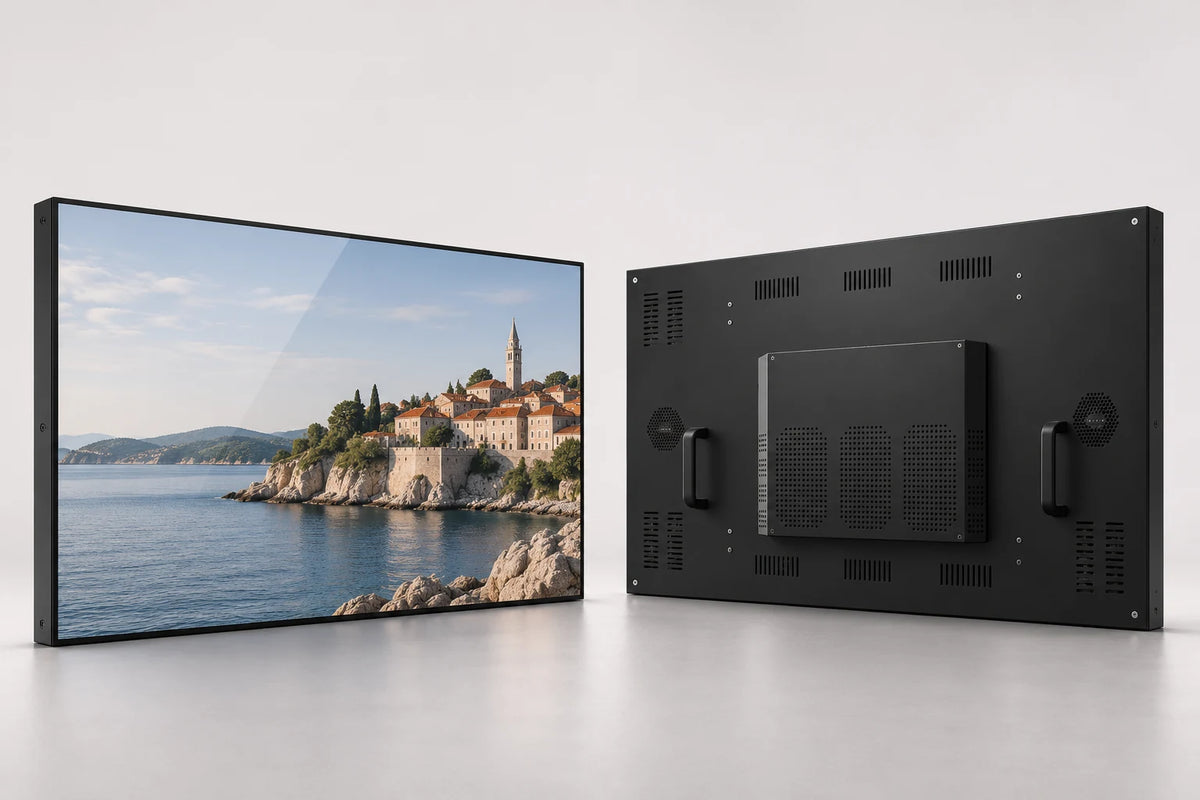
An aluminum-profile frame
The gray aluminum-profile surround gives the display a refined, consistent edge. Coordinate the cabinet treatment with the presentation wall, mounting position and room finishes.
 Request a Quote

INTERACTIVE WHITEBOARDS
A gray aluminum-frame interactive whiteboard with 4K display options, anti-glare glass and multi-touch configurations. Choose 55, 65 or 75 inches for presentations, teaching and collaborative applications.

FUNCTION & DESIGN

The gray aluminum-profile surround gives the display a refined, consistent edge. Coordinate the cabinet treatment with the presentation wall, mounting position and room finishes.
Choose 4K resolution and 450–500-nit brightness options for detailed presentations. Select 55, 65 or 75 inches around room depth and the information people need to read.
The display configuration combines 3.2 mm anti-glare glass and two 15 W speakers. It brings a shared viewing surface and room-facing sound into the display configuration.
Select a multi-touch configuration for writing, navigation and collaborative applications. Match the touch setting, computing platform and software to the number of people working at the screen.
Choose Android, Windows, standalone playback or a dual-system architecture. The dual-system menu includes Android + Windows and Android + Linux.
Review the mounting arrangement, cable access and maintenance route with the cabinet drawing. Finish, logo, boot presentation and packing can be included in the project scope.
APPLICATIONS

Coordinate a neutral display frame with the presentation wall and connected equipment.
Bring material, demonstrations and interactive applications into one shared viewing position.
Give product explanations and presentations a dedicated display without assuming a fixed software package.
CONFIGURATION
Choose the details you know. Your selection becomes the starting point for a project quotation.
Contact us for sample, wholesale or project pricing.
| Store reference configuration | Price |
|---|---|
| 55 inch with wall-mounted | $899.00 USD |
| 55 inch with portable stand | $1,020.00 USD |
PRESENTATION & CONTENT WORKFLOW
Use your chosen teaching or meeting applications. For notices and campaigns between sessions, add the compatible Android CMS workflow.
Combine video, images and text in a multi-zone program.
Schedule programs around lessons, meetings and opening hours.
Organize screen groups and publish over LAN or WAN.
Permanent LAN and WAN CMS use is included with the specified Android LCD configuration. Wi-Fi or Ethernet provides connectivity; compatible 4G hardware and a SIM are optional. Windows publishing software is selected separately.
Publishing workflow illustration · not a software screenshot
TECHNICAL DETAILS
| Screen-size options | 55 / 65 / 75 inches |
|---|---|
| Screen layout | Single Screen |
| Touch | Optional |
| System options | Android / Windows / Standalone / Dual System |
| Dual-system combinations | Android + Windows / Android + Linux |
| Native display option | 3840 × 2160 (4K UHD) |
| Brightness options | 450–500 nits |
| Touch configurations | 20-point / 40-point |
| Front glass | 3.2 mm anti-glare glass |
| Speakers | 2 × 15 W |
| Frame | Gray aluminum profile |
| CPU | Quad-core 64-bit Cortex-A55 · up to 1.8 GHz |
|---|---|
| GPU | ARM Mali-G52 2EE |
| Operating system | Android 14 |
| RAM | 2 GB / 4 GB LPDDR4X |
| Onboard storage | 32 GB eMMC |
| Ethernet / wireless | 100 Mbps RJ45 · dual-band 2.4 / 5 GHz Wi-Fi |
| Board display interfaces | LVDS / eDP / MIPI-DSI / HDMI output |
| USB on the board | 1 × USB 3.0 host · 1 × USB 2.0 OTG · 5 expansion headers |
| Board power input | DC 12 V |
| Storage expansion | TF card up to 512 GB |
Reference board capabilities. External cabinet ports and the panel connection follow the selected build.
| Display power requirements | Included in the selected-size specification |
|---|---|
| Android board input | DC 12 V (internal board supply) |
| Display rated power | Specified with screen size, brightness and player |
| 55-inch front dimensions | 1,258 × 770.5 mm (W × H) |
|---|---|
| 65-inch front dimensions | 1,482.4 × 895.4 mm (W × H) |
| 75-inch front dimensions | 1,704.4 × 1,020.7 mm (W × H) |
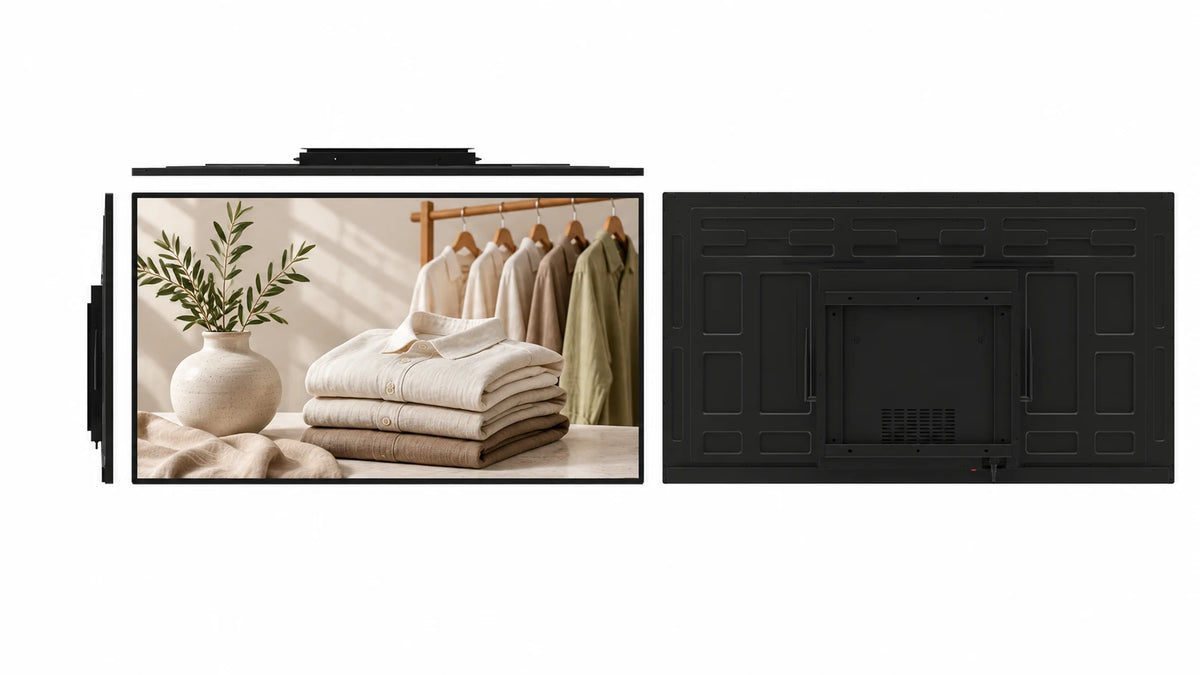
PRODUCT VIEWS
PROJECT SERVICES
Coordinate the cabinet finish and branding with the interior.
Match touch, startup presentation and software deployment to the information workflow.
Specify packaging and project documentation around the installation program.
 Inside the production process
Company production context. Open the source video.
Discuss your customizationPROCUREMENT CONFIDENCE


 EMCLVDRED
ISO management-system certificates and SGS supplier assessments cover their respective organizations.
BEFORE YOU SPECIFY
Practical answers for this display format.
Discuss your projectIt has a gray front frame. The other whiteboard style in this group has a contrasting lower bezel. Use the product views and cabinet drawing to select the front design.
The gray-frame style is offered in 55, 65 and 75 inches. Size and configuration options stay on this product page.
The product material lists 20- or 40-point multi-touch configurations. Select the touch assembly and software around the interaction and collaboration you need.
Yes. A Windows configuration is available. Share the application and peripheral requirements so the computing platform can be selected.
Android + Linux is one of the dual-system choices. Android + Windows is also available. Specify the hardware and switching workflow for the intended applications.
Application accounts, licenses and subscriptions depend on the software you choose. Include these requirements when planning the complete room solution.
Front dimensions are 1,258 × 770.5 mm for 55 inches, 1,482.4 × 895.4 mm for 65 inches and 1,704.4 × 1,020.7 mm for 75 inches (width × height). Use the complete drawing for cabinet depth, fixings and installation clearance.
The specified Android LCD CMS configuration supports scheduling and remote publishing with permanent LAN and WAN use. Coordinate that content workflow with the meeting application.
The configuration includes 3.2 mm anti-glare glass and two 15 W speakers. Include any additional room-audio and surface requirements with the project specification.
Send the size, quantity, destination, room layout, software, touch preference and required peripherals. Include any finish, mounting or branding requirements.
LET’S BUILD THE RIGHT CONFIGURATION
Start with the details you have. Add a drawing or site photo if it helps explain the project.
Open the Gemdragon inquiry form to tell us about your project. Copy your configuration into the message.
If the form is blank or loading slowly, open it in a new tab or email our team.
Your inquiry is handled by Gemdragon’s existing inquiry service. Privacy policy