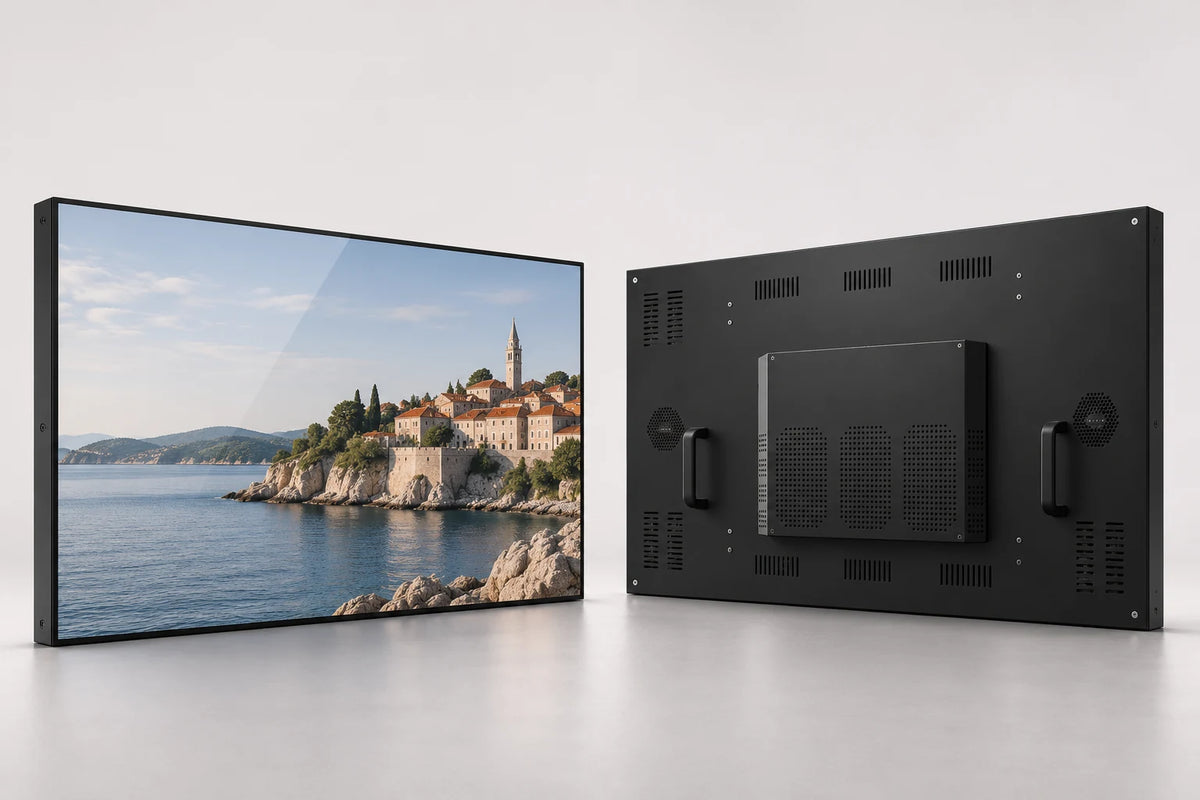
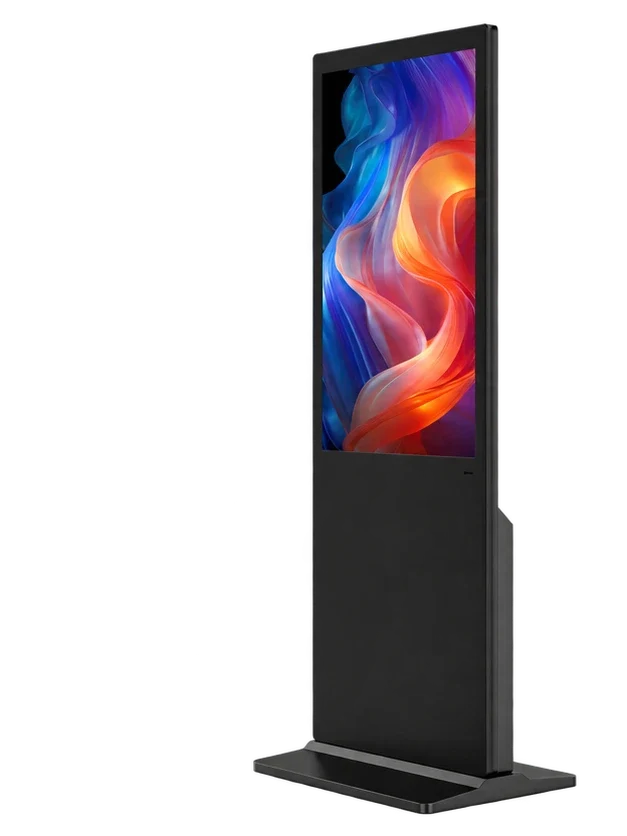
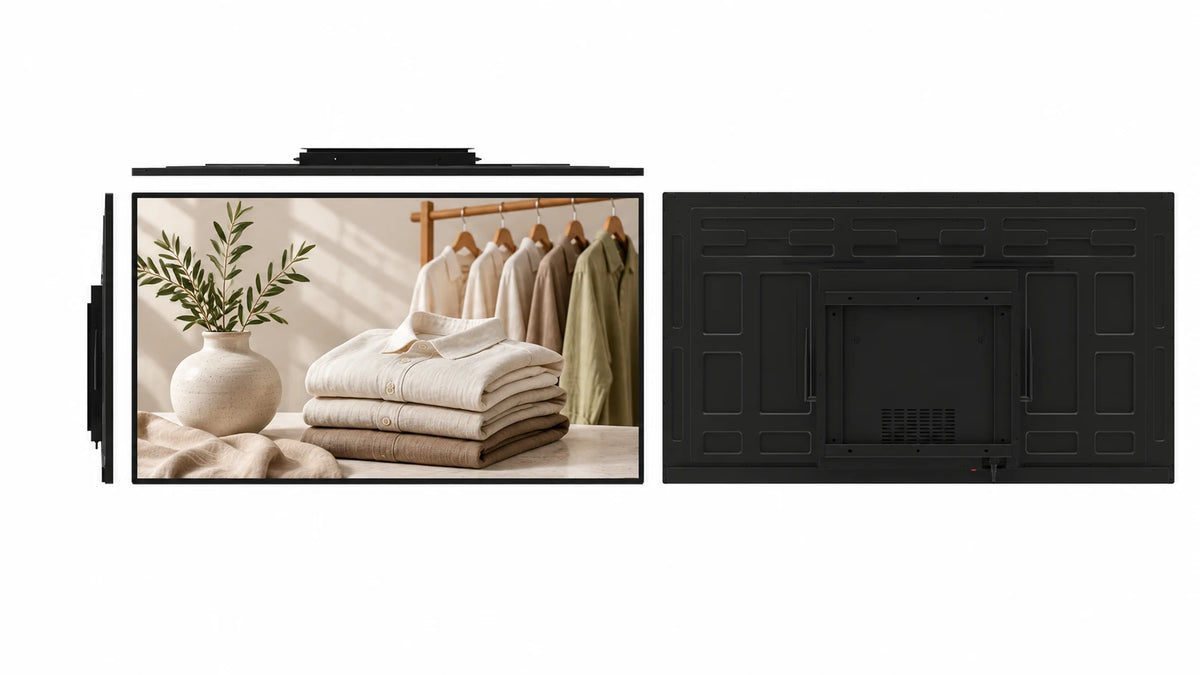
More height for the composition.
The elongated portrait panel gives full-height photography, wayfinding and stacked information a distinctive canvas. Design to the selected panel resolution rather than a standard 16:9 template.
 Request a Quote

FLOOR STANDING DIGITAL SIGNAGE
A tall portrait LCD display on a low integrated plinth. Its elongated screen, steel cabinet and tempered-glass front create a dedicated presence for retail campaigns, welcome content and indoor wayfinding.

FUNCTION & DESIGN
The elongated portrait panel gives full-height photography, wayfinding and stacked information a distinctive canvas. Design to the selected panel resolution rather than a standard 16:9 template.
The cabinet meets a low integrated base rather than a separate support pole. Plan the base footprint and service clearance for a permanent indoor position.
The source configuration includes two 5 W speakers for content with sound. Plan audio use around the venue and the needs of nearby visitors.
The documented cabinet uses coated cold-rolled steel, aluminum edge profiles and a 4 mm tempered-glass front. Select the finish around the interior and brand.
Choose 70, 75 or 86 inches. The 70-inch reference lists 3600 × 1350 pixels; the 75- and 86-inch references list 3840 × 1440 pixels, used in portrait orientation.
Specify an Android CMS configuration for scheduled content and grouped publication over LAN or WAN. Touch, Windows, standalone and dual-system options support different project requirements.
APPLICATIONS

Compose elongated product photography and campaign content for a visible point within the store.
Combine welcome content, daily events and visitor information in a tall display beside the main circulation route.
Use directional content or an interactive application with an appropriate touch and software configuration.
CONFIGURATION
Choose the details you know. Your selection becomes the starting point for a project quotation.
CONTENT PUBLISHING & REMOTE MANAGEMENT
Create a program, plan its timing and publish to the screens that need it.
Combine images, video and text in a layout suited to the selected screen canvas.
Plan programs around opening hours, dayparts, events and campaigns.
Organize display groups and publish content over LAN or WAN.
Permanent LAN and WAN CMS use is included with the specified Android LCD configuration. Connect over Wi-Fi or Ethernet; compatible 4G hardware and a SIM are optional. Windows publishing software is selected separately.
Publishing workflow illustration · not a software screenshot
TECHNICAL DETAILS
| Screen-size options | 70 / 75 / 86 inches |
|---|---|
| Screen layout | Single Screen |
| Touch | Optional |
| Playback system options | Android / Windows / Standalone / Dual System |
| Dual-system pairings | Android + Windows / Android + Linux |
| Installation design | Fixed low plinth base |
| Panel format | 8:3 panel, rotated for portrait use |
| 70-inch panel reference | 3600 × 1350 pixels |
| 75-inch panel reference | 3840 × 1440 pixels |
| 86-inch panel reference | 3840 × 1440 pixels |
| Panel brightness reference | 400 cd/m² |
| Cabinet | Coated cold-rolled steel; aluminum edge profiles |
| Front glass | 4 mm tempered glass |
| Audio reference | 2 × 5 W speakers |
| CPU | Quad-core 64-bit Cortex-A55 · up to 1.8 GHz |
|---|---|
| GPU | ARM Mali-G52 2EE |
| Operating system | Android 14 |
| RAM | 2 GB / 4 GB LPDDR4X |
| Onboard storage | 32 GB eMMC |
| Ethernet / wireless | 100 Mbps RJ45 · dual-band 2.4 / 5 GHz Wi-Fi |
| Board display interfaces | LVDS / eDP / MIPI-DSI / HDMI output |
| USB on the board | 1 × USB 3.0 host · 1 × USB 2.0 OTG · 5 expansion headers |
| Board power input | DC 12 V |
| Storage expansion | TF card up to 512 GB |
Reference board capabilities. External cabinet ports and the panel connection follow the selected build.
| Mains input reference | AC 100–260 V · 50/60 Hz |
|---|---|
| Operating environment reference | 0–40°C · <85% RH |
| Storage temperature reference | −20 to 60°C |
| Size options | 70 / 75 / 86 inches |
|---|---|
| Installation design | Fixed low plinth base |
| Drawing package | Selected-size cabinet, mounting, cable route and service clearance |
| 75-inch cabinet reference | 1,782 × 696 mm (H × W); net 43 kg |
PRODUCT VIEWS
PROJECT SERVICES
Discuss the finish, logo, mounting arrangement and cable route using the selected-size drawing.
Select the platform, board, memory and connections around the application. Use the panel’s native pixel canvas to prepare the content.
Coordinate sample requirements, documentation, packaging and destination requirements. Quantity, delivery terms and service arrangements are included in the project quotation.
 Inside the production process
Company production context. Open the source video.
Discuss your customizationPROCUREMENT CONFIDENCE


 EMCLVDRED
ISO management-system certificates and SGS supplier assessments cover their respective organizations.
BEFORE YOU SPECIFY
Practical answers for this display format.
Discuss your projectThe current sizes are 70, 75 and 86 inches. This menu differs from the fold-out portable poster, which supports 65, 70 and 75 inches.
No. The source panel format is elongated, with an 8:3 panel ratio rotated for portrait use. Prepare content for the selected pixel canvas.
The 70-inch reference lists 3600 × 1350 pixels. The 75- and 86-inch references list 3840 × 1440 pixels. The installed portrait canvas is arranged around the selected panel and player.
The product documents specify coated cold-rolled steel, aluminum edge profiles and 4 mm tempered glass on the front.
The documented configuration uses two 5 W speakers. Confirm the required audio arrangement with the selected complete-unit configuration.
Touch is optional. Select an appropriate touch configuration and provide the application requirements; wayfinding software is a separate part of the project.
Yes. The specified Android CMS configuration supports program scheduling, display groups and LAN or WAN publication. Permanent LAN and WAN use is included with that configuration.
The source family documents list AC 100–260 V, 50/60 Hz and a 0–40°C indoor operating range. Use the selected-size electrical and installation specification for the final deployment.
This is the fixed low-plinth style. The separate portable digital poster uses the fold-out rear support.
Provide size, quantity, destination, installation position, content samples, touch requirements and playback system. Ask for the selected cabinet drawing before preparing the site.
LET’S BUILD THE RIGHT CONFIGURATION
Send size, quantity and destination, along with the installation dimensions and content workflow.
Open the Gemdragon inquiry form to tell us about your project. Copy your configuration into the message.
If the form is blank or loading slowly, open it in a new tab or email our team.
Your inquiry is handled by Gemdragon’s existing inquiry service. Privacy policy