Embedded Player or External Player: Choose by the Service Path
Not which is better, but where the software dependency sits and who can reach it. Spares and upgrade path decide more projects than processing power.
An assumed scenario, constructed to show the decision. It describes no named customer and reports no measured result.
A retailer buys eighty screens with the player built in, because fewer boxes sounded simpler. Two years later the software needs a version the embedded platform cannot run, and the upgrade path may mean replacing eighty displays.
The other choice fails differently. An external player is usually the smaller thing to keep in stock, and the quicker one to change, though how quick depends on who has access to the site and what is involved in provisioning the replacement. It is also one more box to mount, power, cable and explain to a store manager who now has two things to switch off and on.
This is not a question about which is better. It is a question about where you want the software dependency to sit and who has to reach it when something changes. This guide is how to decide that deliberately.
Name what you are actually comparing
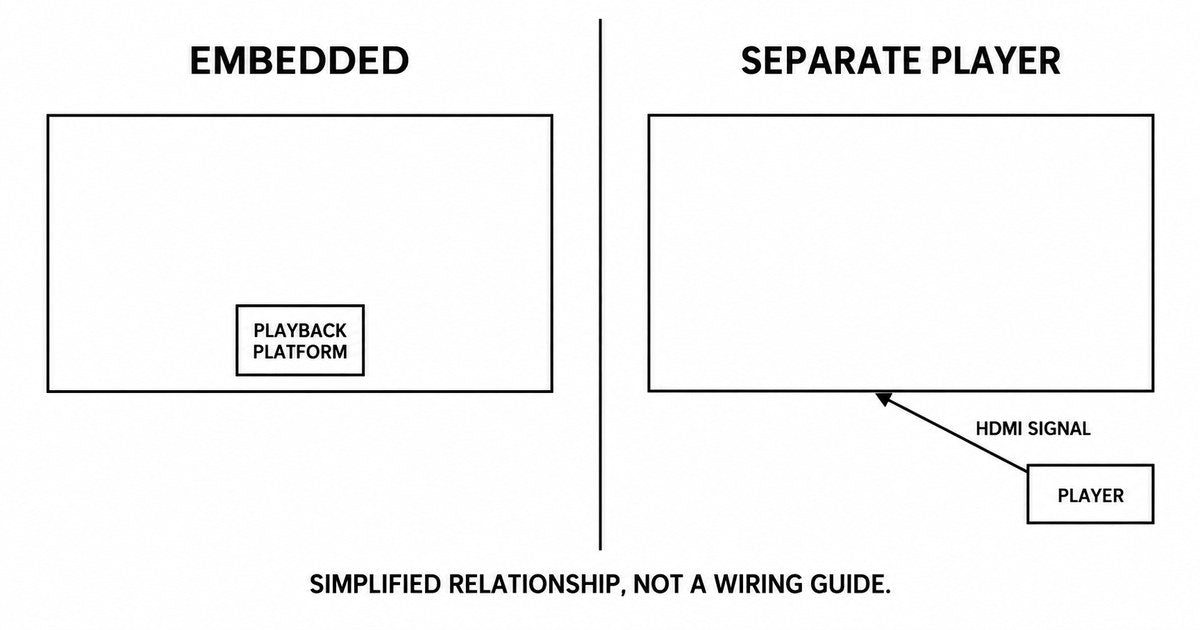
Embedded player here means the playback platform supplied inside the display, often described as system-on-chip or SoC signage. One device, one power lead, one thing on the wall.
External player means a separate device connected to the display. Two devices, an extra cable and an extra mounting point, and the ability to replace either one on its own.
The comparison that matters is not processing power. It is three practical things: what application environment each one supports, what a technician has to reach when something fails, and what happens when the software needs to move forward.

Compare the responsibilities, not the specifications
| What you need to decide | Embedded configuration | External configuration |
|---|---|---|
| Software environment | Confirm the supplied platform and how it is updated | Confirm the player's platform and update path |
| Replacement on failure | Ask which modules are serviceable separately, and what the boundary is | Ask the same, and what a replacement player costs |
| Upgrade path | Ask which platform the display ships with and who updates it | Ask the same for the player |
| Physical access | One enclosure to open | One enclosure plus a separate player to reach |
| Power and cabling | One supply to the display | One supply to the display, plus a supply for the player |
| Spares | Ask what has to be held: a serviceable board, a player module, or a whole unit | Ask what has to be held: a player, or a player plus a spare display |
| Store-level restart | One thing to restart | Somebody has to know which one |
The row that decides the comparison in a multi-site rollout is usually spares, and the answer is not the same for every embedded design, because embedded covers more than one arrangement:
- A platform on a plug-in board inside the display. The board can be replaced on its own. What has to be held is the board, not a whole unit, and the question is whether the board is socketed, whether it is a stocked part, and who is allowed to open the enclosure.
- A platform soldered or bonded to the main board. Here the main board is the replaceable item, and the board may be the larger part of the unit's cost. What has to be held is that board.
- A platform integrated so that nothing inside is field-replaceable. This is the arrangement where a failure means the display, and it is the one to identify before ordering rather than after.
So the question is not embedded or external. It is: what is the smallest replaceable item in this design, and what does it cost to hold one. Ask for that in writing for the exact model. Some embedded designs answer very well, and some external designs carry a spare display requirement of their own.
The row that decides the rest is upgrade path. Ask a direct question: when this platform reaches the end of its software support, what happens to the screens. The honest answers are: the player is replaced, the display is replaced, or the screen stops receiving updates and runs what it has. All three are acceptable if you chose them in advance.
Let the content expose the platform limits
Before comparing devices, describe the hardest thing the screens will be asked to do.
- Video resolution and frame rate, and how many simultaneous streams per screen.
- Any web content, and whether it renders correctly on the platform's browser.
- Any interactive element, and what it needs from the input chain.
- How often content changes, which drives how the device is managed.
- Whether anything runs live, such as stock levels or bookings.
Then require a demonstration with those exact elements, not a demonstration with a sample video. A platform that handles a promotional loop comfortably may struggle with a live dashboard, and the difference will not appear in a specification sheet.

Inspect the service path physically
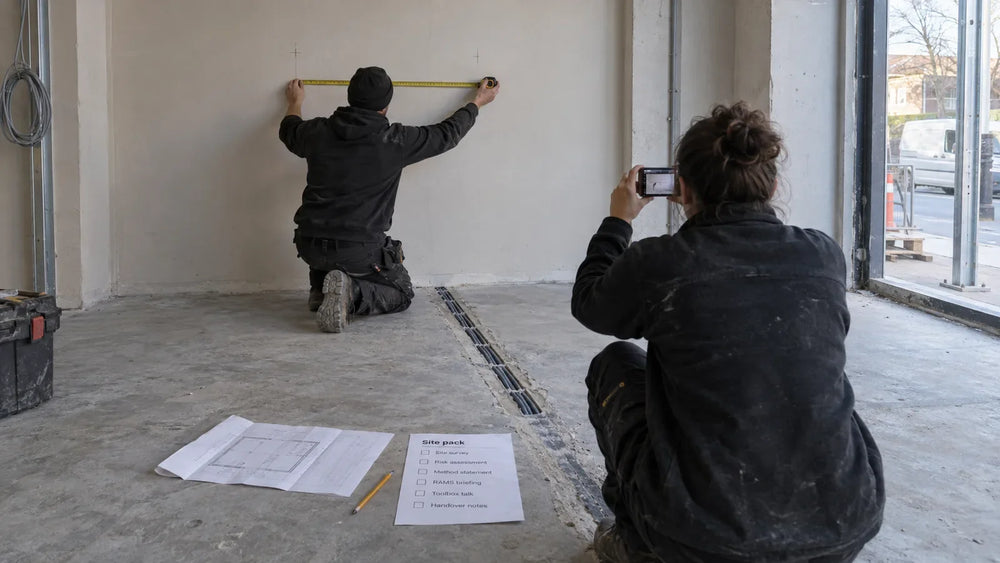
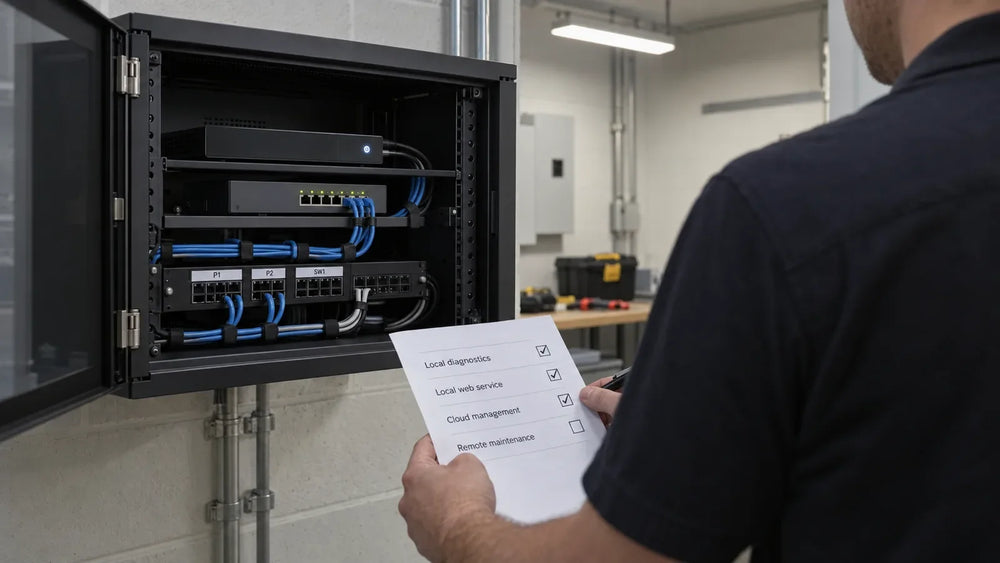
This is the step that gets skipped in procurement and paid for in operations. Go to a site and look at the installation.
- Can somebody reach the player? If it sits behind the display or above a fixture, a ten-minute swap becomes a two-person job.
- Is the cabling protected? An exposed HDMI lead at counter height will be unplugged by somebody.
- Can the store restart it? If the answer is no — because the plug is behind a locked panel — every minor fault becomes a service call.
- What has to move for maintenance? If cleaning or servicing requires dismantling the installation, the installation will be neglected.
A five-minute site visit answers all four. A specification sheet answers none.
Compare lifecycle cost on the same assumptions
An embedded configuration and an external configuration have different cost shapes over five years, and comparing only the purchase price misses it.
| Cost line | What to count for both |
|---|---|
| Initial hardware | Display, and the player where it is separate |
| Mounting and cabling | Including the extra run an external player needs |
| Spares | A spare player, or a share of a spare display |
| Replacement on failure | Which unit gets replaced, and its cost |
| Software upgrades | What has to change to move forward |
| Site visits | How many faults a store can fix itself |
| End-of-life | What is replaced when support ends |
Two lines decide the answer more often than the rest: spares and software upgrades. A configuration that is cheaper at purchase and needs a display replaced to gain a software version is not cheaper over the period in which that happens.
Use your own figures. We publish no prices, and the comparison only works with your quantities and your visit costs.
Decide, then write the decision down
Whichever architecture you choose, record the reason. A short paragraph in the project file prevents the same argument being had again on the next rollout.
A useful record contains: the choice; the content requirements it was tested against; the upgrade path and who owns it; how a store restarts or replaces a unit; and what would cause you to revisit the choice. That last line is what makes the decision durable — if the software requirement changes, somebody knows the decision is back in play. The display cost structure is the place to put the spares and site-visit lines that decide this comparison.
For validating the software against whichever architecture you choose, the CMS validation guide covers the test matrix and the configuration record.
What this guide does not cover
It recommends no architecture, platform or model, and publishes no price or total-cost figure, because the comparison depends on your quantities and operating costs. Whether the software runs on a given platform is that platform's documentation question, not this guide's. The cost structure is where spares and site visits belong in a comparison.
Send the content requirements
Tell us what the screens must play, how often it changes, whether anything runs live, and how a store would restart a device. We will tell you which configurations suit each of those, what the service path looks like, and what has to be confirmed for the specific model.
Send the content requirements and the update path →
Sources
- No external source is cited. This guide describes an architecture decision method, and it makes no factual claim that requires a citation.
If your existing network includes older Windows players, use the Windows 10 IoT 2016 LTSB migration checklist to identify affected units and plan the display-side checks.
Compiled September 29, 2026. The method is the author's; the external sources are listed above, and the opening scenario is constructed rather than reported.