Multi-Location Signage: Who Can Change What, and How You Find Out
Central control and local flexibility are different permissions. Decide who may edit, approve, publish and restore, then test that the software enforces it.
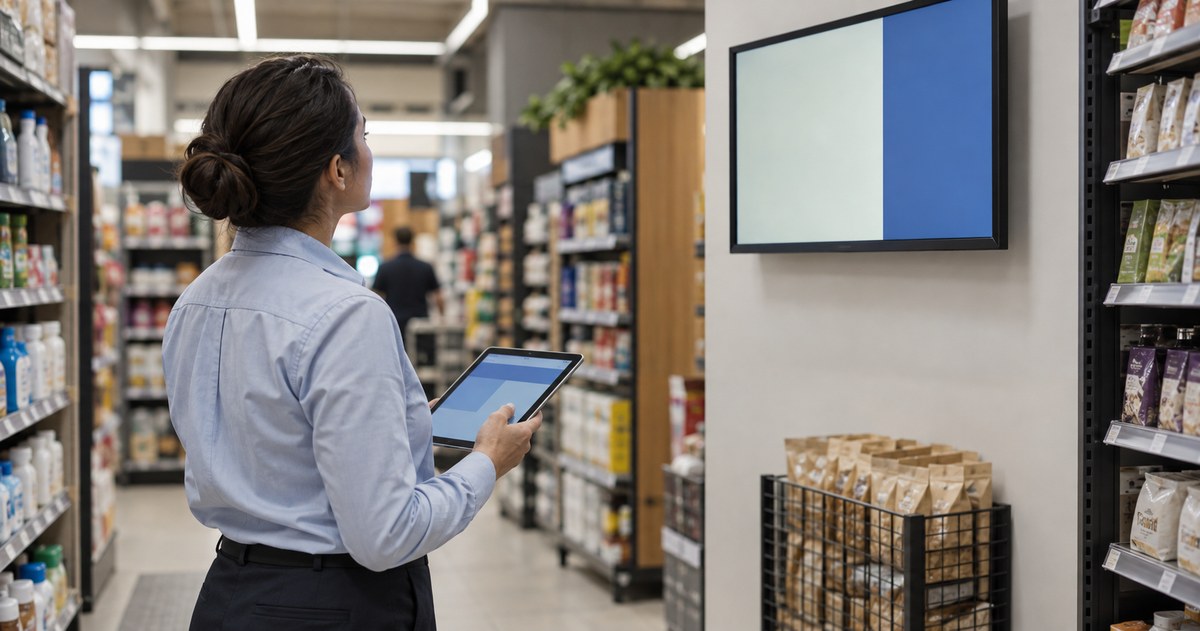
An assumed scenario, constructed to show the decision. It describes no named customer and reports no measured result.
A chain rolls out screens to eighty stores with one content platform and one shared login. It works until a store manager changes a price to match a local competitor, and nobody notices for three weeks. The technology did exactly what it was asked to do.
Central control and local flexibility are not opposites; they are two different permissions. When the two are collapsed into one, both fail at once. This guide is how to decide who may edit, approve, publish and restore, then how to test that the software actually enforces what you decided.
Separate content authority from device support
Two questions get merged in most rollouts, and they should not be.
Who may change what appears on the screen? This is a content question. It is about messages, prices, offers and brand standards.
Who may change how the screen behaves? This is a technical question. It is about players, settings, network configuration and restarting a device.
The person who edits a store message does not need access to player settings. The technician who restarts a player does not need authority to change a promotion. In a small team one person may hold both roles, and that is fine — but the two permissions should still be definable separately, because the day the team grows is the day the merged permission becomes a problem.
Write both lists down before you look at software. The software will support some version of what you decided; deciding afterwards means accepting whatever the platform happens to do.

The counter-side version of the same split, where one price has to agree between the till and the board, is in the menu board guide.
Build the permission matrix
One row per role, and one column per thing somebody might do. Fill it in with names, not job titles, because a title does not answer the phone at 7 a.m.
| Role | May edit | May approve | May publish | May restore a device |
|---|---|---|---|---|
| Head office brand | Brand templates | Brand templates | Shared campaigns | No |
| Head office marketing | Campaign content | Campaign content | Shared campaigns | No |
| Regional manager | Local offers within rules | Local offers | Local offers | No |
| Store manager | Local information only | No | No | Restart only |
| Support technician | No | No | No | Yes |
Three boundaries in that table decide most real incidents.
What a store manager may edit should be narrow and explicit: opening hours, a local closure, a sold-out notice. Anything commercial goes up a level, because a local price that contradicts the national campaign is a customer complaint waiting to happen.
Who may publish is not the same as who may approve. Separating them means a campaign can be prepared without going live early.
Restart-only access for the store is worth having even if the store has no content permission, because the alternative is a screen that stays dark until somebody drives there.
Give every screen an identity you can act on
A screen list is not an asset register. Two things make a screen actionable:
A stable identifier. The same code used by the content platform, the store, the support desk and the installer. If the platform calls a screen `Store 14 – Entrance` and the support desk calls it `S14E`, every incident costs a phone call to work out which screen is dark.
A record of what it is. Which player, which display model, when it was installed, and what it is connected to. This is what lets somebody answer "can this screen show the new campaign format" without visiting.
Keep the identifier visible on the device, on a label, so a person standing in front of it can read it out.
Test the two changes that matter before rollout
Do not accept a demonstration of the happy path. Test these two, in this order.
A local change. Ask a store manager to make the one change they are supposed to be allowed to make — say, a closure notice — using their own account. Then check they cannot make a change they are not supposed to make. The first test is usually the easier of the two; the second is where the answer matters. Both are worth running, because which one a platform fails is not something you can assume from its documentation.
A central campaign. Publish a campaign from head office and confirm it reaches the stores it should, and does not reach the ones it should not. Then confirm that a store which had a local message in place behaves the way you intended: local messages are either replaced, or protected, and you should know which before it happens rather than after.
Write down what happened in both tests, and who to call when it does not.
Design for the screen that is not there
Every network has screens that are offline, and the plan should say what happens.
Decide four things:
- who notices — a monitoring alert, a member of staff, or a customer complaint;
- how quickly — within the hour, the same day, or at the next visit;
- what the customer sees — a dark screen, the last known message, or nothing the store can fix locally;
- who is allowed to fix it — and what they are allowed to do without approval.
A dark screen in one store out of eighty is not a crisis. A dark screen at the entrance of the flagship during a launch week is. The thresholds should reflect that, and they should be written down rather than worked out during the incident.
Roll out in groups you can inspect
A national switch-on produces a national problem if something is wrong. Roll out by group, and make the groups meaningful: by store format, by region, or by the software version the store is running.
Keep the first group small enough that somebody can check every screen in it. Then check them, deliberately, against the same list: correct variant, right way up, correct message, working at the right times, and recoverable after a restart.
The second group should differ from the first in a way you chose. If the first group is all new stores, the second group should include an older store, because older stores are where the surprises live.
What belongs in the hardware brief
Once the permissions and the rollout are defined, the hardware questions become specific: which players and displays are in each group, whether each screen has its own player, what happens if a store's network drops, and how a device is reached for service without moving fixtures. Those answers depend on the model and the site, and they should be confirmed rather than assumed from a similar store.
What this guide does not cover
It does not state that any platform supports any permission model — that is what the two tests are for. Employment and data-protection questions raised by monitoring devices across sites need the responsible specialists, and it publishes no rollout cost or timeline.
Send the store groups and the permission list
Send us the store groups, the positions, the players you intend to use and the permission matrix you decided. We will tell you which display and player configurations suit each group, what the installation and servicing need, and what has to be confirmed per site rather than assumed from a similar store.
Send the rollout plan and the permission model →
Sources
- ScreenCloud: digital signage for multiple locations — a vendor resource describing one platform's grouping approach. Used as a public example, not as a comparison or a recommendation.
- BrightSign: setup FAQs — player documentation describing publishing modes with different network requirements. Used as an example of why a demonstrated workflow is worth requesting.
Compiled September 29, 2026. The method is the author's; the external sources are listed above, and the opening scenario is constructed rather than reported.