AI Digital Signage: What to Ask Before You Buy Any of It
AI signage is at least three different systems. Name the task, find its dependencies, and test what happens when the input goes missing.
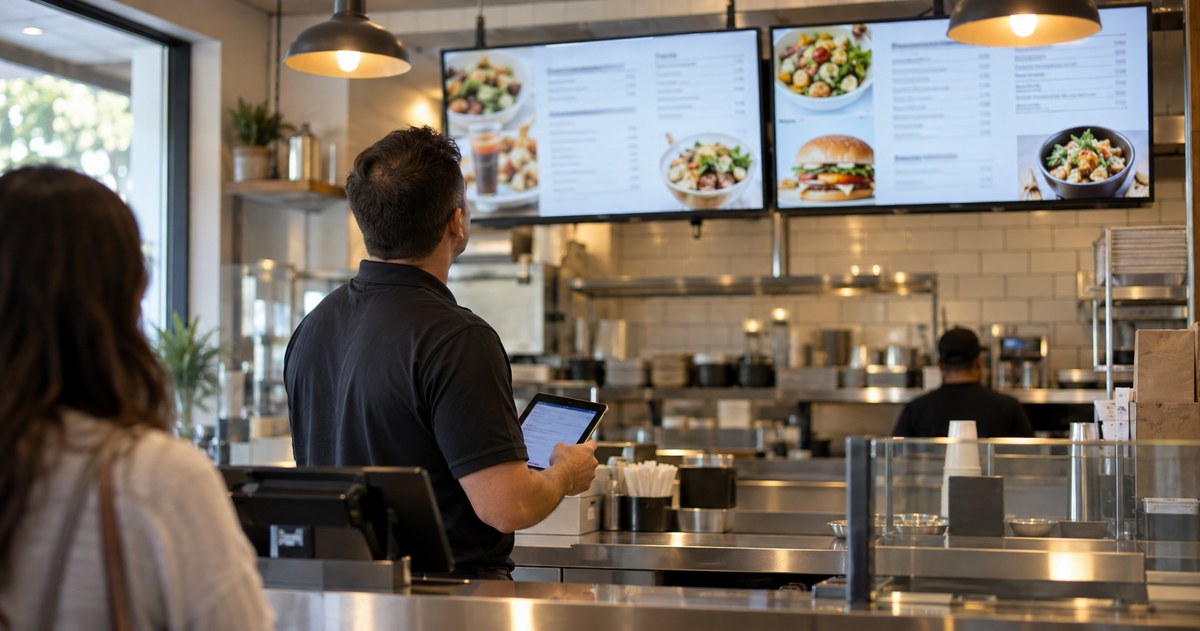
An assumed scenario, constructed to show the decision. It describes no named customer and reports no measured result.
A restaurant chain asks for AI on its menu boards. The real problem is that a price change takes four days and three people. That is a workflow problem, and a language model will not solve it.
"AI digital signage" describes at least three different systems, and they have different owners, different data and different failure modes. A tool that drafts artwork, software that chooses content from a live input, and automation that changes a setting are not variations on one purchase. This guide is how to name the job, find out what it depends on, and test the part that usually gets skipped: what happens when the input is missing. The same three-way split, arrived at from the buyer's side, is the subject of the 2026 trends guide.
Name the job, not the product category
Ask whoever wants this to finish one sentence:
When this input changes, the system should take this action, subject to this approval.
If they cannot finish the sentence, there is nothing to procure yet. If they can, you have most of the brief.
Run the sentence against what they asked for. "We want AI menu boards" usually becomes "when the daily specials list changes, the board should update, subject to the manager's approval." That version is testable, and it may not need AI at all — a scheduled playlist and a shared spreadsheet might do the job with less to go wrong.
Two distinctions are worth making early, because they get muddled in procurement conversations:
Automated ad buying is not AI content generation. One decides which advertisement runs and when, often in an auction. The other produces or selects a creative asset. They are sold by different vendors and they fail in different ways.
A timed playlist is not contextual playback. A playlist follows a clock. Contextual playback reacts to an input — stock, weather, queue length, a sensor. A clock is not free of failure either: a player set to the wrong time zone, or one that loses its time source after a power cut, will run the schedule at the wrong hour. The difference is what you can check. A schedule can be verified against a known time; a live feed cannot be verified until it arrives wrong.
ISE's August 2026 industry update covers generative content, analytics and automation in signage, and it separates AI from programmatic advertising. That separation is the useful part for a buyer, because it tells you which department has to be in the room.
Five uses, five dependency lists
Most requests fall into one of five uses. The table is a requirements worksheet: fill in the owner column before you ask anyone for a price, because a use with no owner is a use that will stop working quietly.
| The requested use | What it depends on, and whose it is | What you have to test |
|---|---|---|
| Draft campaign artwork | Approved product information; marketing owns it | Prices, claims, image rights and brand accuracy |
| Suggest variations on existing creative | The creative library; a content editor owns it | Whether edits preserve the offer and its terms |
| Select a message from a live input | A named data feed; a software owner owns it | Missing, delayed and contradictory inputs |
| Answer a customer's question | An approved knowledge base; a service owner owns it | Questions outside the base, and handoff to staff |
| Propose an operating change | Device data; IT owns it | Permission boundaries, approval, and how to undo it |
Treat the bottom row as the one that needs the most care. A system that can change a setting without a person is a system that can change the wrong setting at 2 a.m.
Keep generated content out of the live path
A generated draft can look completely convincing and still contain the wrong price, the wrong product or last month's promotion date. The output looks finished, which is exactly why it needs a check.
Three habits make this manageable.
Keep the approved source beside the output. If the menu says a dish contains an ingredient, the approved menu is the authority and the generated text is a proposal.
Give one person the commercial check. Prices, dates, terms and claims should be confirmed by somebody accountable for them, not by whoever happens to be at the screen.
Keep the approved version. When a customer asks what the screen said last Tuesday, you need to be able to answer. That means storing what was published, not only what was drafted.
A workable illustration: a restaurant uses a tool to suggest alternative descriptions from an approved menu list, then the menu owner picks one and checks the wording against the list. The system does not invent ingredients and does not change prices. That is a description of a workflow, not a report of a customer project.
About customer data. Do not use real customer records to make a demonstration look better. Decide what data the task actually needs, who can reach it and how it is handled, with the people responsible for the software and for data protection. A vendor's statement that a product is anonymous or compliant is a claim you should be able to check, and an industry article is not the check.

Test the failure, not the demo
A demonstration is run under conditions somebody chose, and under those conditions it works. The question is what the screen shows when the input does not arrive.
Decide the intended behavior for each of these, and write it down:
- the feed is late — show the last approved message, or show a generic approved message, or stop that part of the screen;
- the feed contradicts itself — which source wins;
- the offer has expired — what replaces it, and who is responsible for the replacement;
- a customer asks something outside the knowledge base — what the screen says, and how they reach a person;
- the system changes a setting by itself — how an operator reverses it, and how quickly.
Then test them deliberately: pull the network, serve an expired offer, ask the unsupported question. Record what appears on the screen and who gets told. "It showed an error" is an acceptable answer if somebody planned for it. "It stayed on yesterday's offer" is not.
Do not infer that touch works because video played. Touch, peripherals and their drivers are a separate chain, and each link can fail on its own.
What belongs in the hardware brief
Once the job and the fallback are clear, ask the software provider three questions:
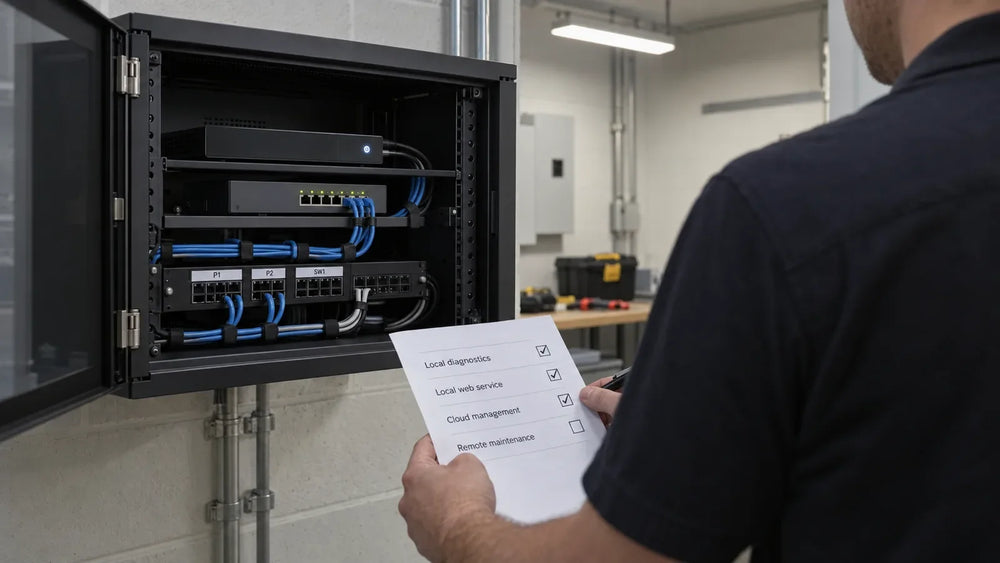
- Where does the processing happen — in a cloud service, on an external player, or on a board inside the display?
- What environment does it support, and at which exact version of the application?
- What physical connections and drivers does the experience need if it uses touch or peripherals?
The answers decide the hardware, not the other way round. An embedded platform and an external player produce different upgrade paths and different failure modes, and the choice belongs to the software's requirements.
Use the CMS and hardware validation guide before committing to a configuration. If the experience involves customers touching a screen, the interactive signage guide helps decide whether interaction is needed at all.
What this guide does not cover
It publishes no estimate of staff time saved, because that depends on the task, the correction rate and the volume — all measured during a pilot rather than read in an article. Data protection law is jurisdiction-specific and needs the responsible specialists. Confirm hardware support for your application on the model's own documentation.
Write the brief, then ask for hardware
Put the task, the approved input, the software owner, the intended response, the fallback and the test content on one page. We will tell you which display and player configurations fit the processing arrangement, what the installation needs, and which parts of the requirement are software questions rather than hardware ones.
Describe the task the model is supposed to do →
Sources
- ISE: AI in digital signage — industry update, August 2026. An organizer's summary including supplier examples, not independent testing.
Compiled September 29, 2026. The method is the author's; the external sources are listed above, and the opening scenario is constructed rather than reported.