

A neutral project-risk comparison of commercial displays and consumer TVs across operating profile, orientation, control, serviceability, warranty scope and deployment consistency.
Key takeaways
- Match the device to duty cycle and supervision level.
- Confirm portrait support, auto-start and input recovery.
- Compare warranty scope for the intended commercial use.
- Include field labor, configuration drift and replacement consistency in cost.
Why the price comparison is incomplete
A shelf price excludes configuration, mounting, player integration, remote recovery, field visits and replacement matching. In a multi-site rollout, one truck roll can cost more than the initial device savings.
Build a simple total-cost model that includes hardware, installation, setup, monitoring, expected support events, downtime and replacement handling. Use the same operating period for both options.
Operating profile and orientation
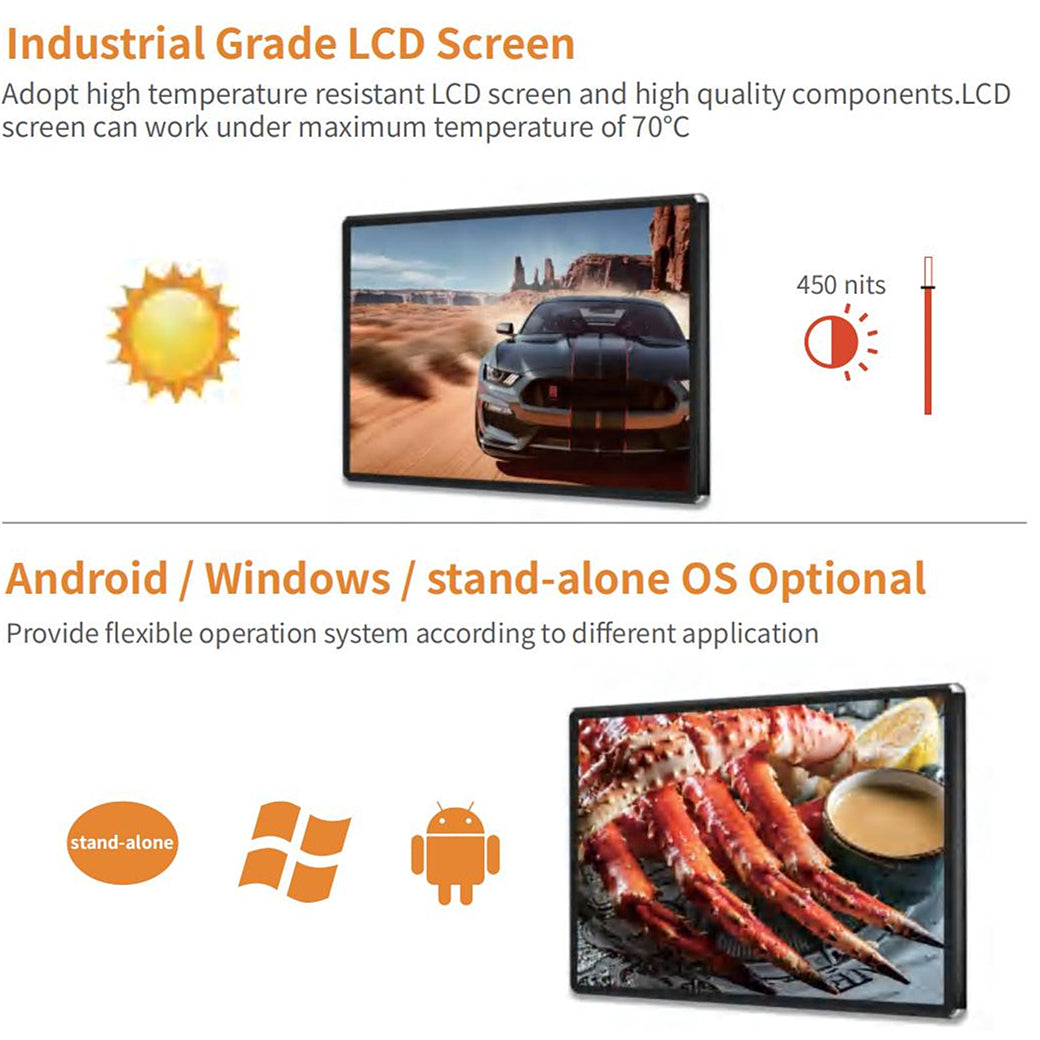
Commercial displays are designed around business operating patterns and often provide clearer support for scheduled power, portrait mounting and unattended startup. Consumer TVs are optimized for home viewing patterns and manual control.
Do not rely on category assumptions. Verify the exact model’s permitted orientation, daily operating profile and warranty terms for the intended environment.
Control and recovery behavior
Digital signage needs predictable behavior after power or signal loss. Test auto power-on, input selection, HDMI detection, remote control, timer functions and recovery after network interruption.
Consumer features such as home menus, pop-ups, automatic input changes or firmware prompts can disrupt unattended playback unless they can be disabled reliably.
Consistency across a rollout
Commercial programs benefit from stable model, firmware and configuration control. Consumer models may change frequently within the same retail family, making later replacements visually or operationally different.
Ask how long the selected configuration is expected to remain available and how substitutions will be approved. Record settings and firmware from the accepted sample.
When a consumer TV may still be acceptable
A consumer TV may fit a low-hours, landscape, single-location deployment with staff nearby, simple HDMI playback and a clear replacement plan. The decision should be explicit rather than accidental.
If the screen is mission-critical, customer-facing for long hours, portrait, remotely managed or deployed across many sites, a commercial display is usually the lower-risk specification.
Decision table
| Factor | Commercial display | Consumer TV |
|---|---|---|
| Primary context | Business and unattended deployment | Home entertainment |
| Control needs | Often broader signage controls | Often optimized for manual use |
| Model consistency | Typically more project-oriented | Retail models may change quickly |
| Best decision basis | Specification and lifecycle fit | Low-duty supervised fit |
Pre-purchase checklist
- Operating hours defined
- Orientation approved
- Auto-start and input recovery tested
- Warranty scope confirmed in writing
- Model continuity reviewed
- Field support cost included
Frequently asked questions
Can a consumer TV be used for digital signage?
Yes in some low-risk use cases, but its orientation, duty cycle, controls and warranty must fit the project.
Is a commercial display always brighter?
Not always. Compare exact model specifications and the site’s ambient-light requirement.
What matters most for a multi-site rollout?
Configuration consistency, remote recovery, service process and replacement availability often matter more than the initial unit price.
Continue your research
Editorial note: This guide provides a project-planning framework. Final specifications, environmental ratings, warranty coverage and acceptance criteria must be confirmed for the exact model and purchase agreement.




